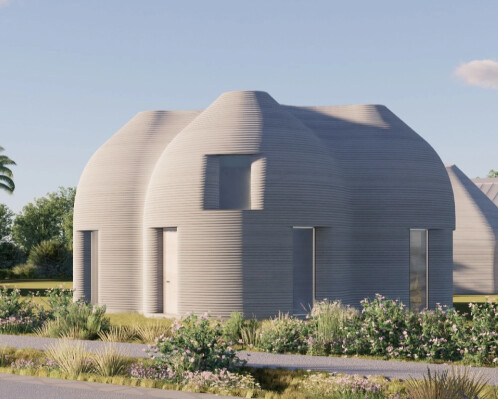
Hey, has someone any idea how to model this house in sketchup?
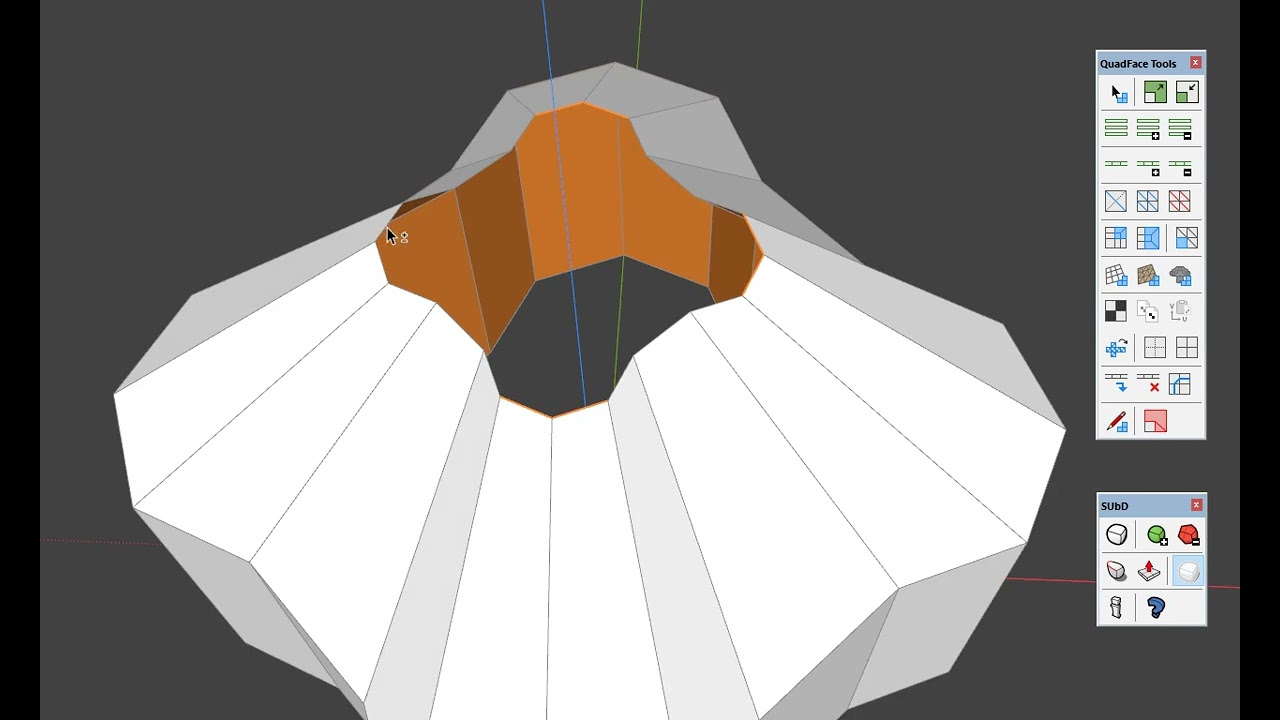
Vertex Tools, QuadFace Tools and SUbD
thanks a lot, I also need to model the interior walls and windows, to be able to create an interior in there later. The layout is:
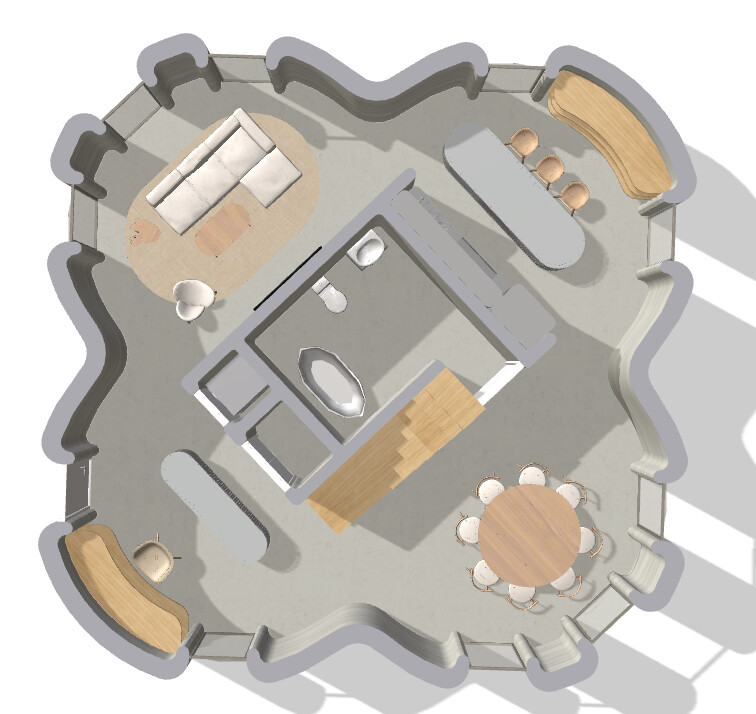
Use Fredo JPP to add the necessary thickness.
thank you, last question. It´s a 3d printed concrete house and I want to simulate the layers effect. I don´t want to use texture, i need to create layers by modelling, because of creatinig real physical scaled model later. Do you have any idea how to make it so, that it won´t be so large, that sketchup will be crashing.
The best solution I can see is to make multiple section cuts in conjunction with one of Eneroth’s cool plugins: Slice a model into smaller pieces - for easier 3D printing
What does “layers effect” mean?
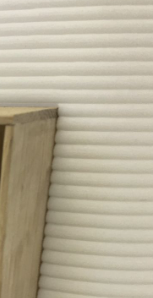
Use the horizontal contours, selecting two and omitting one, then scaling them outwards, then applying SUbD once again to the group.
Video example of the previous idea

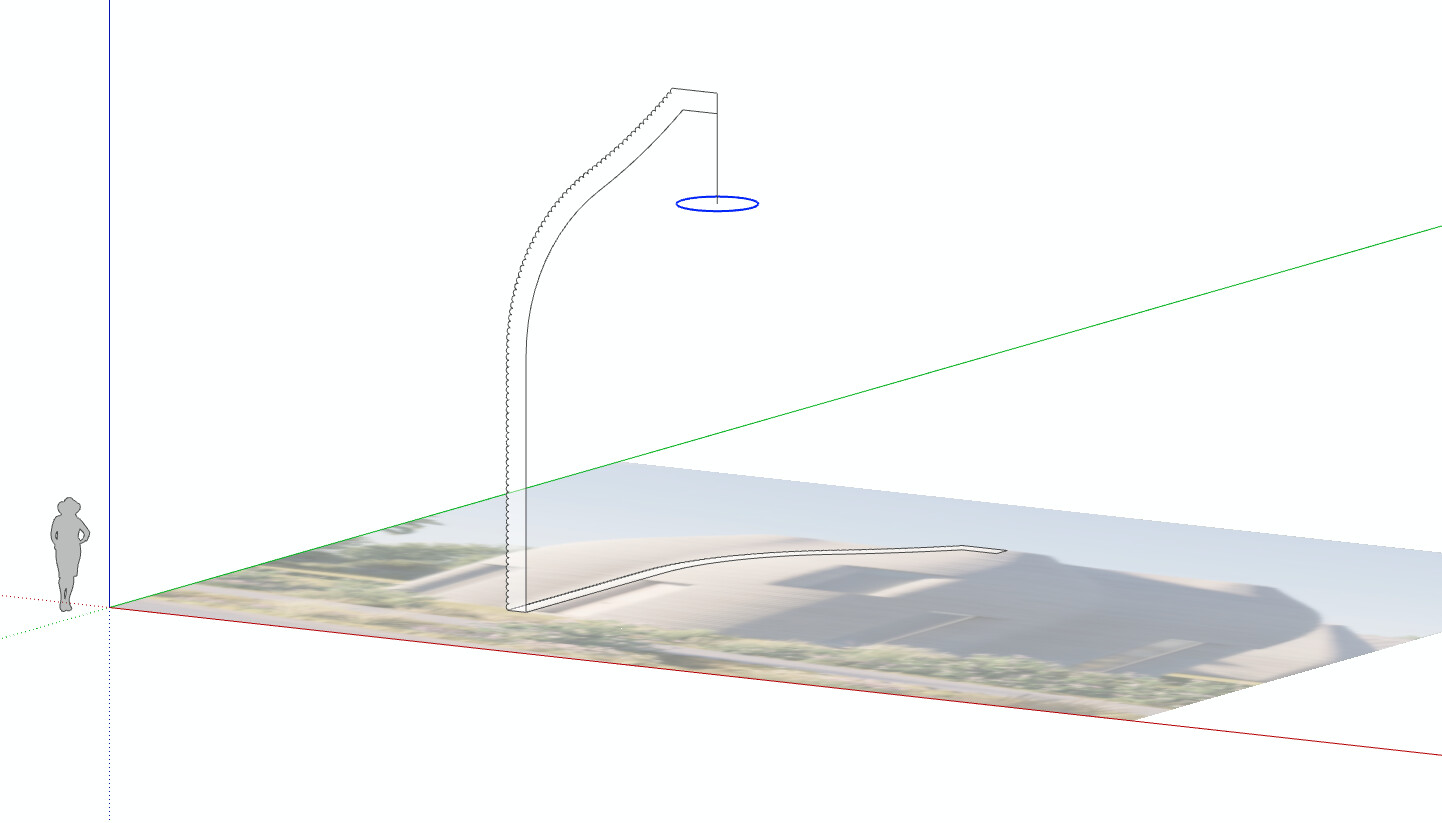
Another approach is to use FollowMe from a profile that has the ‘layers’ added to the outside of the wall (maybe inside too?). Here I used PathCopy extension to array the arcs along the outside curved wall of just one part of the house.

A bit tedious to have to go back in and delete the connected edges. Perhaps if I did again I’d use just an arc, not half circle, and then use something like Eneroth’s FaceCreator extension to fill it all back in.
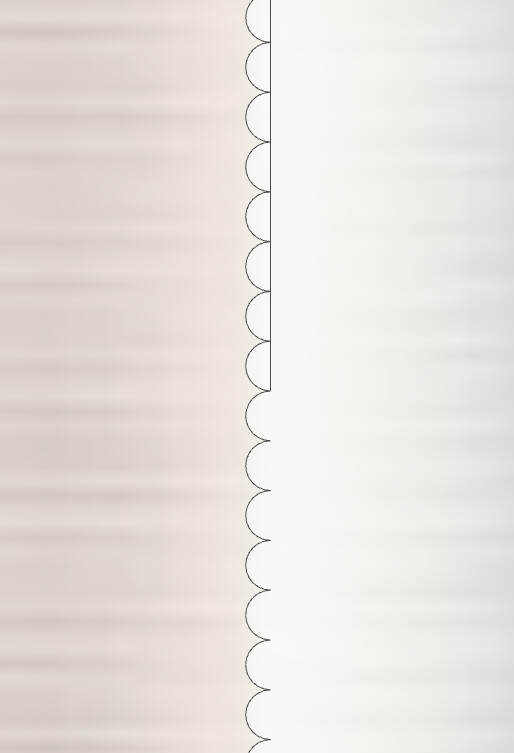
With the profile done, a simple FollowMe around a circle - but I’d draw the whole house shape so the FollowMe can extrude the whole thing in one go - I just did one ‘wing’ of the house to keep it simple here.
Assuming the house is a Solid Group - you could ‘cut’ openings using more Solid Groups and Solid Tools.

Section cut showing thickness.

Test render. Not exact to reference image but the process is there.

4 Likes
Thanks for the idea, Eric!
Preserving the organic shape and creating layers as in reality.

4 Likes
So cool @mihai.s !
1 Like
…and here I was about to suggest creating a simple material!
Agreed. If you’re going to render it that is - use Displacement map so as to keep the in-model geometry down.