i want to model a sphere and all the utubes are easy to understand.but when i am doing it with follow me i always get a result with a non-closed sphere.see image. whats wrong? thanks.

Your sphere is too small for the number of segments in your arc and circular path. Scale up by 100 or 1000 before running Follow Me or reduce the number of sides.
FWIW, you could use two circles instead of an arc and a circle. Only one tool to draw the setup. Saves time.

thanks a lot. this one haunted. me for some time.
You’re welcome.
There’s a minimum distance between end points in SketchUp. If it’s less than about a thousandth of in inch SketchUp considers that the points should be coincident and deletes one. Without the two endpoints you can have an edge and without the edge you don’t get a face.
Presumably you are modeling something small. What are you modeling? Are you intending to 3D print from your model?
yes exactly i use sketchup for 3d-printing and carpentry
When I model for 3D printing I set the model units to meters and treat millimeters as meters. I export the .stl using Model Units and import into the slicer in millimeters. This method allows me to avoid the tiny faces issue while using larger number of sides for circles and arcs.
Here’s a thing I modeled as a replacement part for a neighbor’s windows.

Here’s the thing installed.

The slicer I have only uses millimeters as the import units. If the dimensions I know for the part are in inches, I model as if meters were inches and once the model is complete I scale up by 25.4x and then export the .stl.
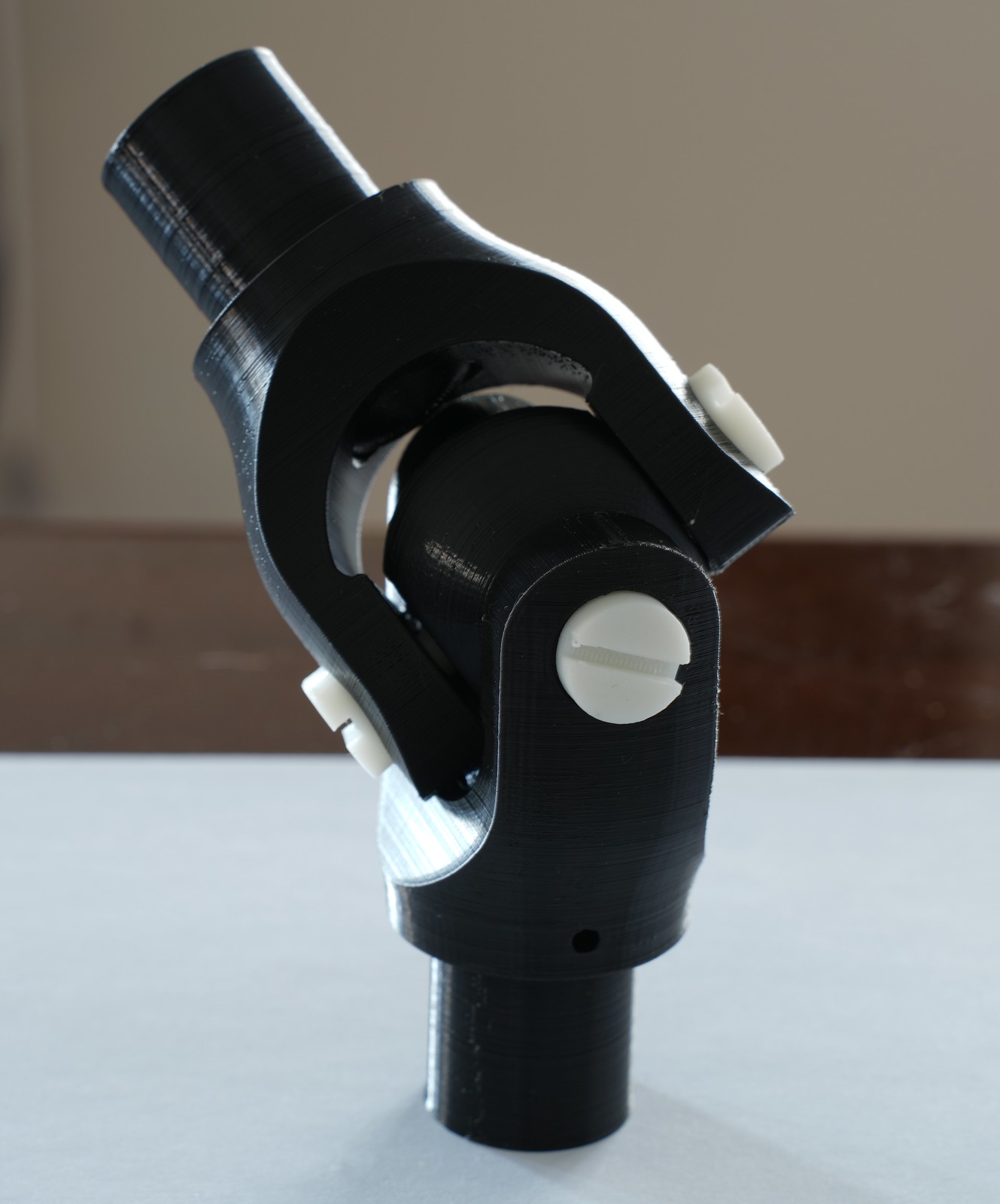
This U-joint was modeled based on dimensions given in a textbook published around 1905. They were given in fractional inches. The shafts are 1 inch in diameter. After the components were all complete I scaled the entire thing up so the shaft diameter is 25.4 meters.