Hello,
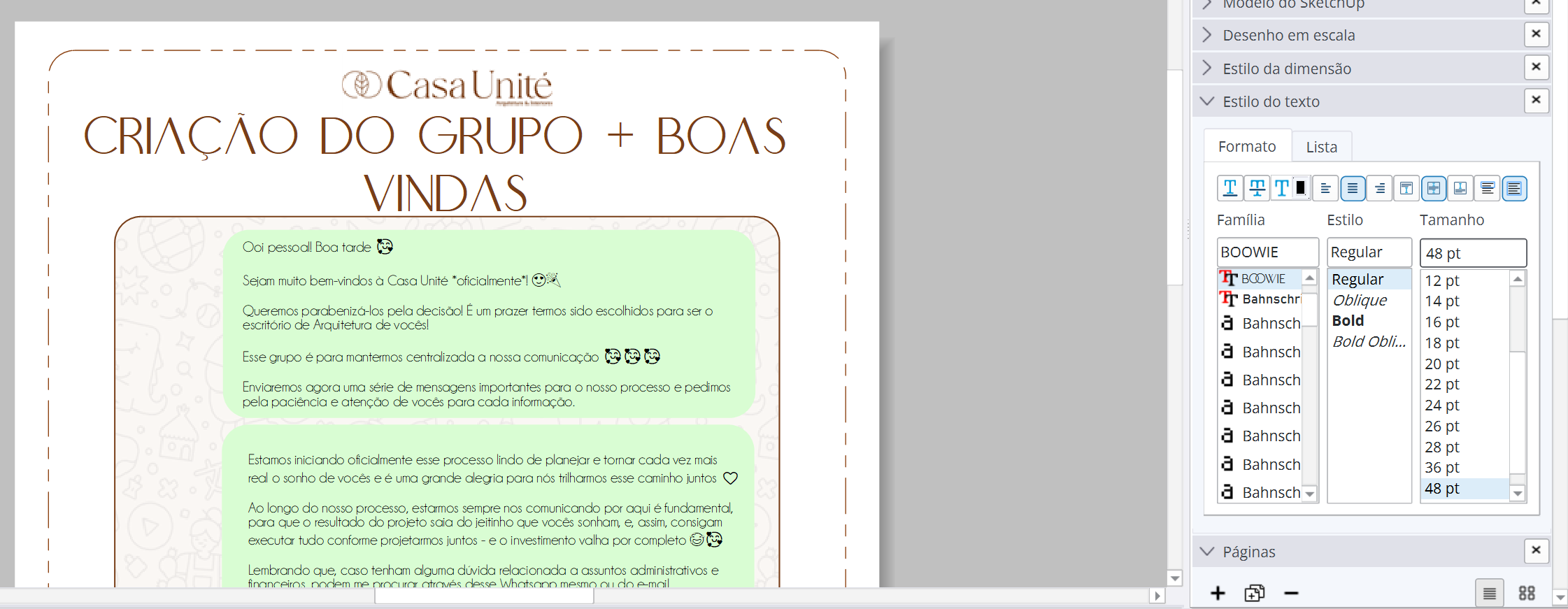
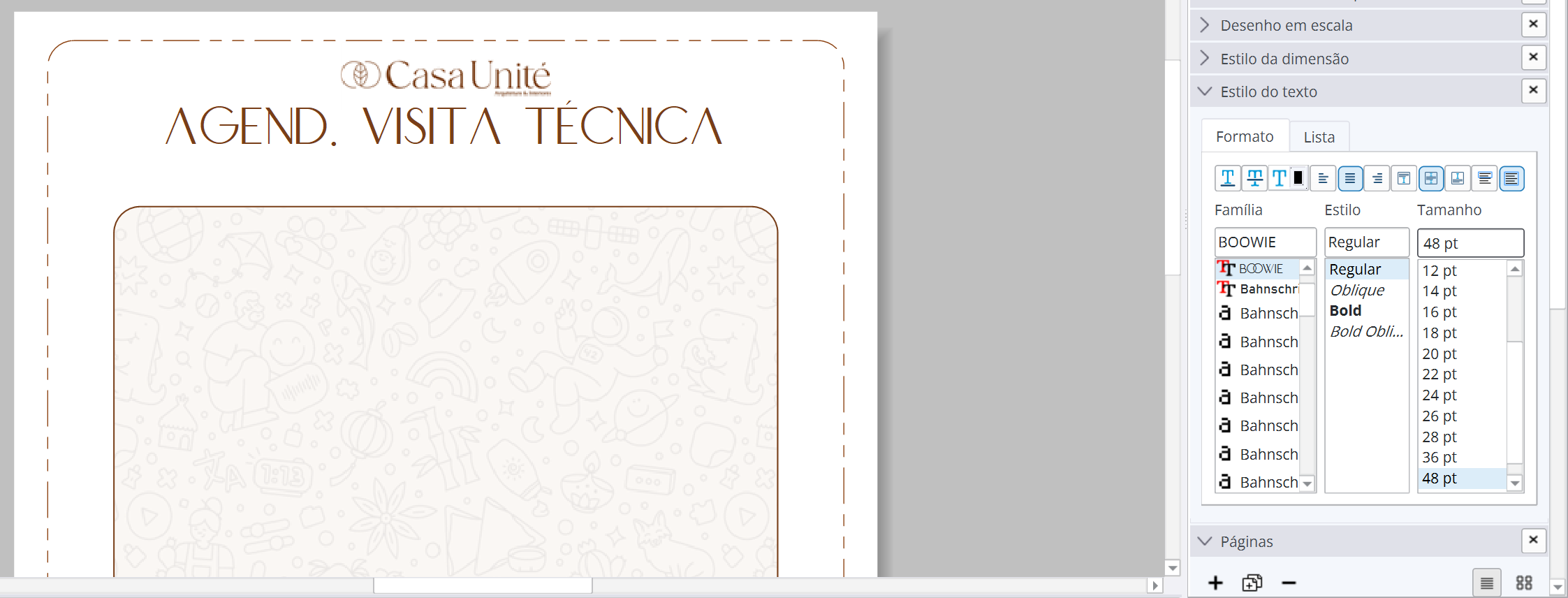
I have just installed Layout 2026 and I cannot reduce the font size below 8. My entire title block is ruined… My font was in size 4.
Do you have any solutions?
Hello,
I have just installed Layout 2026 and I cannot reduce the font size below 8. My entire title block is ruined… My font was in size 4.
Do you have any solutions?
Use 25 until this bug gets fixed.
Can people read 4pt type?
Yes, Information about my plan presentation.
Date, plan version, creator, etc.
on a screen you can zoom in.
on paper, that’s 1,4mm so no.
Try it, and you will see that 4pt is easy to read. 
6pt is the minimum recommended by printers! And I’d still suffer!
Use the Text > Bigger / Smaller function. You can go down to zero pt!
In Microsoft Word the smallest font offered is 8pt.
I’m seeing the same issue with the font size. Here’s a label that was originally made at 6 pt. When clicking on it the size instantly gets changed to 10 pt. I can select down to 8 pt but I cannot set it back to 6 pt. (It shouldn’t be changing in the first place.)

@adam, any feedback?
Check other fonts. Comic Sans MS goes down to a 6pt. although it would go smaller in the past. also if you use the text pulldown/smaller it goes even smaller. I have no Idea if that will get reformatted.
This is definitely a bug with our new Qt UI implementation. We are looking into this right now. The text area should also definitely be editable which it is not currently.
Adam
@adam , não sei se o que você falou é referente a isso, porém, estou tendo dificuldade também na posição do texto dentro da caixa de texto.
Eu coloquei um texto de Título com texto automático do Nome da Página em uma camada que fica em todas as páginas.
Quando eu vou configurar para que ele fique com a caixa de texto dentro da página, devido a haver páginas cujo título excede o tamanho para 1 linha, todos os outros textos ficam pra cima, mesmo configurando para que eles fiquem centralizados em relação à caixa de texto.
Se eu ajusto o tamanho da caixa de texto para mostrar, ainda assim fica fora do eixo central, e, nas páginas onde não há duas linhas de texto de título, fica estranho, pois fica desproporcional.
Vocês estão verificando isso também? Posso abrir um novo tópico se for necessário, mas, como você mencionou que o problema de tamanho da fonte se estendia para outras questões, achei bom juntas as informações.
From what I can tell, this is a long-standing issue with bounded auto-text on a shared layer: it tries to find the longest auto-text string it can and uses that when determining the vertical and horizontal alignments for bounded text items.
I do not believe this is related to the font size issues called out in the original post. It does seem like each different page should determine a different offset based on the display text string rather than all pages using the same offset, but I am unsure of unintended side effects that may come about from adjusting those calculations.
Adam
There’s a new option at the bottom of the Font window Height with a check box, I use 3 cms and go from there, the ally to all, Hope it helps while the Team fix this bug
I use Layout for a wide variety of projects and noticed that in LO 2026 the font size is locked to the pull-down presets without the ability to override with a specific number. This may be a new Bug. This prevents users from fine tuning the font size to meet their graphical needs as well as puts an upper and a lower limit to the font size 8 pt to 72 pt versus LO 2025 with a 1 pt to 1285 pt range (depending on the font).
I sometime make posters that need 6” high letters (600 pt). This is no longer possible with LO 2026. Please return the Font size functionality to how LO 2025 works. Consider also adding fine tuning decimal size options such as 12.1 pt. This helps when trying to get text on different lines to align edge to edge for logo or graphical presentation.
To me software should always move towards enabling more possibilities for users, rather than make assumptions as to how a user should be using the software and there by limit the options.
Are you referring to the Font window in SketchUp?
What version of SketchUp are you using? What operating system? Complete your forum profile.
You make it sound as if this issue was intentionally instituted by the developers. It wasn’t. It should be fixed in the next maintenance release.
Glad to hear it was not intentional and will be fixed. 
FWIW:
This is from October 14th.
As a temporary workaround, I have been copying a style where the font is the correct size and then pasting the style to the new text. It can get frustrating as you need to do this any time you edit text, but it works. Hopefully, the team will get this fixed soon
You can always stick with 2025 as needed if this bug puts a crimp in your workflow. No need to update.