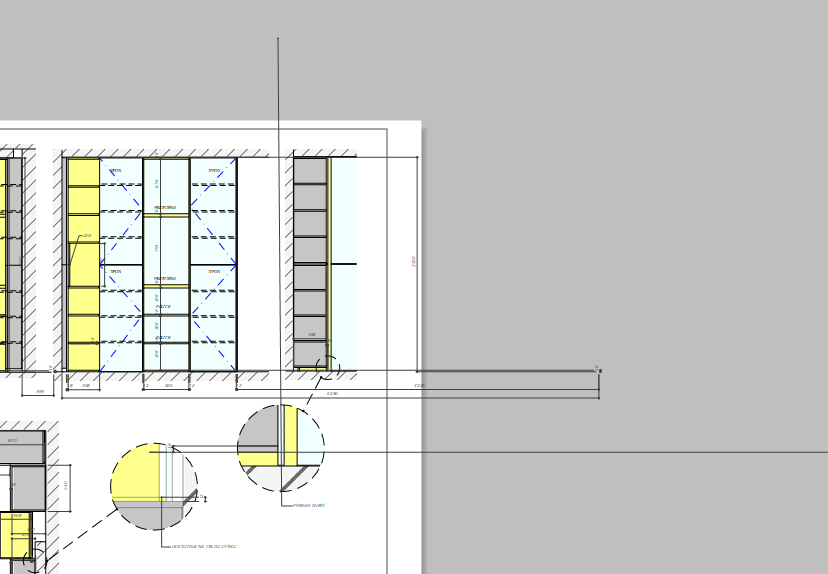
so if one were to have multiple “rooms” in a line down the red axis…
and one were to make a scene in parallel projection that had all the front elevations of those rooms in that scene…
and then used that scene repeatedly to create all the elevations in Layout…resizing the viewport each time to find the next elevation…
would that create a similar issue with dimensions?
No. As long as you only drag the edges of the viewports and aren’t actually panning the camera.
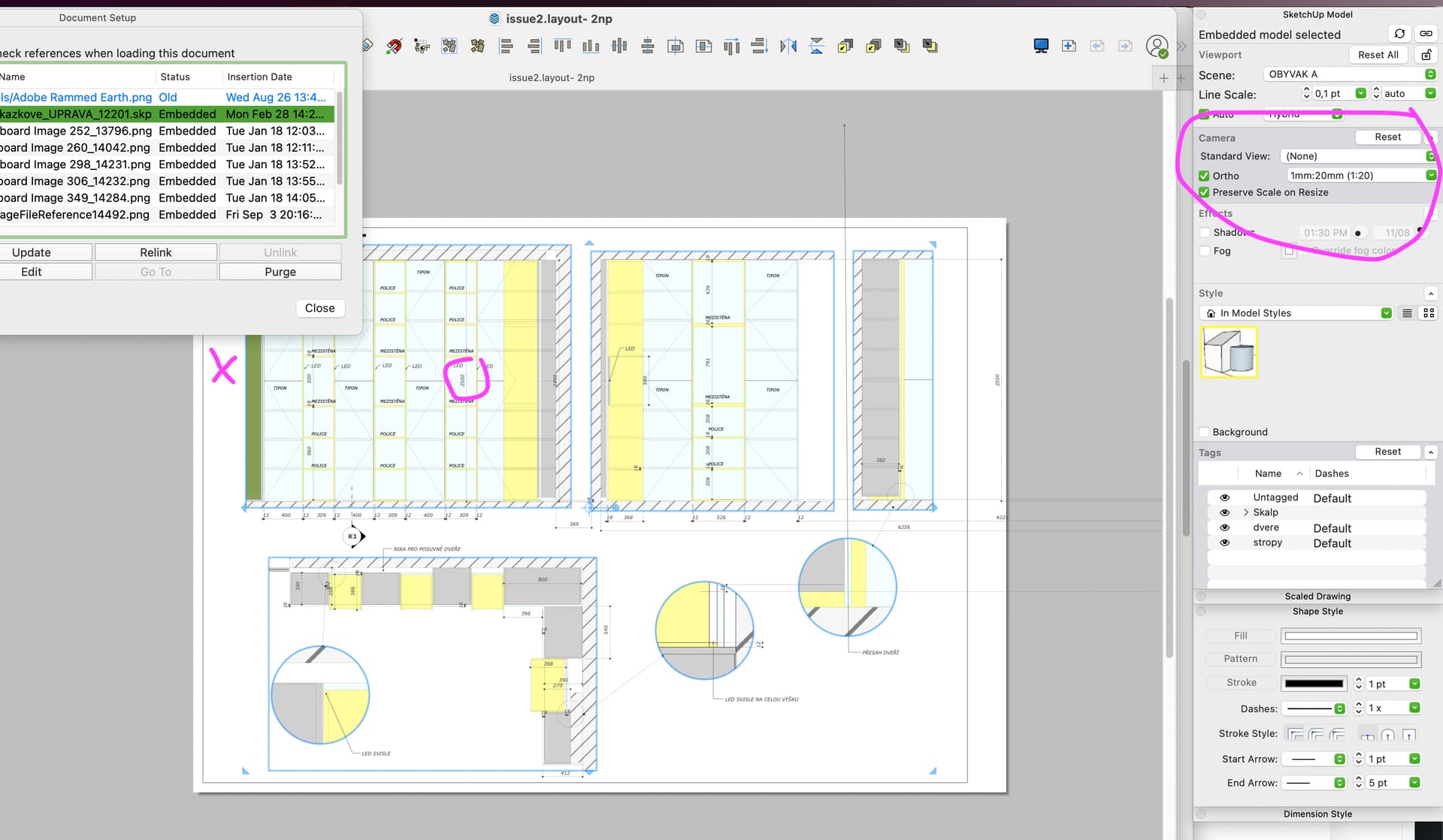
I frequently use a single scene multiple times in a LayOut doc and just drag the edges of the viewport to show the part of it I want to show. You just need to make sure Preserve Scale on Resize is ticked and that will happen automatically when you set the scale.
I see the drifting dimensions if you first update that reference (you should purge, btw) but then one of the viewports shows that it was edited (dark grey)
If you first reconnect all Dimensions, all but the 800 would reconnect, and when now updating in the Document setup, it would reconnect that dimension, but it moves down below:
I did see that you have modified the camera properties for the inset detail views. This is not a good practice.It is the common reason why dimensions and labels appear to move. They remain anchored to the model but the model moves within the viewport.
Out of curiosity do you get the moving dimensions in the attached file?
It has the version of the inset I showed above without the modified camera properties along with yours. I haven’t been able to induce the moving dimensions in this file. I did purge all the unused stuff, though.
After two days of work, I have to say that this is a very big issue! I can’t keep checking all the sides in the layout to see if all the dimensions are attached, continuously as the drawing is created, the pages are added and the 3d model in sketchup is adjusted. I only find out that some dimensions or labels on another page have shifted after some time. NOT REALLY, THAT’S HELL. In previous versions there was no problem, what happened? I can’t switch back, can’t open in older version.
What you describe as your workflow is really inefficient and a huge waste of time. You should have your SketchUp model at least nearly complete before you even open LayOut. Frankly, your constant modifications to the model as you are building it are responsibile for dimensions becoming disconnected. Build the model correctly in SketchUp so you are ready to start the LayOut project. THen go to LayOut and set up the pages and do your work there. If the model needs to be edited later, fine. Go back and make the edits, save, and update the LO reference.
Good joke. I might as well draw with my hand on paper
The whole model in LO got messed up because I had to move the door in sketchup, LOL. Reconcect dimension is not possible when it’s not glowing red.
You’re saying it’s not the layout’s fault, it’s my work. Previous versions didn’t have this problem, so I don’t know. I’m going to reinstall the PC and go back to the 2019 version, thanks!
I’m not saying that at all. I’m saying your workflow is creating the problems you see. Since you aren’t interested in using a logical and efficient workflow I’ll leave you to it. I’m out.