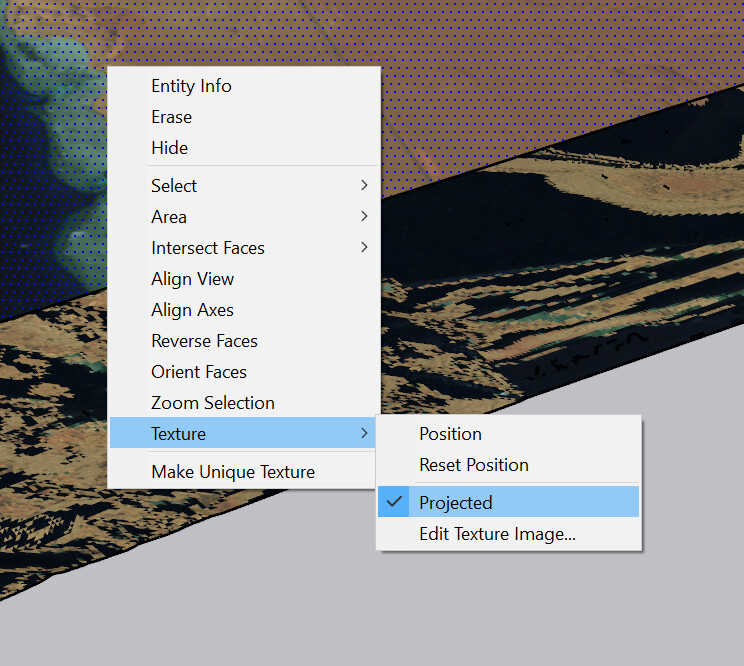
I want to import a topo mesh to sketchp and apply a material to it.
I found out the only file type to do so is 3DS…
So I exported a .3ds mesh from C4D and imported into Sketchup. Problem is Instead of coming in as a single, joined object, it seems it has been grouped in a number of component strips… Is this normal? How do I apply a material to it?
It is probably the way C4D is creating the 3DS file. 3DS is an antiquated file format that has a limit to the number of polygons a single mesh can contain, so C4D is possibly splitting your terrain to chunks to go round this limitation. Why not use Collada (.DAE) instead?
That works only with a single face. Import your texture as to the right scale , place it above your terrain, change its type to Projected, sample it and paint your terrain.