Well, it looks like you’ve selected the Trackpad as your input device in the web version so far.
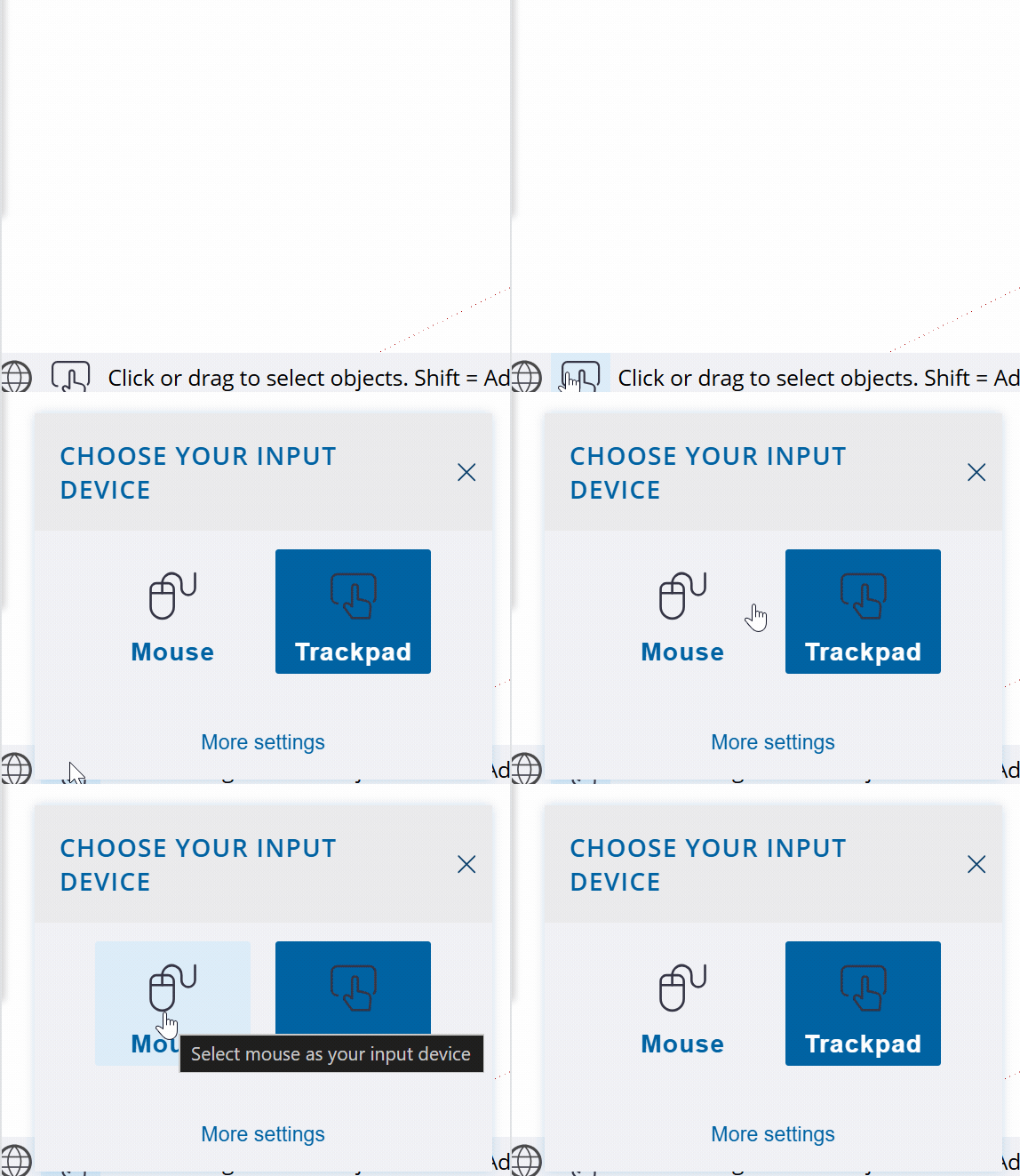
This is basically a “wrong” choice if you have a mouse; if you select the mouse, both mouse wheels will activate the zoom function, regardless of the state of the modifier keys. Just like in the desktop version.
However, as you just found out, the “wrong” choice can even have advantages, like this extra tilting / spinning capabilities of the wheels.
The desktop version hasn’t integrated the Trackpad as input device option (yet?), so you have to make satisfaction with the “limits” of the middle mouse button with Ctrl/Shift buttons orbit/pan functions.
Edit:
If you are serious about using Sketchup for work, I highly recommend one of these input devices: https://3dconnexion.com/uk/spacemouse/#compare
These will dramatically increase your efficiency.
In addition, I have an experimental extension:  ViewDice that utilize the mouse wheel(s) for similar functions as you mentioned above. (Due to Ruby API - and my - limitations, both wheels acts same.)
Development of the extension is suspended for a while…