How to apply smooth texture to upholstery

I’ve imported this fabric texture to apply to a sofa seat and back cushion. I have tried to adjust the size of the image but the texture does not come out smooth.

Does anyone know how to apply the texture so that it is smooth and doesn’t cling to the geometry? I’ve also tried the ‘soften edges’ function but it does not let me select the cushion for this.

Any advice is much appreciated!

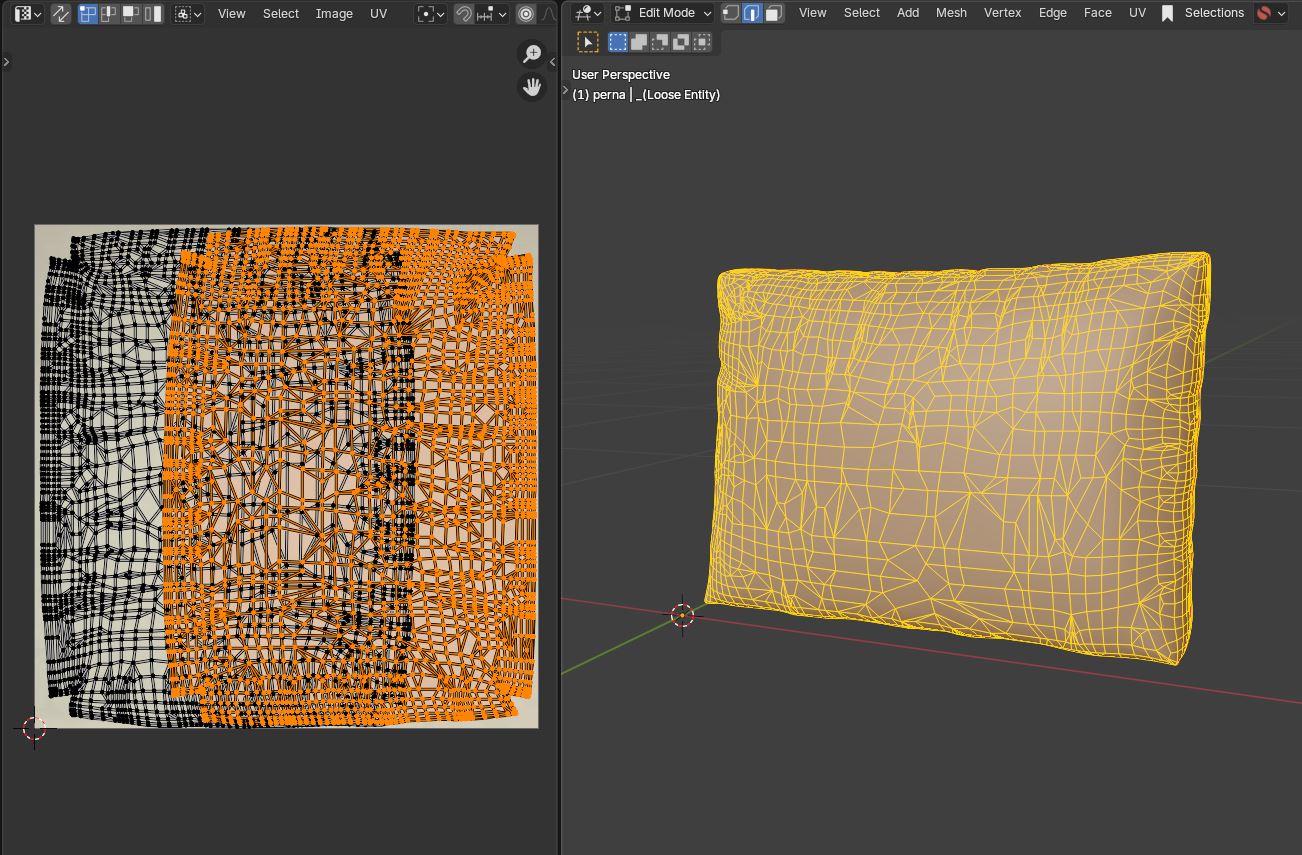
How is that model created? Quads or random geometry? Does it have a UV map?

perna2.skp (1.4 MB)
With UV unwrap and UV map, you can change it to whatever texture you want.

Where can I find this tool please? Is this an extension tool that you’ve installed or can this be accessed through standard sketchup. Thanks

In SketchUp you can use ThruPaint extension

2 Likes