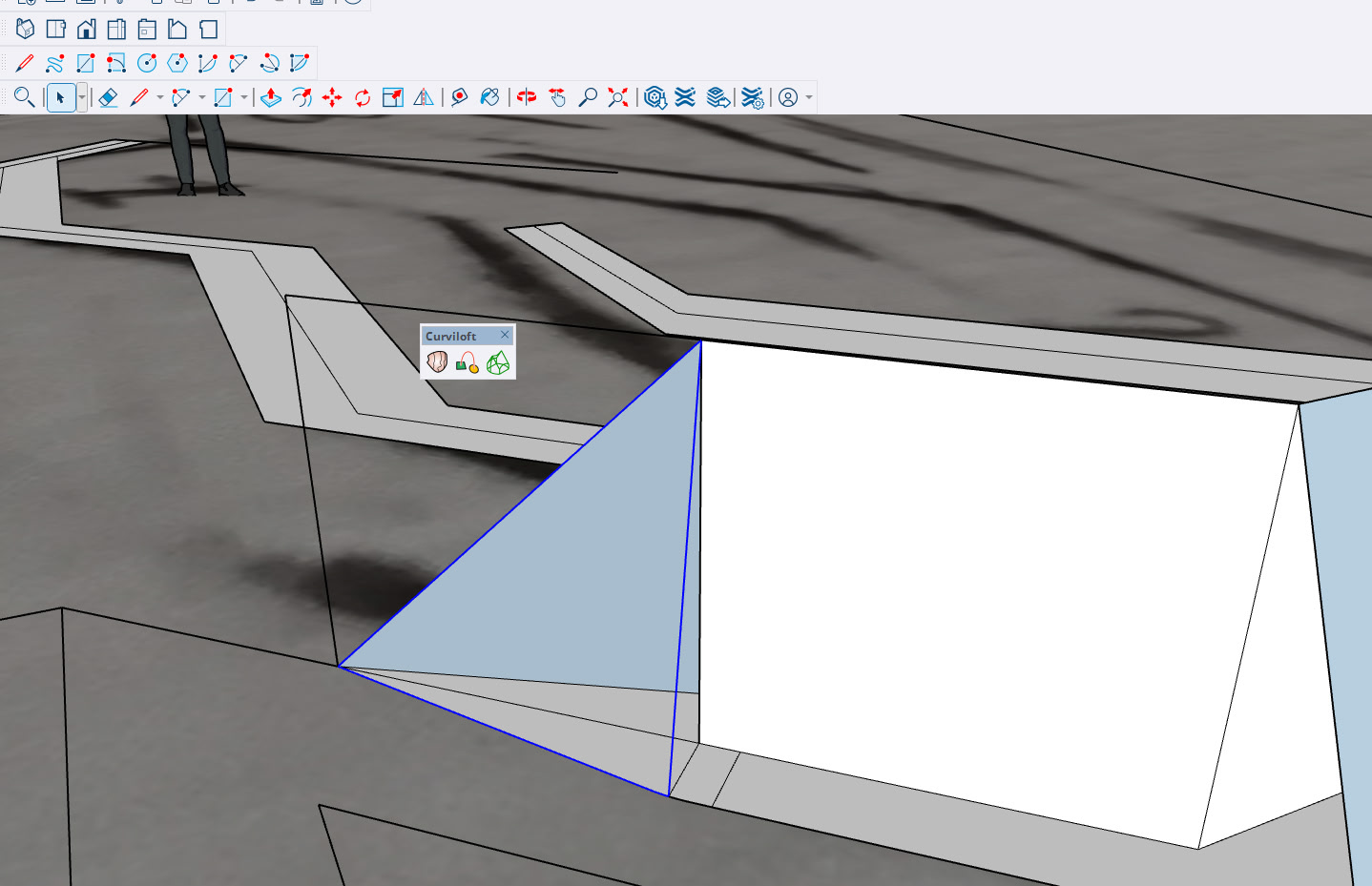
Hello,
I’ve just downloaded curviloft version 2.0a using sketchup 2025. Nothing happen when I select two surfaces to create an object. Is it a bug using sketchup or maybe it is installed in the wrong place? Thanks
20261026-concept -3.skp (5.5 MB)
Hello,
I’ve just downloaded curviloft version 2.0a using sketchup 2025. Nothing happen when I select two surfaces to create an object. Is it a bug using sketchup or maybe it is installed in the wrong place? Thanks
20261026-concept -3.skp (5.5 MB)
It works for me.

I reversed the face of the circle to see if I would get correctly orient faces after Curviloft but it didn’t matter.
Please fix your forum profile. It shows you are using SketchUp 2023.
Did you install the current version of LibFredo6? Do you have the current version of the Sketchucation Tool? It is required for license management. And did you purcahse a license for Curviloft?
Not a bug in SketchUp. How did you install the extension?
I’ve installed these two versions using the extension warehouse.
Anyway, I’m not sure if this is the right tool for this problem. Attached is a video showing my attempt to create a surface with straight and curved non-coplanar lines. I first tried using the Follow Me tool, but without success. Any ideas? Thanks!
That’s not a bug. You aren’t select enough edges before starting the tool.

I see you changed your forum profile but 64 bits isn’t an operating system. From your video it’s evident you are using some version of Windows. And you listed the CPU instead of the graphics card.
Can you leave the Ruby console open when you launch Curviloft, so that we can see if there are errors.
Could you also copy/paste here the content of the Ruby console when you invoke the menu Window > LibFredo6 Settings… > Fredo6 Plugins information for Sketchucation Support.