Dave’s method using FollowMe is the quickest way to get the design you want.
But I thought it might be helpful to explain why you couldn’t get ‘quads’ - four sided faces - to form.
The faces aren’t always flat.
If you did want to do it ‘the hard way’ by stitching, you either need diagonal lines in each face, or you could re-orient the circles so that instead of having a vertex on the red axis, you have the mid-point of an edge of the ‘circle’.
To illustrate, and using only a 12 sided circle for simplicity:
-
Draw the circle centred on the origin, vertex on red.

-
Rotate it from the midpoint of an edge onto the red axis.

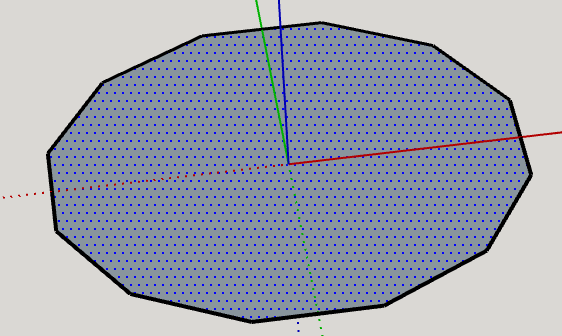
-
Use the Tape Measure tool to draw a guide point the radius of bend you want, from the origin, then select the circle, and use Rotate/Copy to copy the circle three times by 22.5°. Make the first rotation, then type 2x to make two copies (totalling 45° bend), or more, depending on the angle you want between the ends.


And because the circles are rotated so the midpoint of a side, rather than a vertex, is on the red axis, you can now stitch with quads rather than triangles.
