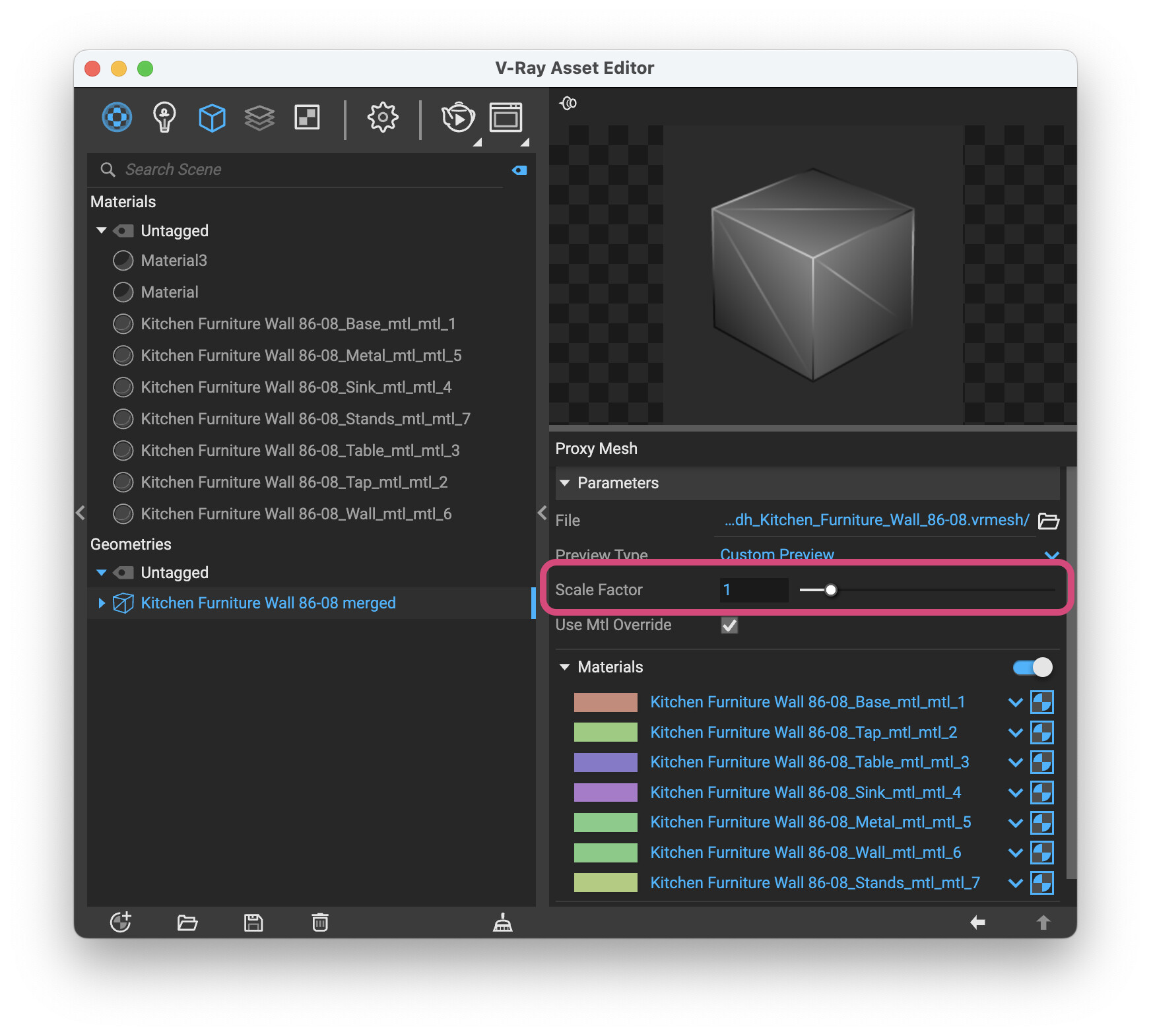
Is it possible to edit the geometry (such as size or scale) of 3D models downloaded from Chaos when using SketchUp with V-Ray?
I tried resizing a Chaos 3D model directly in SketchUp using the Scale tool, and while the size changes in the SketchUp viewport, the change does not reflect in V-Ray Interactive Render (see the uploaded image below).
Is this expected behavior for Chaos models, or is there a proper way to resize or edit their geometry so the changes are correctly recognized by V-Ray?
Any clarification or recommended workflow would be appreciated.
I used that exact model a week ago and had no problem scaling it. But I downloaded it directly from SketchUp, have you checked on the asset editor if there’s a transform box?
Hey Eric, I used a workaround for this problem recently- It required editing the contents of the VRay component in sketchup- As in- Right click- Edit Component- edit- Close Component.
I scaled the object inside the component. This worked perfectly, though as I said it’s a workaround.