Even though I have tried the purge and clean up options, the file size had discreased but I cannot export the file as a dwg file.
What happens when you try?
It takes a lot of time loading and then shows “not responding”, I’ve tried waiting for more than 30 mins to let it load.
Can anyone help it’s urgent!!
How large is the SketchUp file? Share the model file so we can see what you are working with and attempt the export ourselves.
What operating system are you using? You put ‘64-bit’ which is not helpful. What graphics card?
want 4 wall elevations / sections
You have to make the file so others can download it.
If the file is large it might take quite a lot more than 30 minutes to export.
there is error uploading the file, how it must be done? will google drive work?
Google Drive should work fine but you have to share the file. Currently you have it secured so no one else can download it.
can you open the file now?
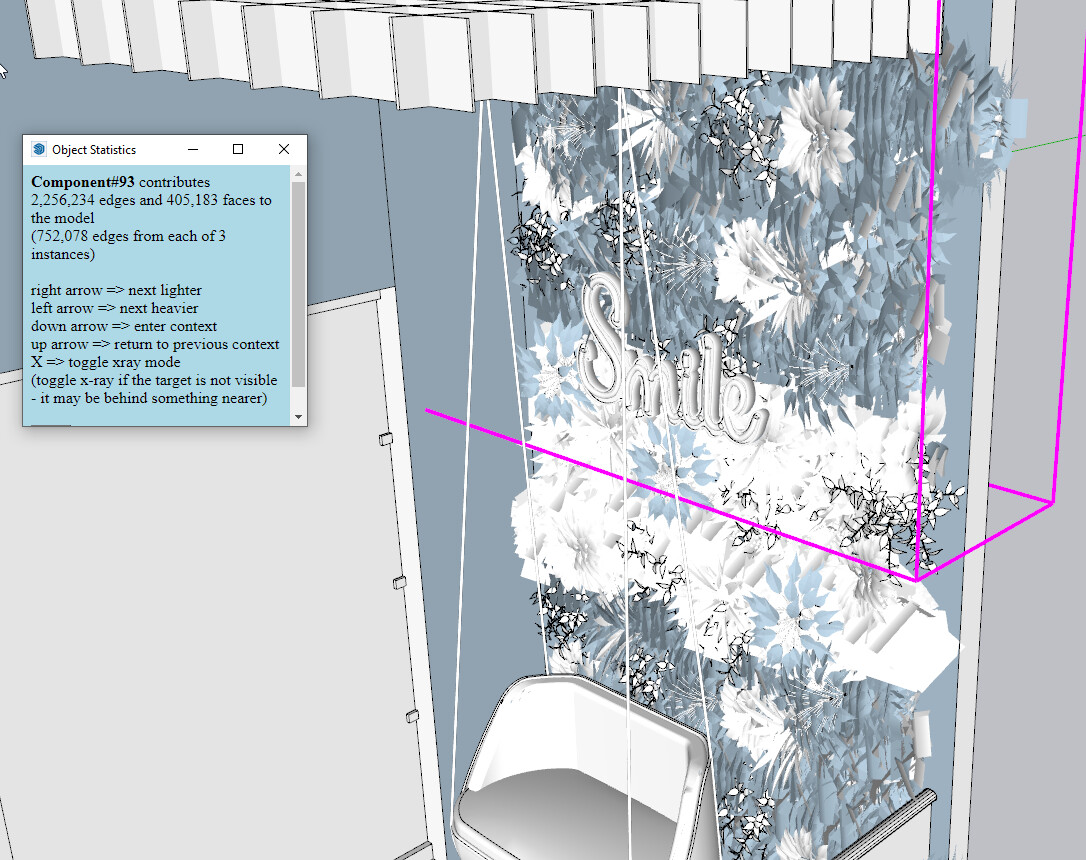
Yes. You have a large file with a lot of heavy components in the model so there’s lots of geometry to export. The plants and upholstered furniture will be the largest collections of geometry. It’s just going to take time. Note that “Not Responding” indicates that SketchUp is busy doing what you asked it to do and won’t respond to further input from you until it is finished.
You have no sections set up in the model so you would need to establish those.
It might make more sense to set up scenes in your SketchUp model for the views you need. Then send the file to LayOut and set out the scenes as viewports either on the same page or each on its own page. Then export the .dwg or .dxf file from LayOut.
Although probably not a problem for the .dwg export, you have a load of incorrectly oriented faces in the model. These are the blue faces. Only white front faces should be visible.
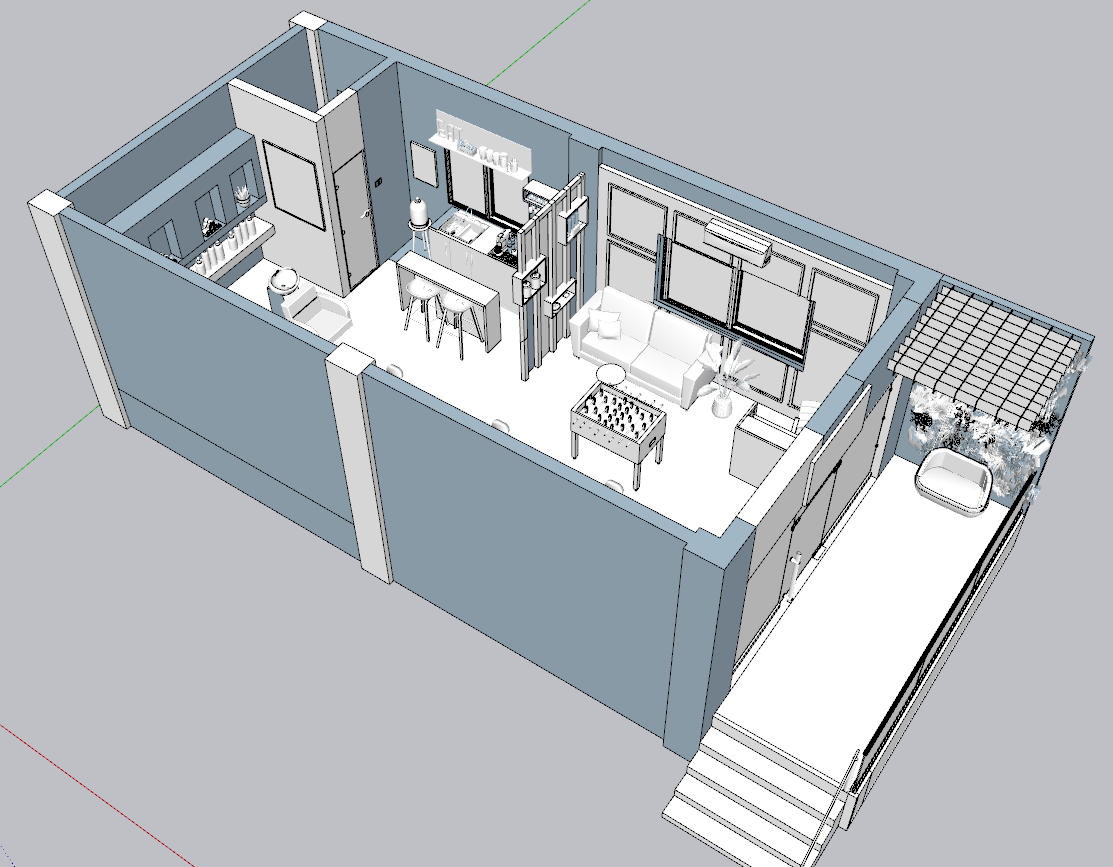
Also it would be wise to learn about using groups and components. All of your building is a mass of loose geometry.

thank you, I will try and let you know if that works. 


Thank you so much!!! It worked 
Now there’s something I didn’t know. I have always assumed that Not Responding meant what it said! If I send someone a letter and get no reply, the sendee is definitely Not Responding and I would not assume they were just busy working on their reply.
It means I shouldn’t be so quick to terminate an application that says Not Responding. It’s a pity the wording isn’t something more accurate, like Busy Responding say.
The operating system cannot tell if the application that is not responding is idle and stuck (waiting for something that will never happen), or if the application is working on some activity that will eventually complete, or of the application is in a so-called “infinite loop” that is consuming resources but not actually making forward progress. Therefore, “not responding” is a good general description.