Hi everyone
I’m experiencing proplem with my sketchup Make.
After installing it I have tried to add geo location, and that was successfully done but when I tried to add “more imagery” it shows a small box to chose a location, but there is no grap option.
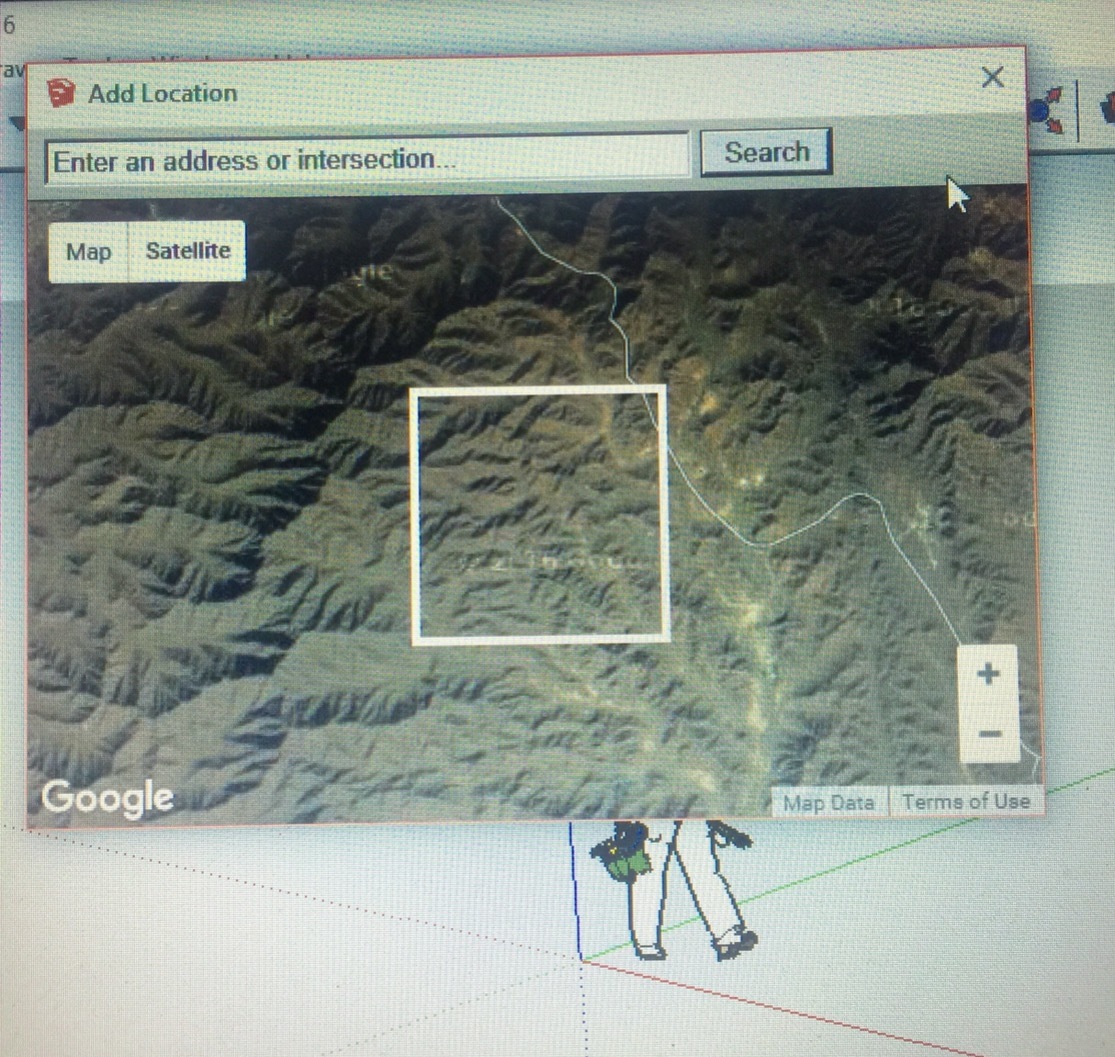
I closed this file and started new one to try it again. Now it show the small box without grap option.
I tried to uninstall it and install it again, the grap option is available at the beginning. But then after doing it once the small window shows without a grap option.
My browser is updated and I tried to delete the cookies, cash, & history but it didn’t work.
Can anyone help me please, Thanks
