im having trouble turning the background of my model white. I’ve followed all the instructions I’ve found online as I always do in styles but it doesn’t change the background. any advise appreciated
What instruction did you follow, exactly?
You should be able to edit the Background settings in the style. Turn off Sky and Ground and set the Background color to white by clicking on its swatch and adjusting the color as needed. After you’ve done that, update the style by clicking on its thumbnail. Make sure you are working on the In Model style.


There isn’t an OK button on Mac.You just make the setting and close the window. The closest thing to an OK button in this case is clicking on the thumbnail as I told you and showed.
Show your entire SketchUp screen. Do you have an image or an environment displayed?
When done, you need to update the style by clicking on the button that looks like two curved arrows chasing each other.
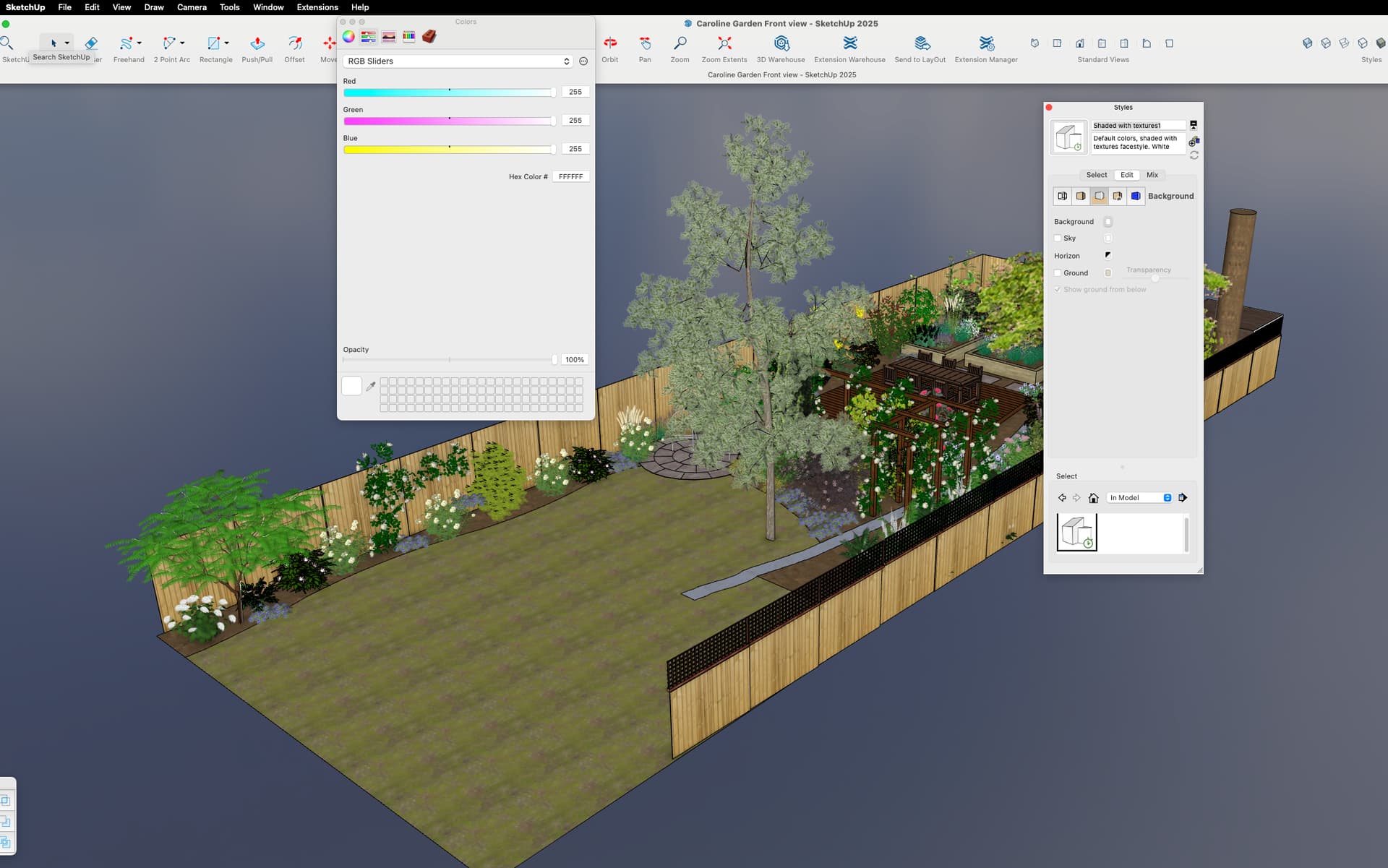
Looks like you have an environment turned on. Go into the Environments panel, select the In Model environments, highlight it and turn it off in the Edit tab.

Great, that’s worked. Thanks
Maybe it’s time to update your forum profile.
Environments are not available in SketchUp 2023 and that’s what you are using according to your profile..