For some reason Sketchup Pro 2026 is only showing my “favorited” fonts, but nothing else. Using the new Mac OS Tahoe 26.0.1. There is no drop down menu to un-filter for favorite fonts. Meanwhile, the new Layout is fine, I can see all the fonts installed on my mac. This was also happening to me on SU 2025. Any solutions?
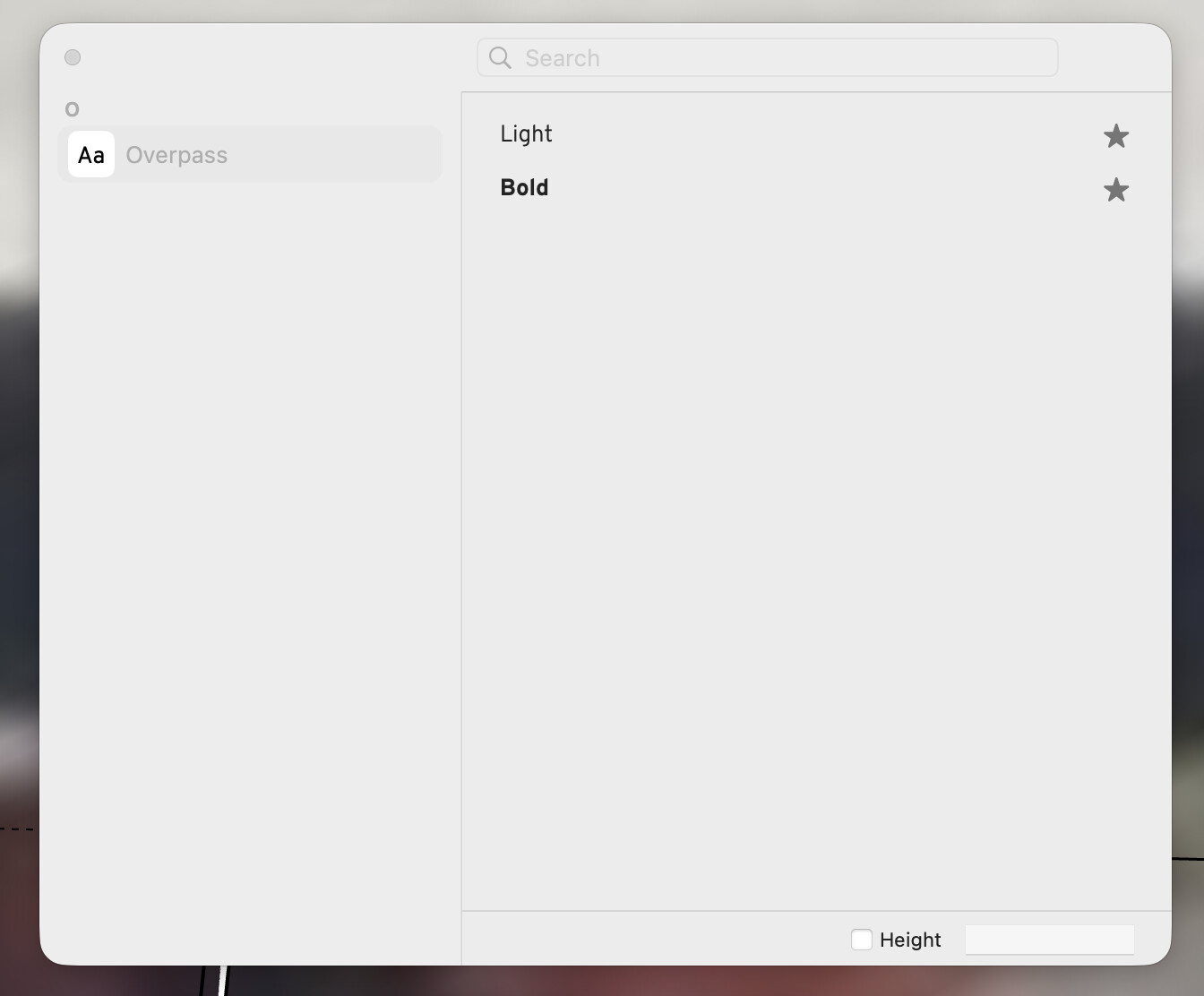
FYI for anyone else experiencing this problem. I also reached out to customer support and received the following response. Looks like this is a known issue with SU and Mac / Tahoe. Hopefully the rollout a fix on the next update.
*Thank you for reaching out to SketchUp Technical Support. I have reviewed your request and am here to assist you. I understand you are having some issue with SketchUp and macOS Tahoe.
This is an issue that we are aware of and looking into. SketchUp uses the Font Window in the MacOS, and in Tahoe, Mac changed the size and edit options from the Right Side, where it had previously been, to the Top of the Font Window.
Unfortunately SketchUp does not have the ability for the use of the font editing options or able to switch font size option to the Top of the Font window, so it will not be available for now on any Mac running Tahoe.
There is a size workaround to click the Height Box in the lower right, and then set the Font Height. This Height is based on the Model Scale, so you may need to try a few different Heights to find one that works for you.
We apologize for any inconvenience this has caused, and we hope to have a fix for this released as soon as possible.*
well, that’s one more reason for SU on mac to finally move to an unified interface… between the material fiasco last year and now the fonts, apple is not helping.