Thank you Yannick.
I checked what you asked and the result is that… the issue was my template file, that I have since… forever. - I guess it had a transformation inside that messed up with the location of the PC.
In any case I recreated the RWP file from the original E57 but I don’t think it was that.
There weren’t 2 TSE in the components manager, but after “Reapplying transformation” in the PC manager of SE to the point cloud (something I eventually tried but felt it was wrong to do), things got back to normal. [To me reapplying a transformation means to do something to the default location and move the PC somewhere. Instead looked like the PC was now moved to the default position, substantially the other way around]
Anyway I reinstalled SU, because I was not able to uninstall SE from the extension manager (it failed). [I have to report that I installed (as administrator) SU asking not to install SE (and I downloaded it separately as .rbz) but after installation I discovered (despite asking not to) that SE was already installed. I am sure it was installed freshly because the SE plugin in the old installation was a previous version. In the new installation the plugin is version 2025.1013.]
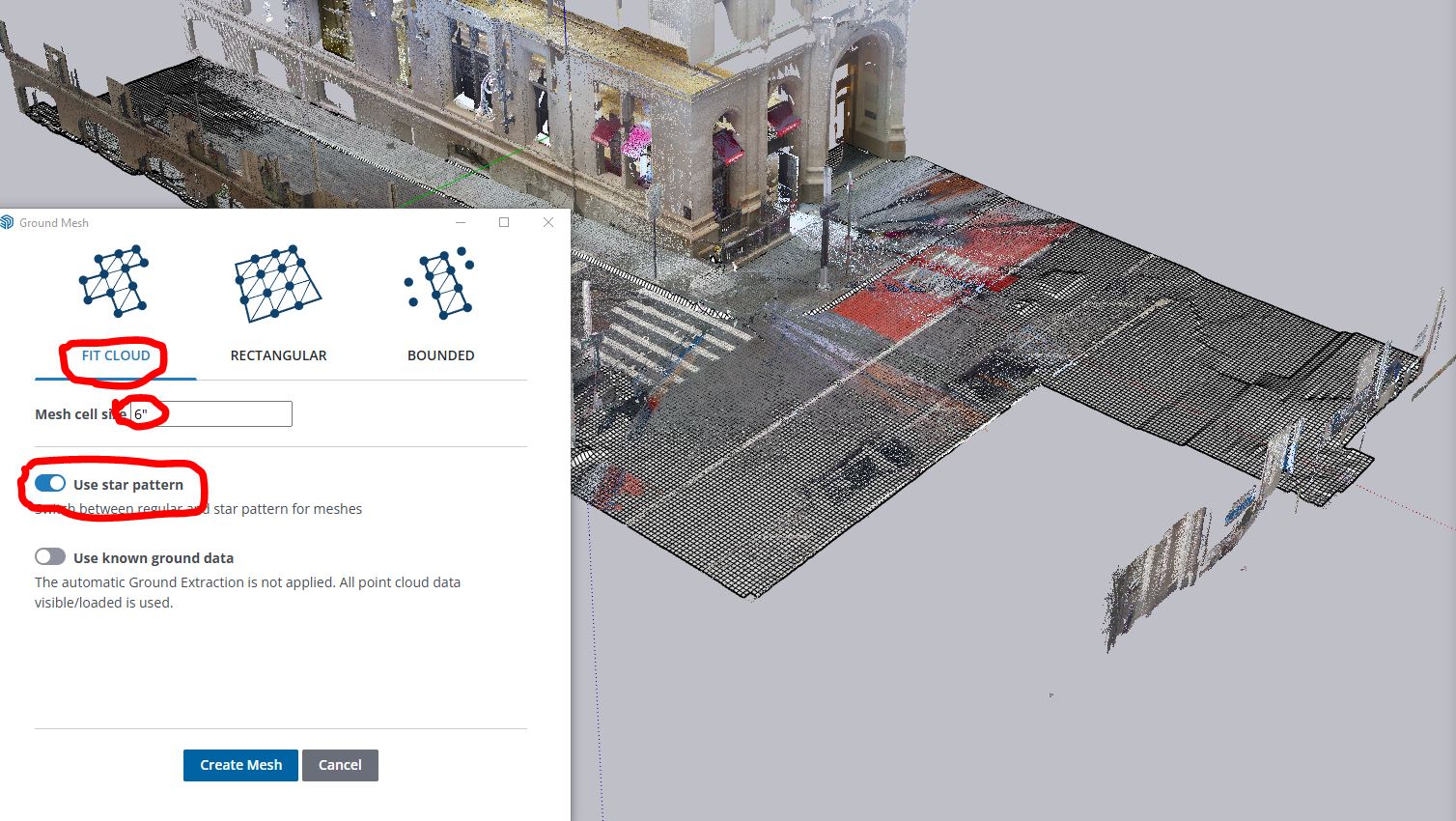
And now with a fresh install, updated SE plugin and clean template, everything seems to work similar to “What’s new in SU2026 video” 
Still I believe SU will have to create extensive tutorials on how to use these new features.
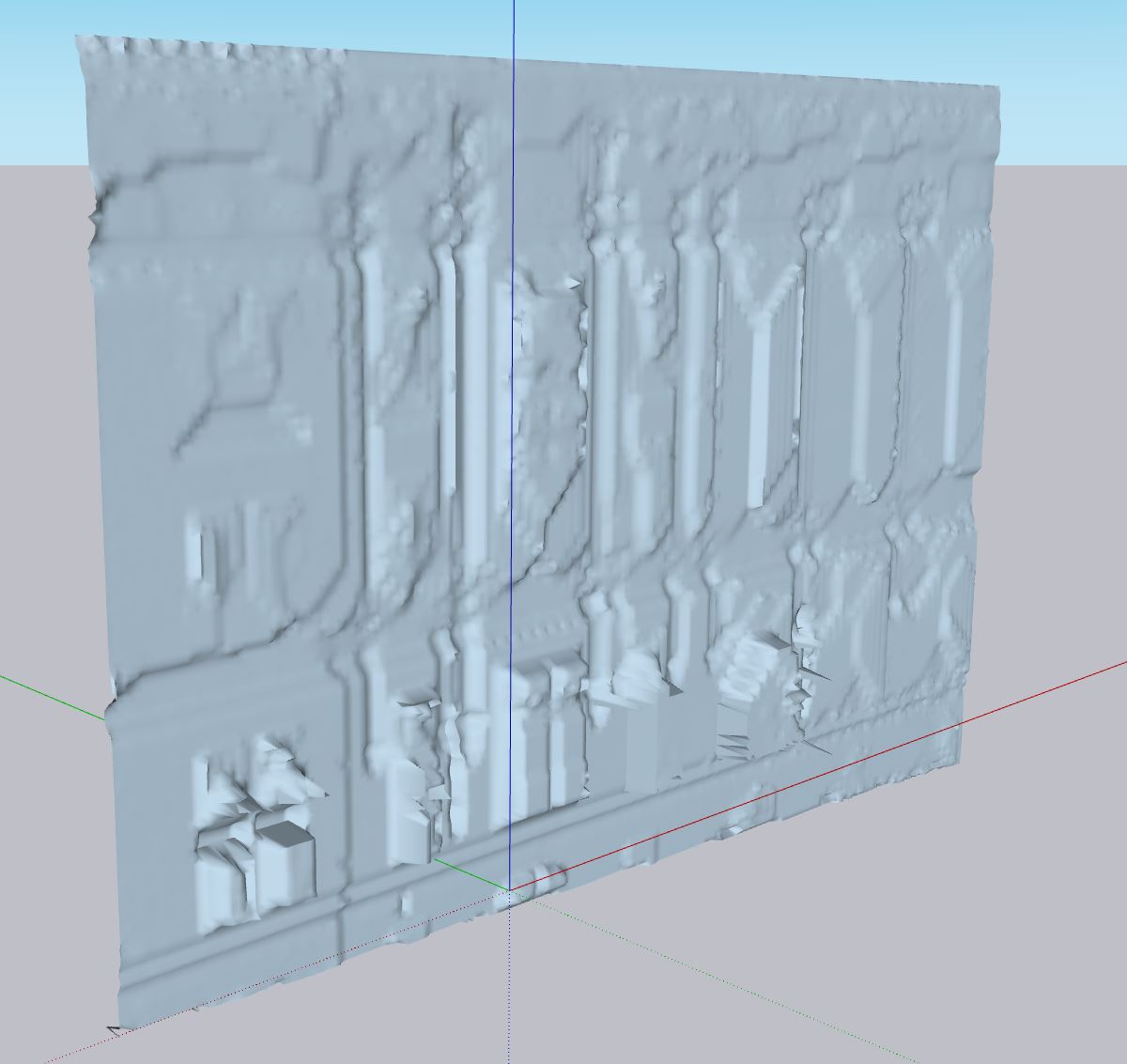
Now I am going to see how large is the texture map created out of the PC (4K!) 
Gio