Hi pros. I love sketchup, but I find working with Sketchup’s UI for materials to be one of the worst software experiences I have to deal with. I tried Enscape for the first time recently and I found editing materials to be a little more intuitive. Problem is Enscape is practically the price of my whole adobe suite. Are there any free or cheap extensions that make it easier to work with materials in sketchup? I’d settle for just getting a list view of my materials. Short of an extension with a better UI are there tips for making the native material functionality less clunky? I’m using pro and am on a mac.
Have you tried architextures plugin?
Samuel Tallet has a handy extension that will help
SketchUp Plugins | PluginStore | SketchUcation
That gives a searchable view of materials in your Model - you can turn on names too.
It will also download PBR materials from polyhaven also, which is a handy way to top up the library.
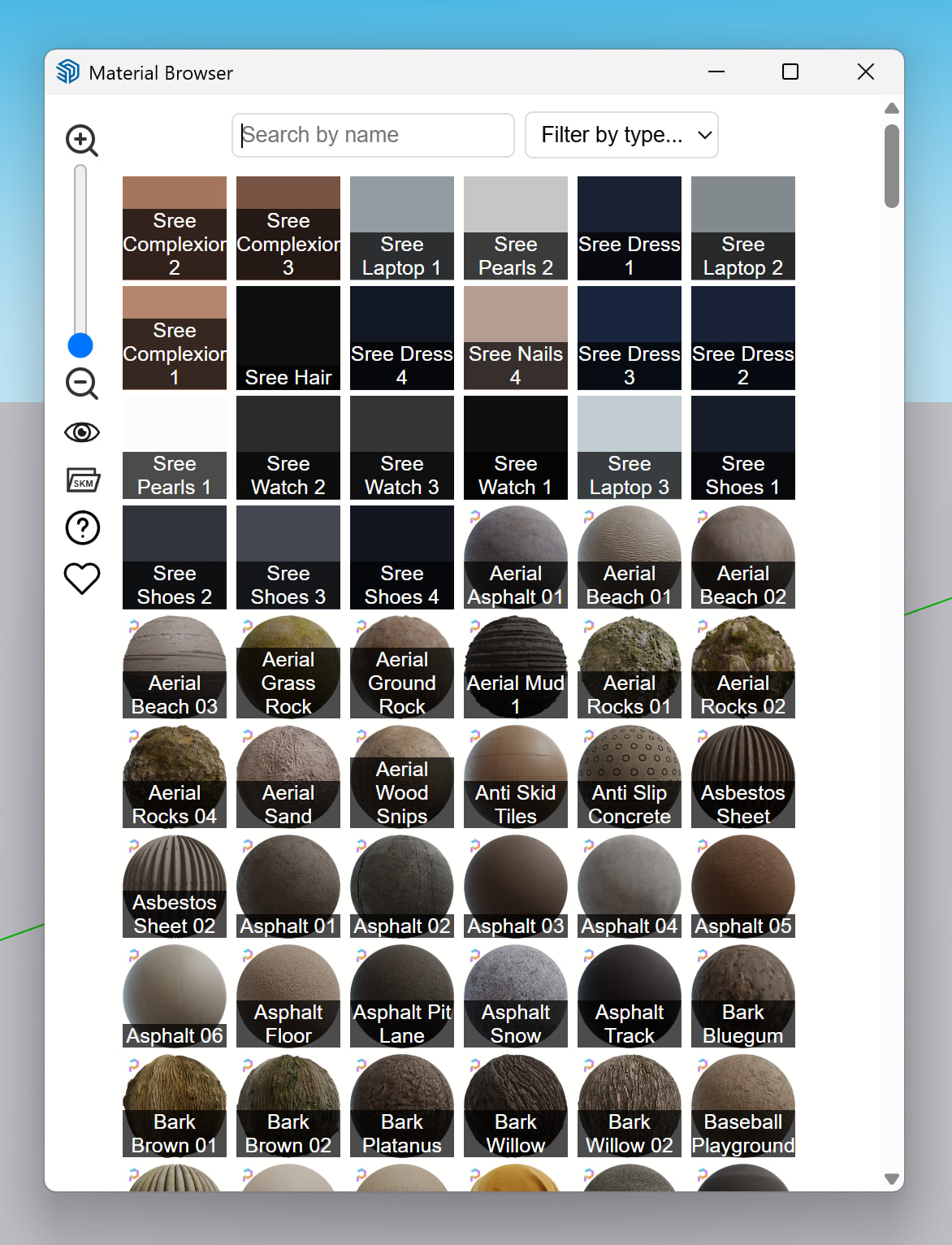
Its very useful. Agreed
Thank you. That didn’t even occur to me; I haven’t had a need for their textures yet, but they look useful. And if the plugin makes it easier to work with all materials then I’ll definitely give it a try,
With the Sketchucation, you have to download a plug-in to download more plugins right?
You don’t have to no - you can download the RBZ and install that via the normal sketchup extension manager
For future browsers, I downloaded the Architexture plug-in, and its UI for browsing materials is much better than what you get natively in SU. You can use it to edit existing materials and create new materials, and of course it is a direct import of the materials in the Architexture database if you have a pro account over there. I downloaded the Material Browser too, and it’s also much better than the native way of viewing materials.
The textures are also PBR and V-Ray ready.
architexture ? only with a subscription.