You’d better to start learning to code with Ruby & SketchUp API.
I understand what you need but if you think about it, by having your own custom color palette it is a one-time job. (not necessary a plugin)
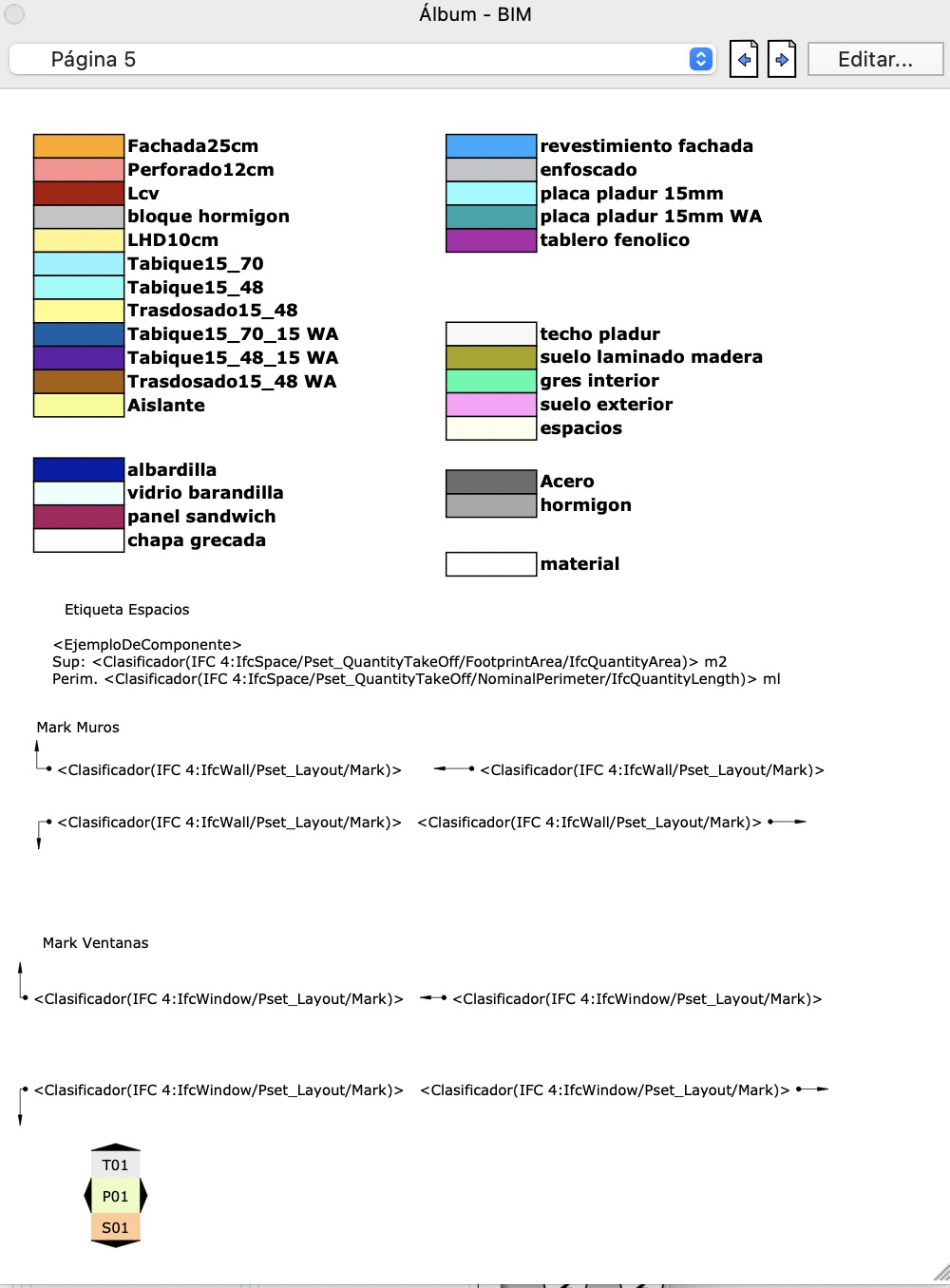
I have mine and a legend like the one you are asking for inside a LayOut scrapbook. I just have to update it every time I add new materials.
Here are my quickie.
You can install with the Extension Manger, however it is not fully fulfil the extension requirements, but still will work…
As usual, does not tested extensively… so no warranties! Use at your own risk!
You will get a menu in Extension>“Create ‘Material List’ component”
As the menu suggests it will create a component (with a name “Material List of +{model_name}”) and one of it instance will be attached to the mouse cursor so you can place it to the model as you wish.
Inside this component each group and its name representing one material. The materials are assigned to the corresponding groups.
The group itself geometrically created as 3D text of one cuboid and a material name.
You can undo it.
If you create an other component that will be automatically get a new name by numbering it.
Ruby Code:
module Dezmo:MaterialLister

  @@loaded = false unless defined?(@@loaded)

  def self.list_materials
    mod = Sketchup.active_model
    mat = mod.materials
    return UI.messagebox("There is no materials in a model ") if mat.to_a.empty?

    mod_name = mod.name == "" ? "Untitled" : mod.name
    mats = mat.sort_by(&:display_name).reverse

    mod.start_operation "Create Material list component", true
    comp = mod.definitions.add "Material List of #{mod_name}"

    mats.each_with_index do |m, i|
      g = comp.entities.add_group
      g.entities.add_3d_text("█ #{m.display_name}", 0, "Arial", true, false,
                              1.0, 0.0, 0.0, true, 0.10 )
      g.name = m.display_name
      g.material = m
      g.move!([0, 2.0 * i, 0])
    end
    mod.place_component comp

    mod.commit_operation
  end

  unless @@loaded
    @@loaded = true
    cmd1 = UI::Command.new("Create 'Material List' component"){
      self.list_materials
    }
    UI.menu("Plugins").add_item( cmd1 )
  end

end
Here are a tuned version.
You can install with the Extension Manager, however it is not fully fulfil the extension requirements, but still will work…
You need to restart SU if previous version have been installed before.
Still, does not tested extensively… so no warranties! Use at your own risk!
If you have a selection, the created component listing only the materials in a selection ( nested instances / drawing elements will taken into consideration.)
If no selection the full material list of model will be drawn. In this case even the unused materials will be there. (Similar as in a previous version of plugin)
You can enter the approx. height of material text, therefore the texture could fit better into the sample rectangle. (You can scale it afterwards you placed.)
The initial height is 10 inch and displayed in an input box according the current Unit Settings. You can use the normal measurement entering rules to write in. (Type integer/float number as a current unit or 254mm or 10" or 1,66667’ etc ). The last entered value will be remembered during the session.
Ruby Code:
module Dezmo:MaterialLister
  extend self
  @@loaded = false unless defined?(@@loaded)

  def instance?(obj)
    obj.is_a?(Sketchup::ComponentInstance) || obj.is_a?(Sketchup::Group)
  end

  def no_mat(scope)
    UI.messagebox("There is no materials in a #{scope}")
    nil
  end

  def get_mats(ents, mat_h = {})
    ents.each do |obj|
      next unless obj.respond_to?(:material)
      mat_h[obj.material] = true if obj.material && !mat_h.key?( obj.material )
      if obj.is_a?( Sketchup::Face )
        mat_h[obj.back_material] = true if obj.back_material && !mat_h.key?( obj.back_material )
      elsif instance?(obj)
        get_mats( obj.definition.entities , mat_h )
      end
    end
    mat_h.keys
  end

  def list_materials
    mod = Sketchup.active_model
    mat = mod.materials
    return no_mat("model") if mat.to_a.empty?
    sel = mod.selection
    if sel.empty?
      mod_name = mod.name == "" ? "Untitled" : mod.name
    else
      mat = get_mats( sel.to_a )
      return no_mat("selection") unless mat.first
      mod_name = "selection"
    end
    mats = mat.sort_by(&:display_name).reverse
    prompt = ["3D Text height:   "]
    @defaults ||=  [ 10.inch.to_l ]
    begin
      input = UI.inputbox(prompt, @defaults, "Material name text height")
      if input
        t_size = input[0].to_l
        @defaults = [ t_size ]
      else
        return
      end
    rescue
      UI.messagebox( "Invalid length!\nType integer as a current unit or 50mm or 1.9\" for example" )
    end

    mod.start_operation "Create Material list component", true
    comp = mod.definitions.add "Material List of #{mod_name}"

    mats.each_with_index do |m, i|
      g = comp.entities.add_group
      g.entities.add_3d_text("█ #{m.display_name}", 0, "Arial", true, false,
                              t_size, 0.0, 0.0, true, t_size * 0.10 )
      g.name = m.display_name
      g.material = m
      g.move!([0, t_size * 2.0 * i, 0])
    end
    mod.place_component( comp )

    mod.commit_operation
  end

  unless @@loaded
    @@loaded = true
    cmd1 = UI::Command.new("Create 'Material List' component"){
      list_materials
    }
    UI.menu("Plugins").add_item( cmd1 )
  end

end
hi @dezmo , I was wondering if it would be possible to do something similar with DC name attribute?
basically select dc (cabinet) ,pres the button and it will place text of the name within the DC .
like this
It’s theoretically possible. However, the task is completely different.
The length of the text to be placed and where to start a new line in the text are quite difficult to determine.
In the Ruby API, only the height of the 3D text can be specified (approximately), and the length of the text can be estimated approx. from the number of characters (the different widths of the letters complicate the task even more.). So, depending on the size of the cabinet, on which side you want to place the text, you need to iterate the height of the text and the position of the new line to fit on the desired side of the cabinet.
Open a new topic, describe the task in as much detail as possible. Attach an example model. I (or others) will see if I can do something. (This is not a promise, just a possibility. )



 )
)