I like to have a page of constructional notes as part of my working set of drawings. I generally make it the last drawing page so that I know if I print out all pages, the notes will be there along with the drawings.
To make such a text dense page legible, I use columns. In an ideal world, the text editor inside Layout would allow for this, but it doesn’t. As a workaround, I use an external text editor which does permit columns and then produce an image of it for insertion into Layout. The only problem is that the crispness of the image is poor and just looks unprofessional. Using PNG seems to be best but only from a very low bar.
I like to keep the original text editable as it is sometimes amended. That means having automatic wrapping of the columns. All very easy in word processing software which has been with us for decades.
I only have two options. One is to accept the unprofessional appearance in order to keep the document set in one place, or I have a completely separate document and must remember to attach it when required.
Does anyone out there have a clever workaround for this situation?
I do this with details from my engineer. I bring in PDFs and on export, if I have everything set to high they look great. On screen they look… well…
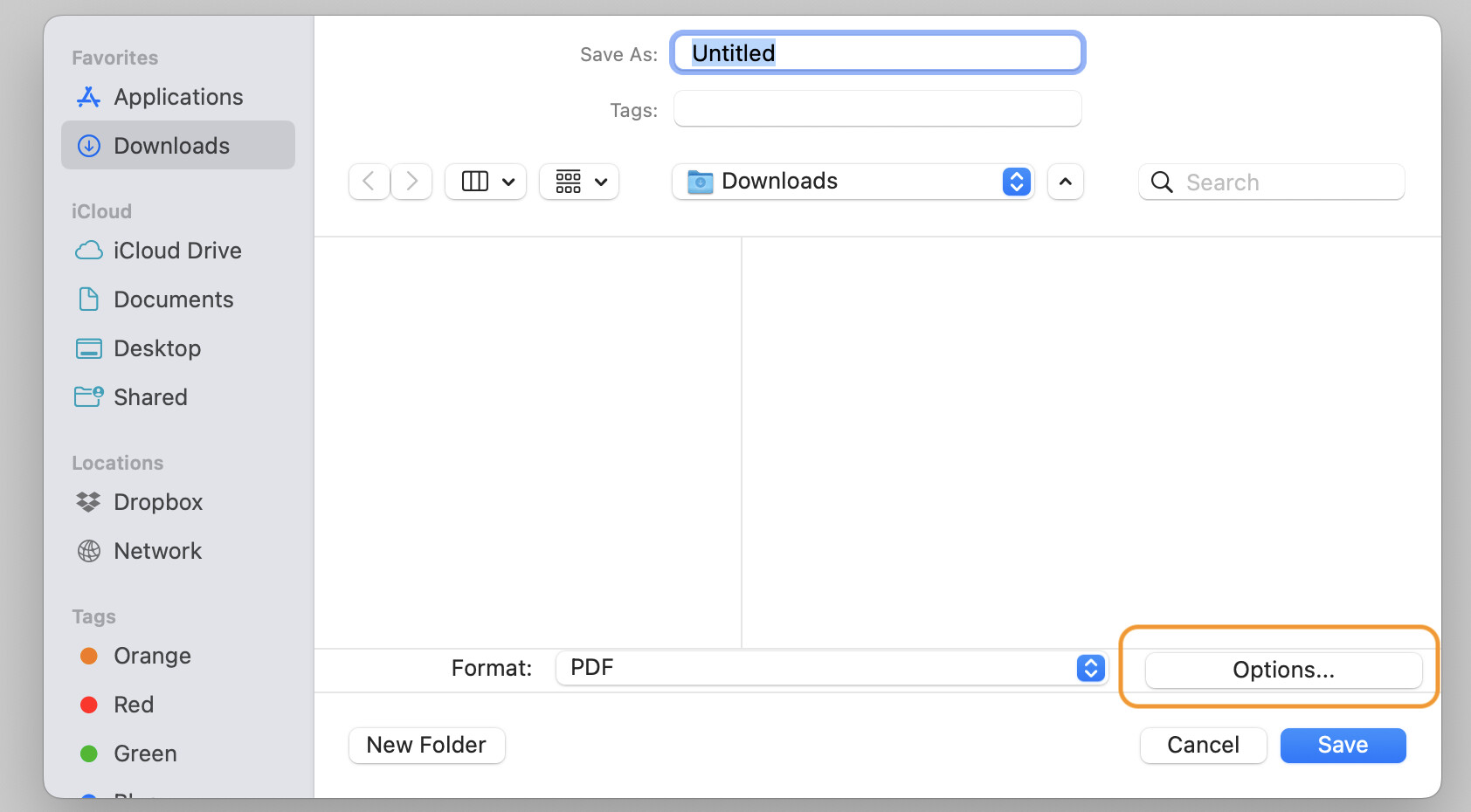
There are 2 settings I believe - 1 is in Document Setup>Rendering and the other is in Options when you export.
I also believe that it is possible to leave the are blank and use a PDF editor to copy / paste the columns of text. I do not do this - but the engineers I work with will often handle the design data page for me - I just send a blank sheet with title block as part of my drawing set and they work their magic.
One problem with importing an image file is that it comes with a white background which can obscure other things on the page. Using Send to Back doesn’t seem to help.
Is there an easy way to use an image editor to create a transparent background?
Send to back only works within context of the current layer that the object are on - so if you have an image on a layer at the top of the stack it will hide things lower down in the stack.
Both the logo top left and the notes are on a layer called Annotations. If I move the block of text over the logo, it obscures it. Sending to Back makes no difference to that.