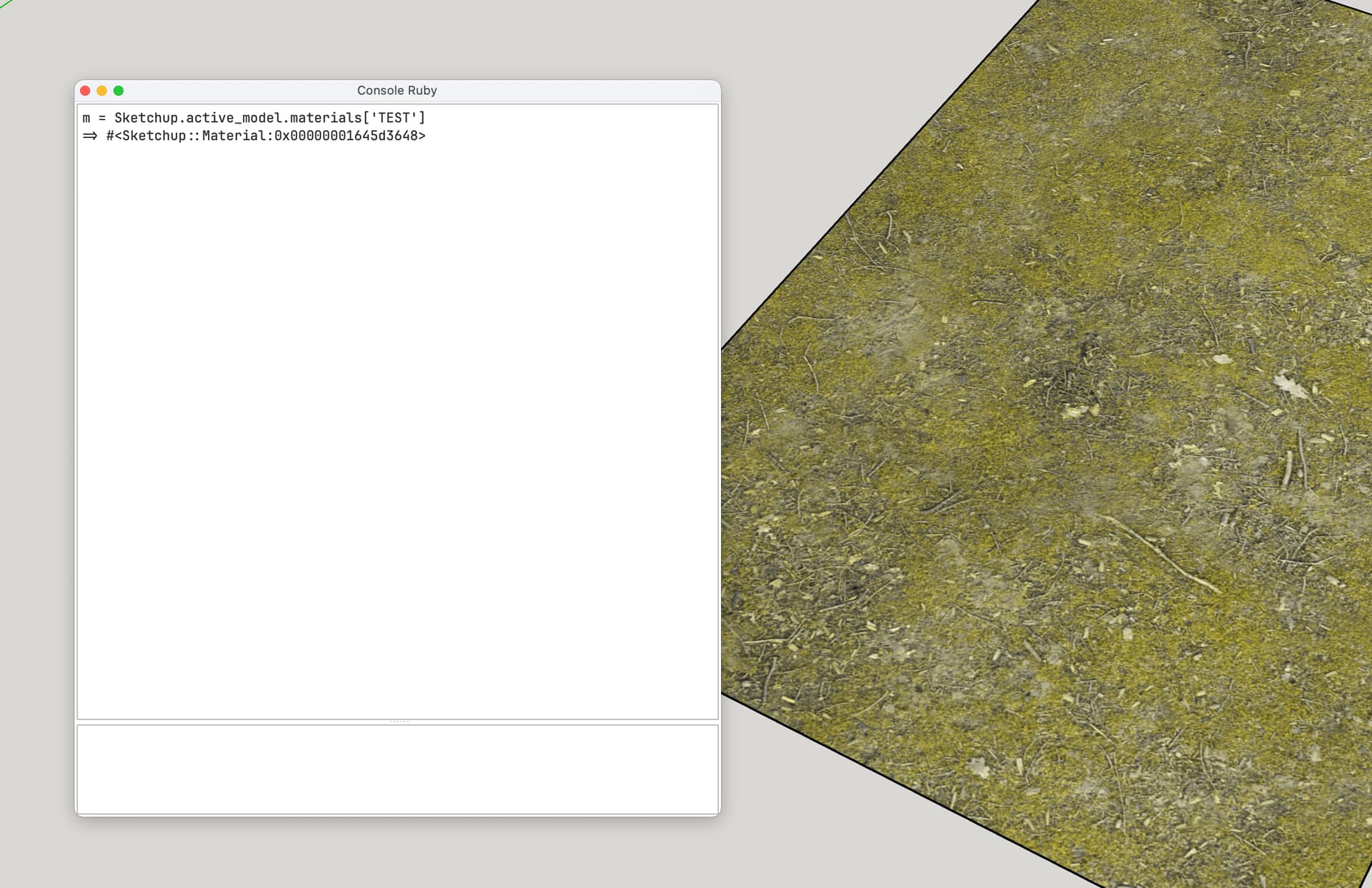
Hello,
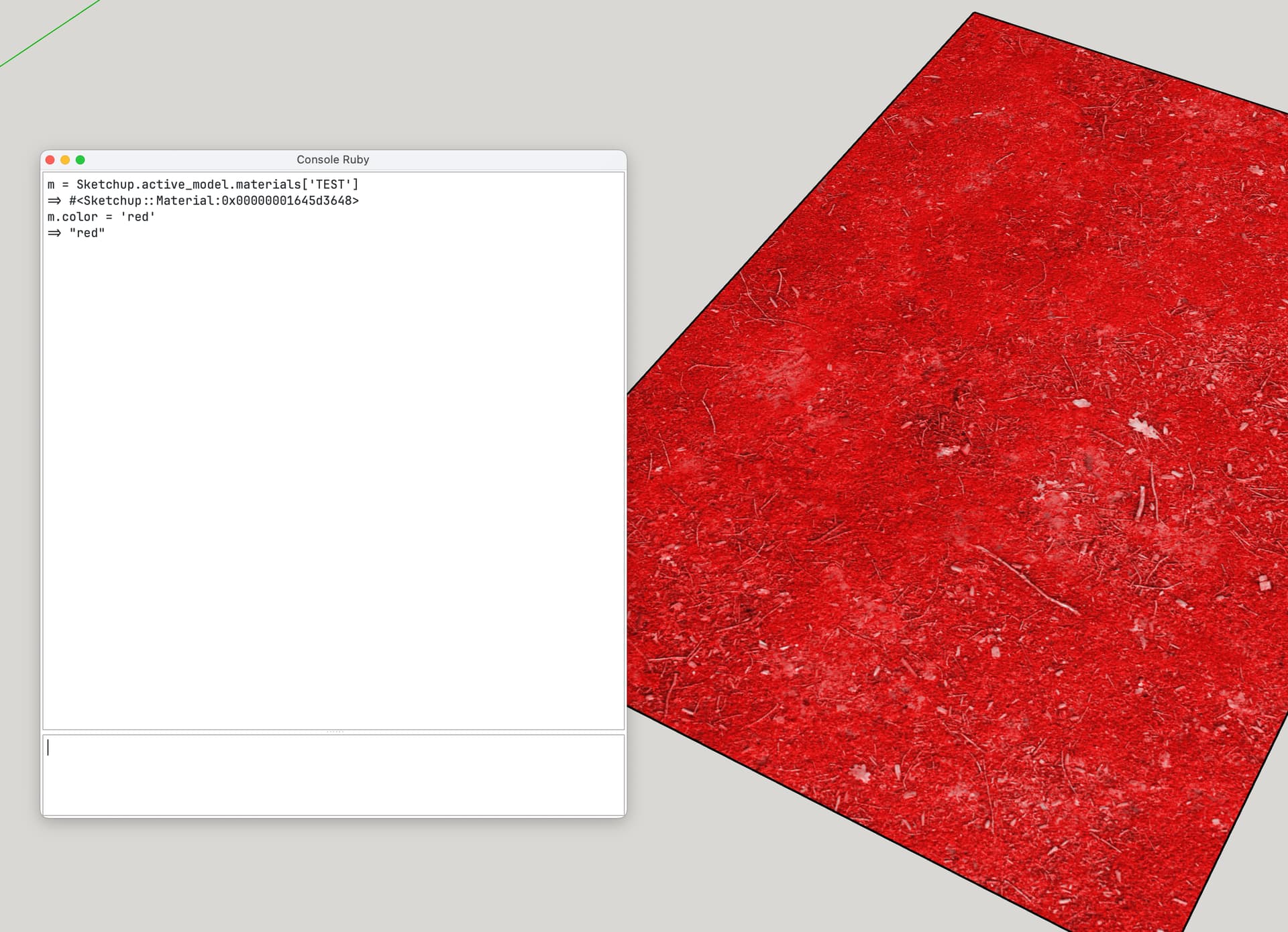
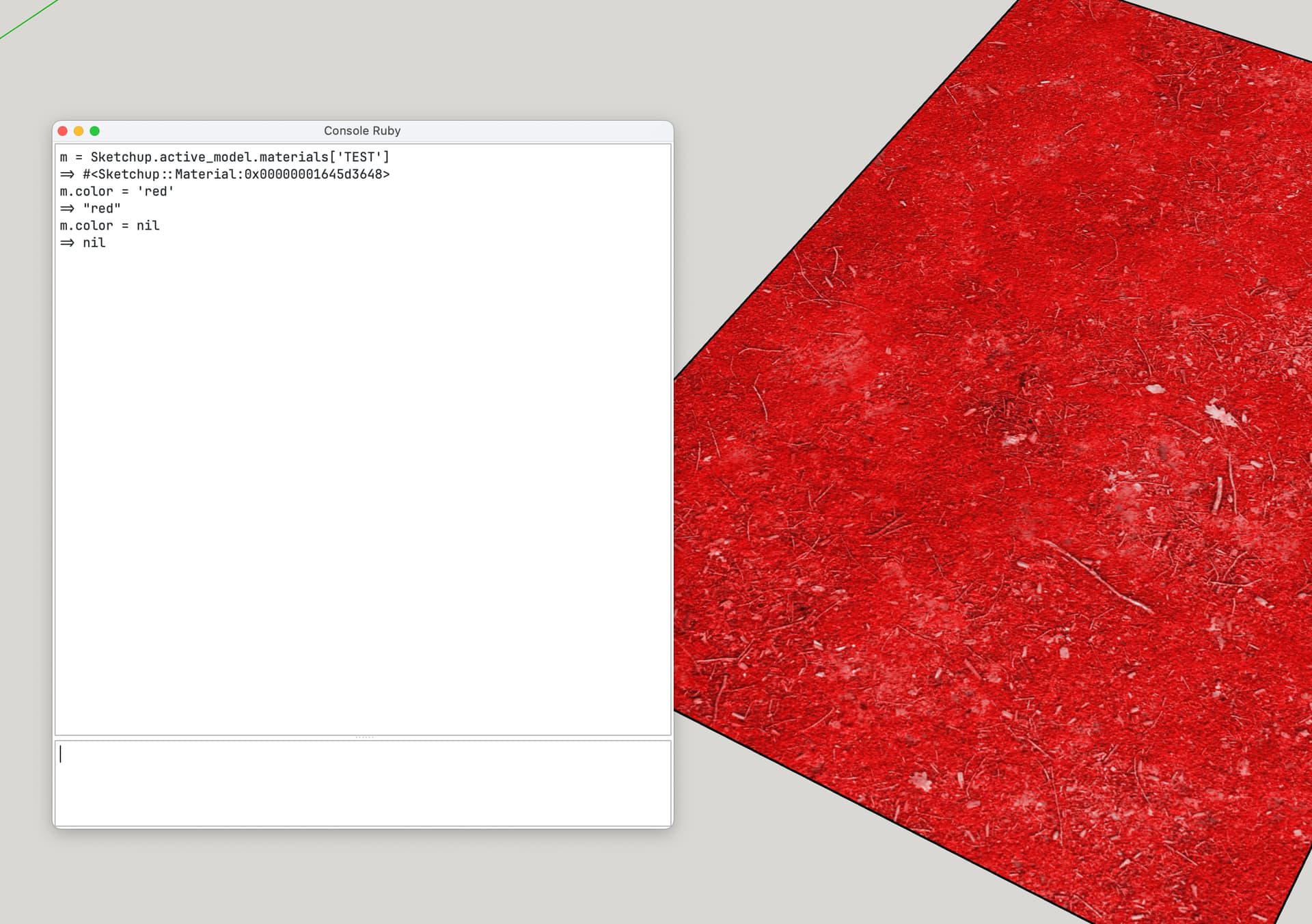
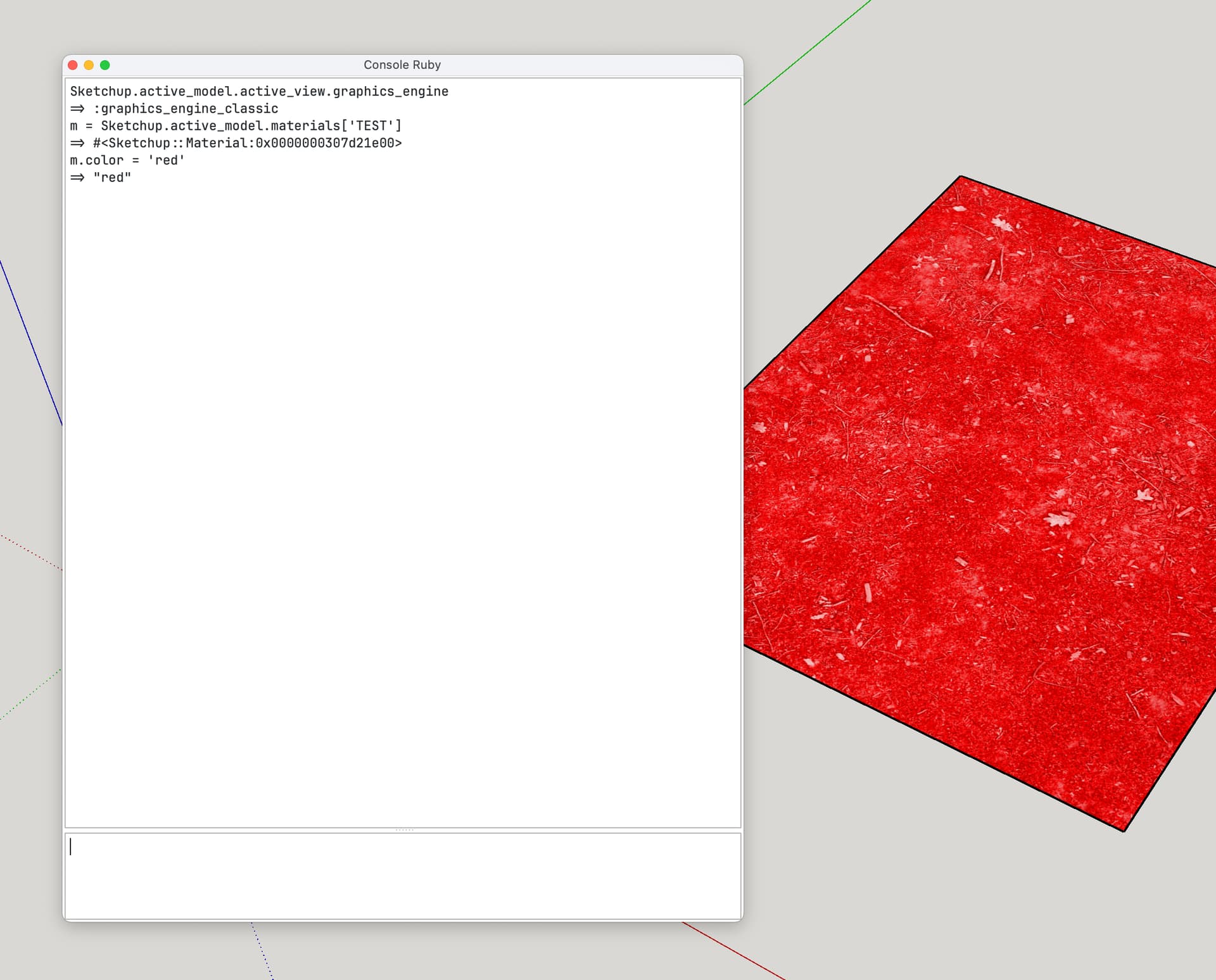
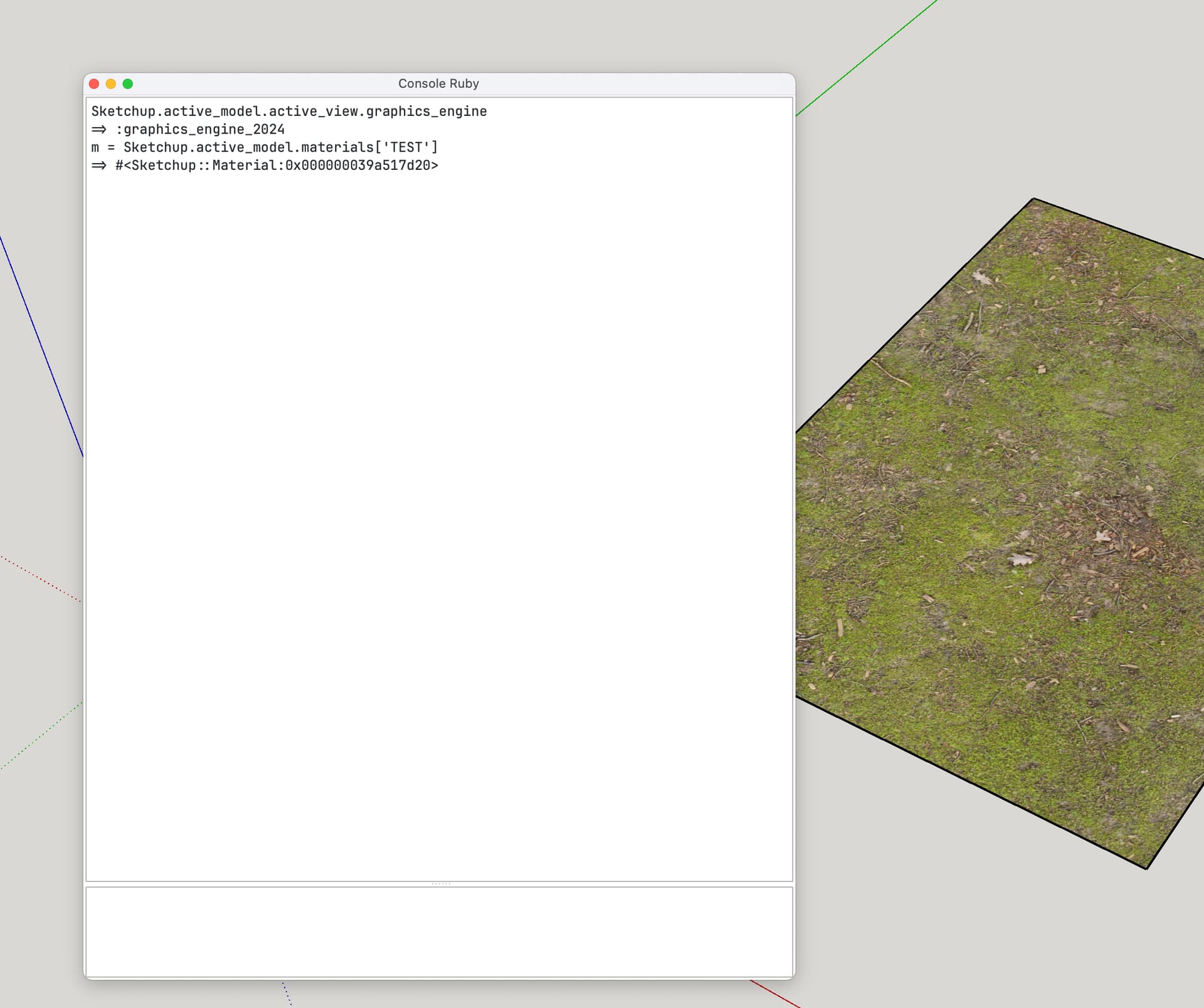
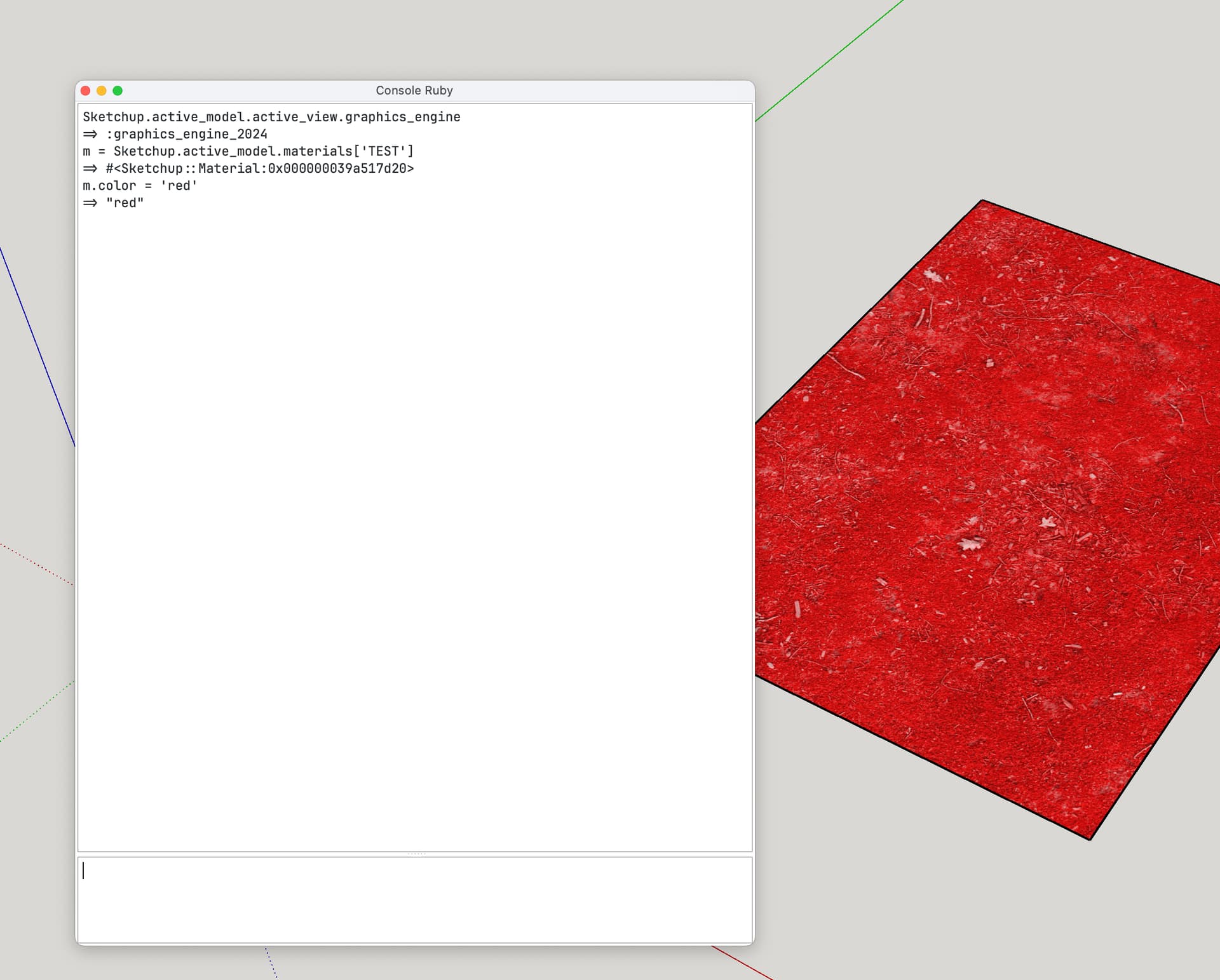
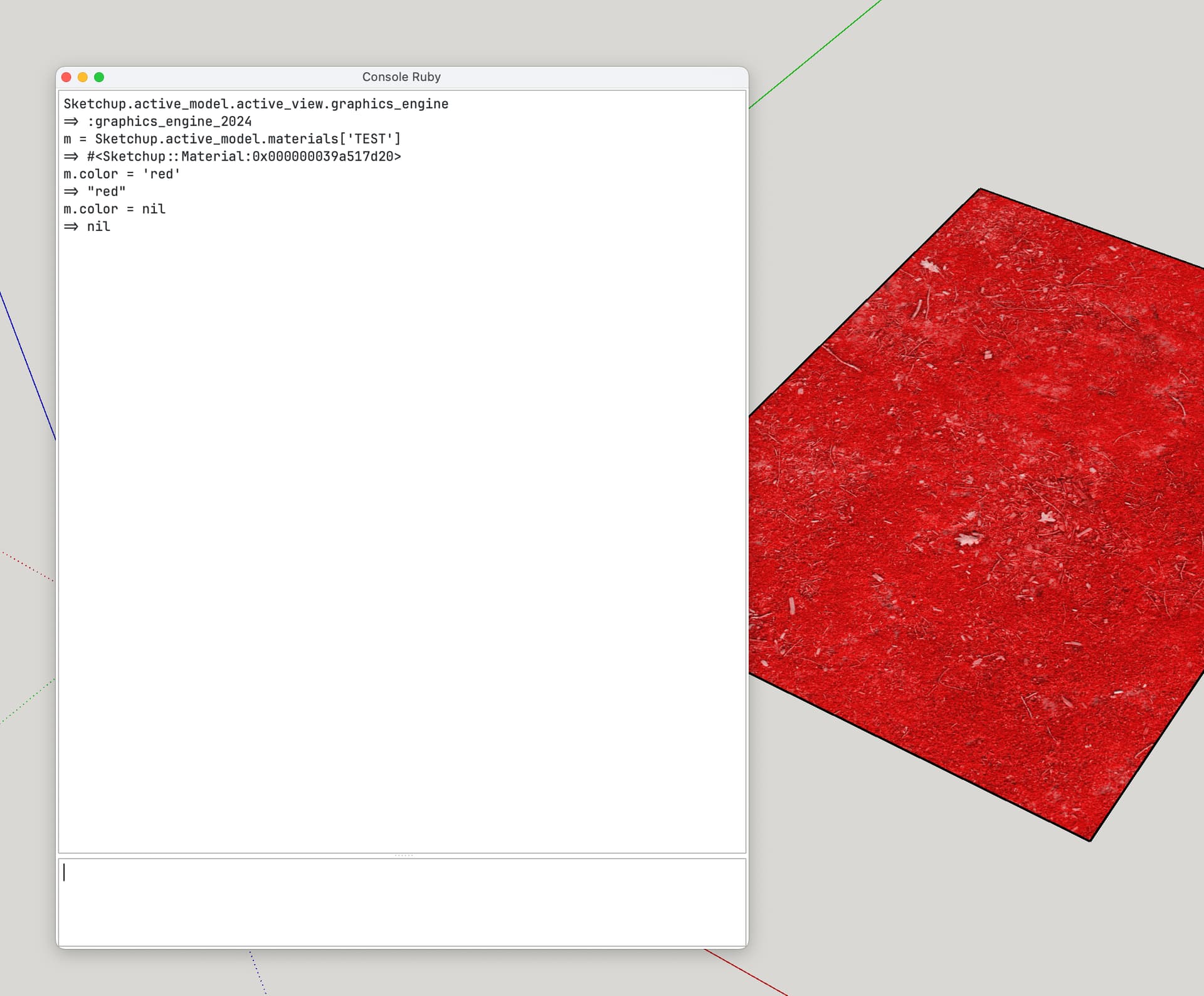
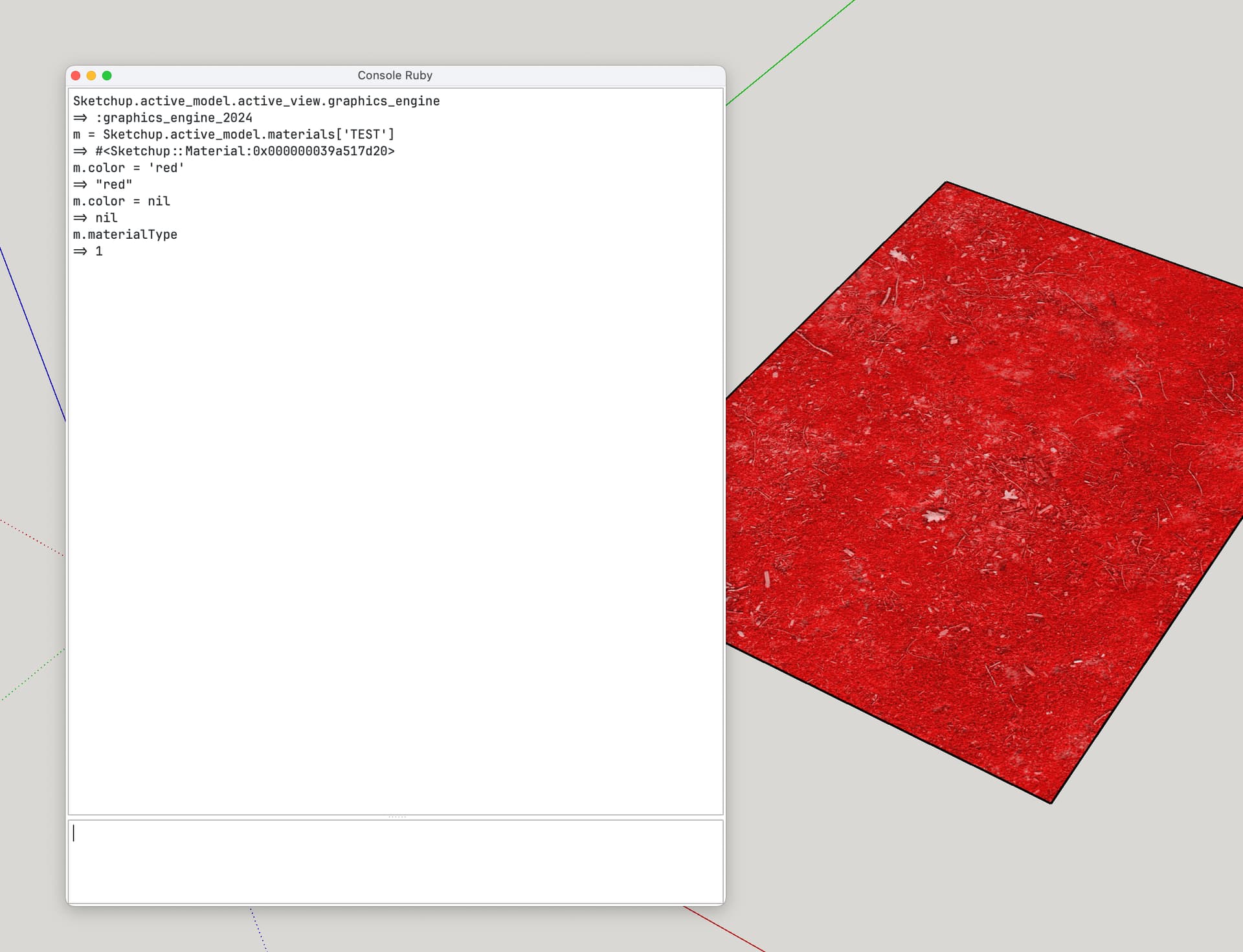
From what I’ve tested, the method described in the documentation no longer works on SketchUp 2025. The material.color property has changed, but the tint is still visible in the model.
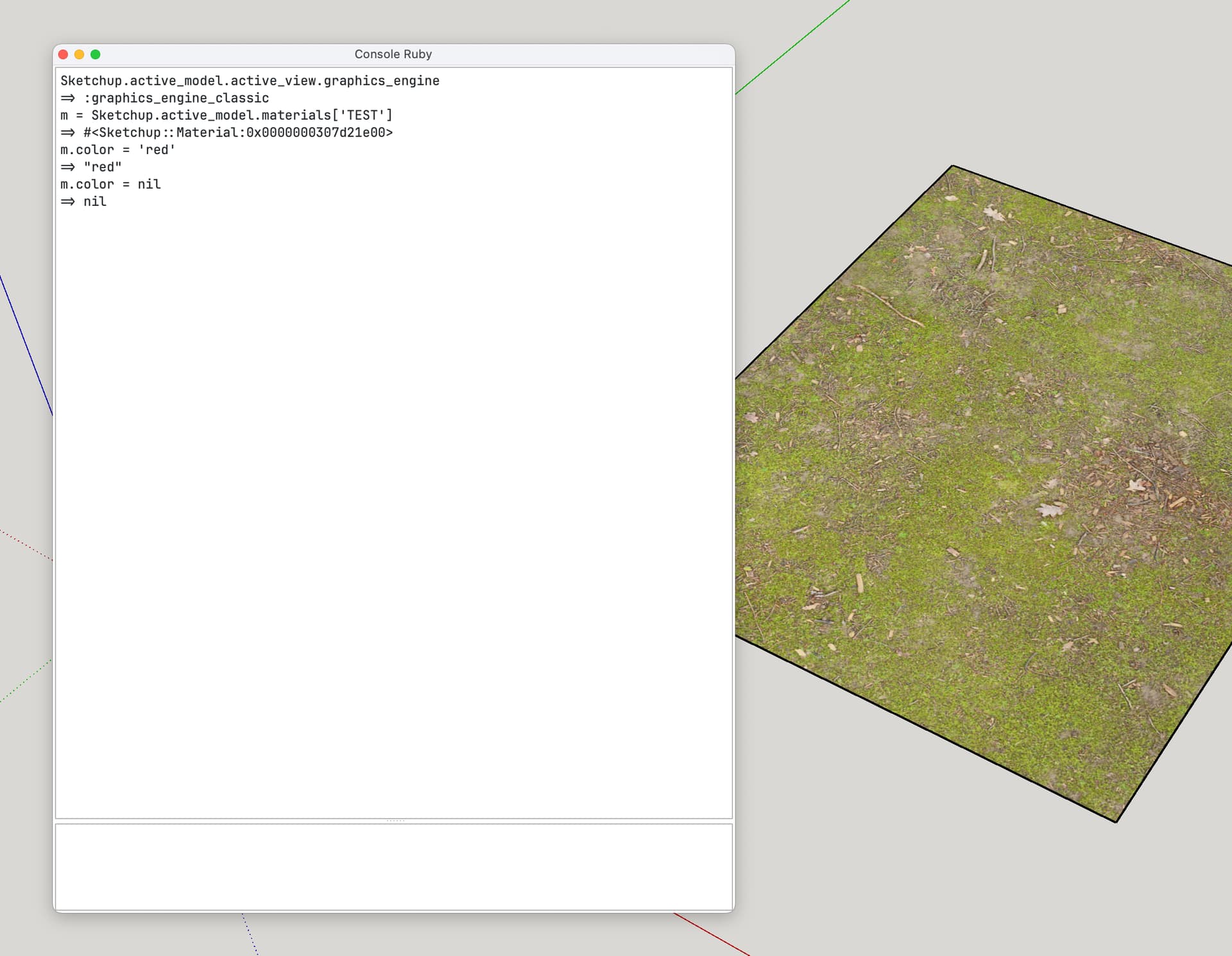
To reset the color of a material with a colorized texture, set the color to nil . If the texture is not colorized it’ll be reset to some undefined default color.
So do you know if there is a new way to reset material color to its texture color in SketchUp 2025 ?
Have a nice day.
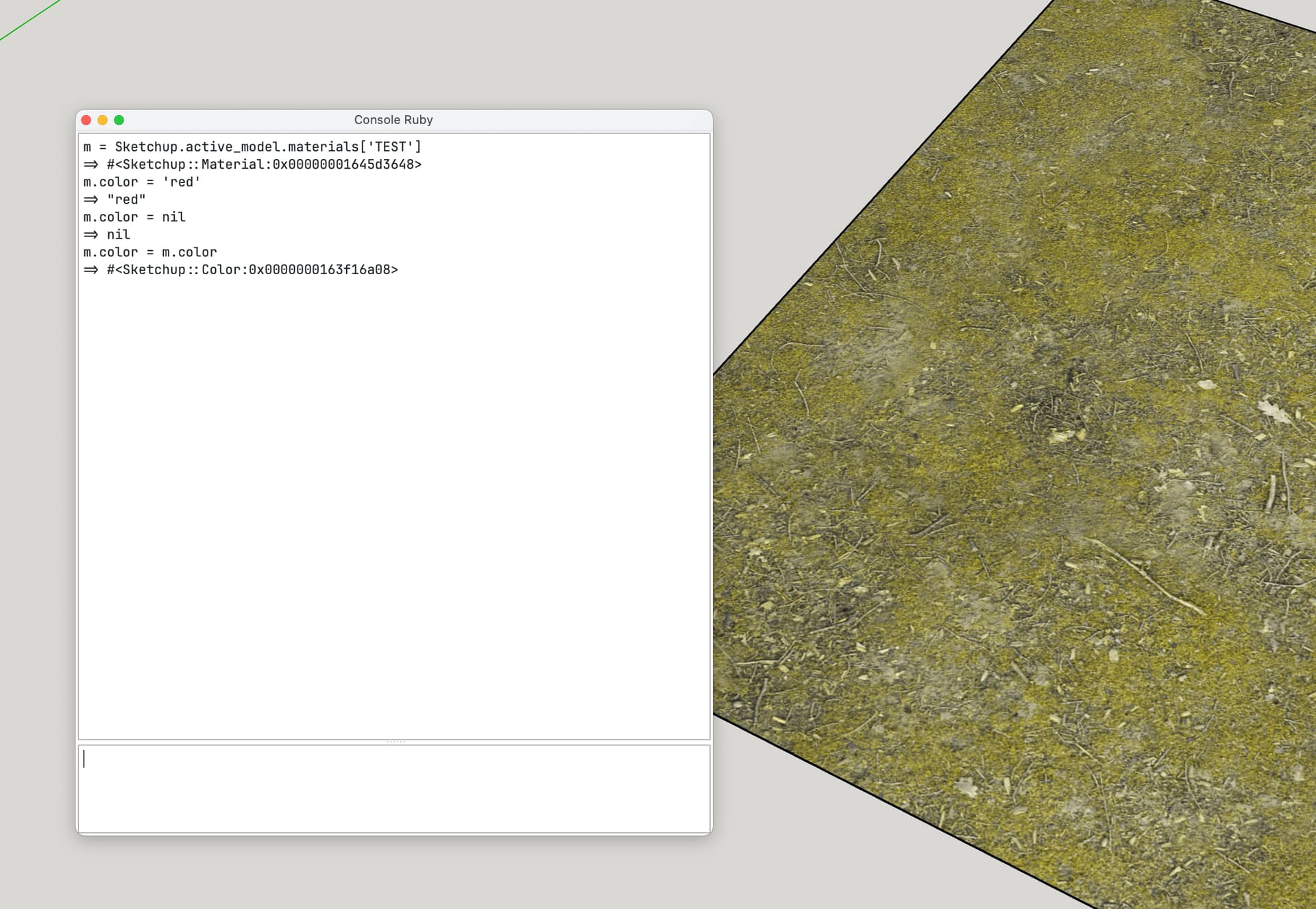
Ok, I think I found a workaround :
material.color = nil
material.color = material.color   # Forces the color to be applied
But isn’t this just setting it to nil twice?
No, this is the magic 
Because material.color = nil set color to the average texture image color. So material.color is not nil at this time.
In SketchUp prior to 2025, setting material.color = nil reset the tint. In SU 2025 it doesn’t.
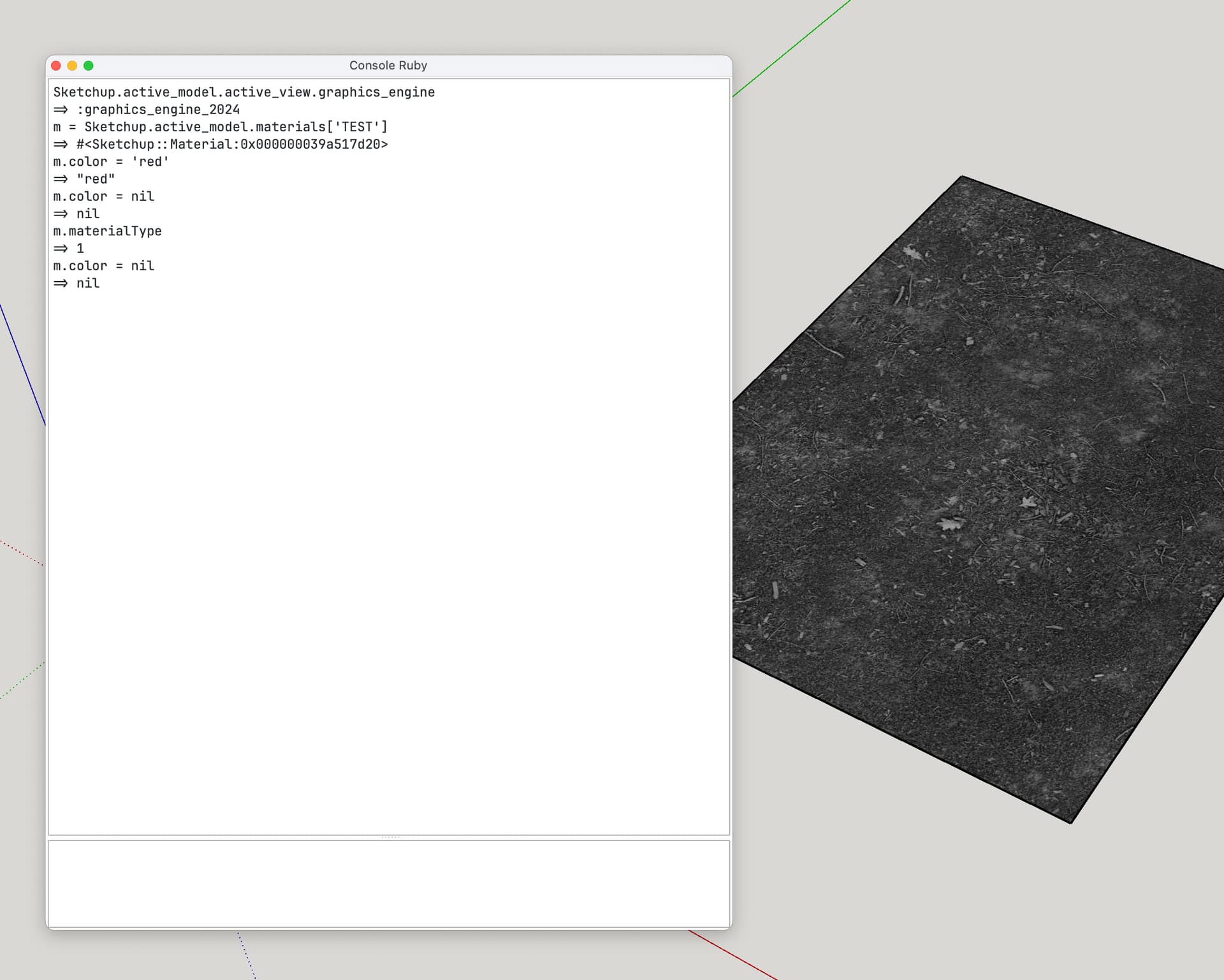
This is weird. Does it act different depending upon the graphics engine?
Yes 
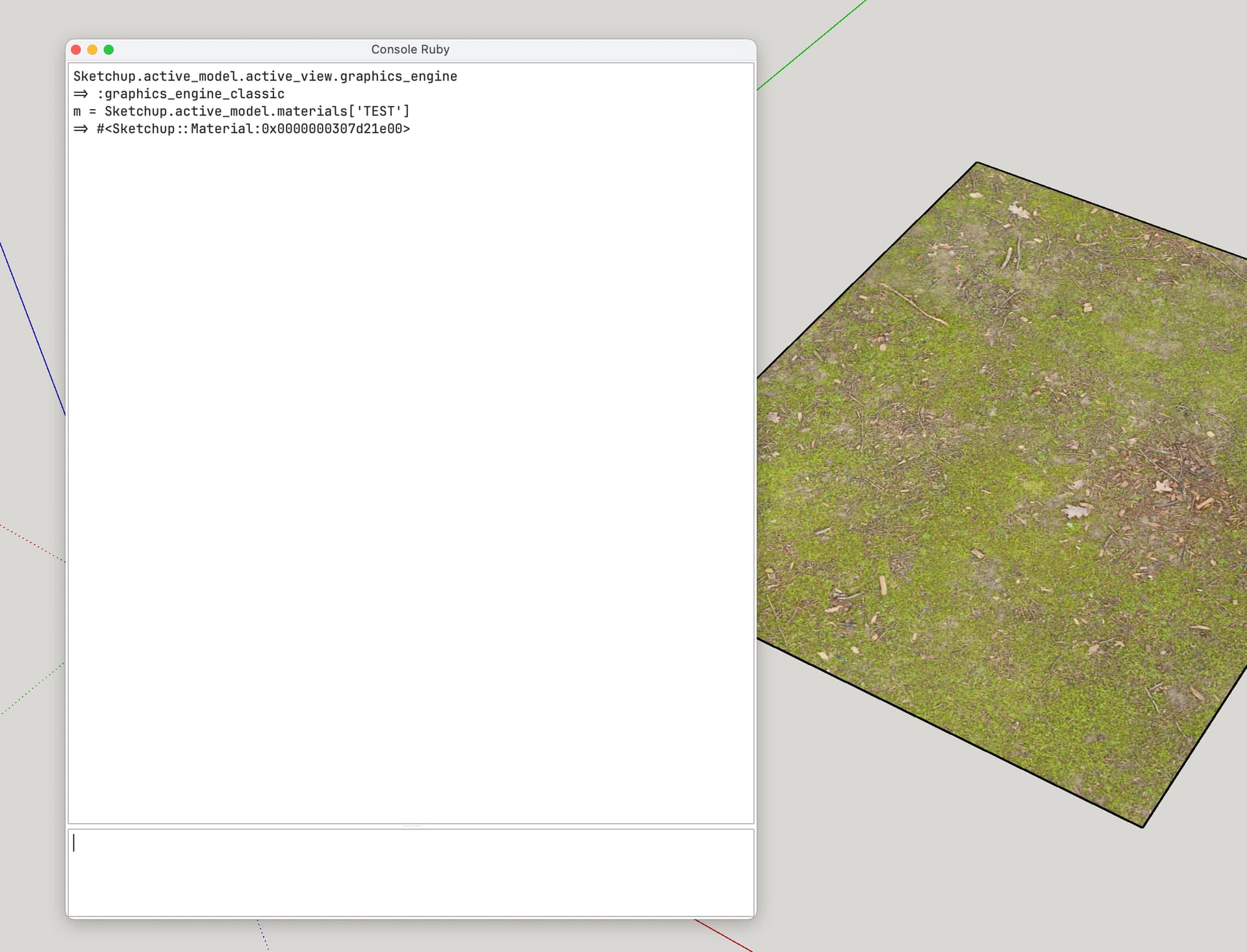
With old graphics engine :
So, it’s maybe a bug introduced with new materials properties of SU 2025.