Learned Assembly…
When you add location and import terrain, is it possible to generate a mesh from that so you can edit it and manipulate it to suit a build project?
TIA
WN
Nice…
Is there a way of only turning the ground to monochrome?
N
Short of removing the materials from the mesh, no.
Ok.
Thanks for the help…appreciated.
N
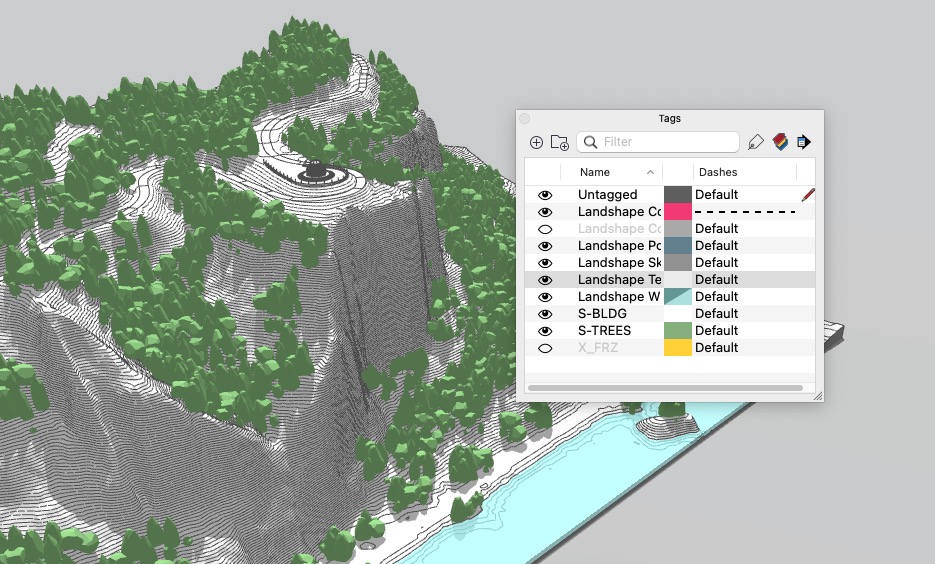
You can use ‘Color by Tag’ style to ‘override’ the terrain tag to say white. Of course this overrides the other tags as well. Sometimes it works to do so as trees can just be assigned a green color and roads grey etc. All depends on your final goal/outcome.
See example:
Without Color by Tag:
With Color by Tag: