I chose the following method:
- create a duplicate of terrain, select all faces > delete (using Selection Toys extension);
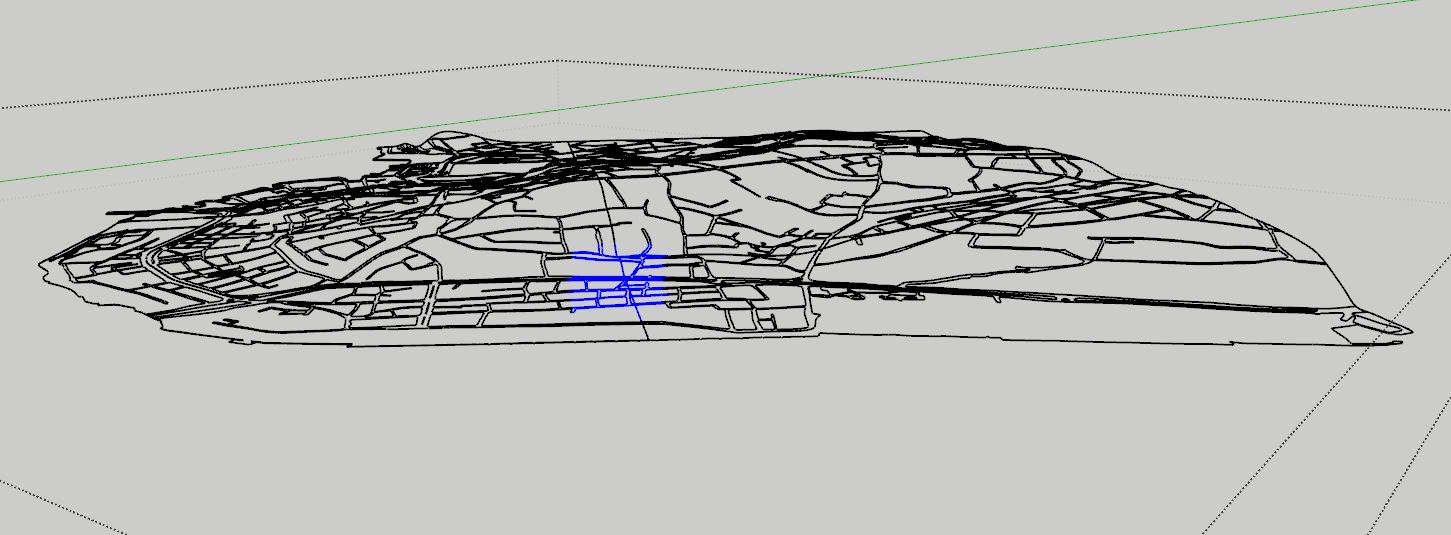
- the remaining edges are the roads and border edges. I made them 2D (with Vertex Tools);

- I then erased all the lines that were the border edges of those separate plots of terrain;

- with Sandbox Tools > From Scratch I created a 2D surface slightly larger than the initial terrain.


- with the MCAlignEnds extension I draped the surface (from Sandbox) on the existing 3D terrain (the one consisting of several separate plots);
 It is best if you drape border edges before using AlignEnds.

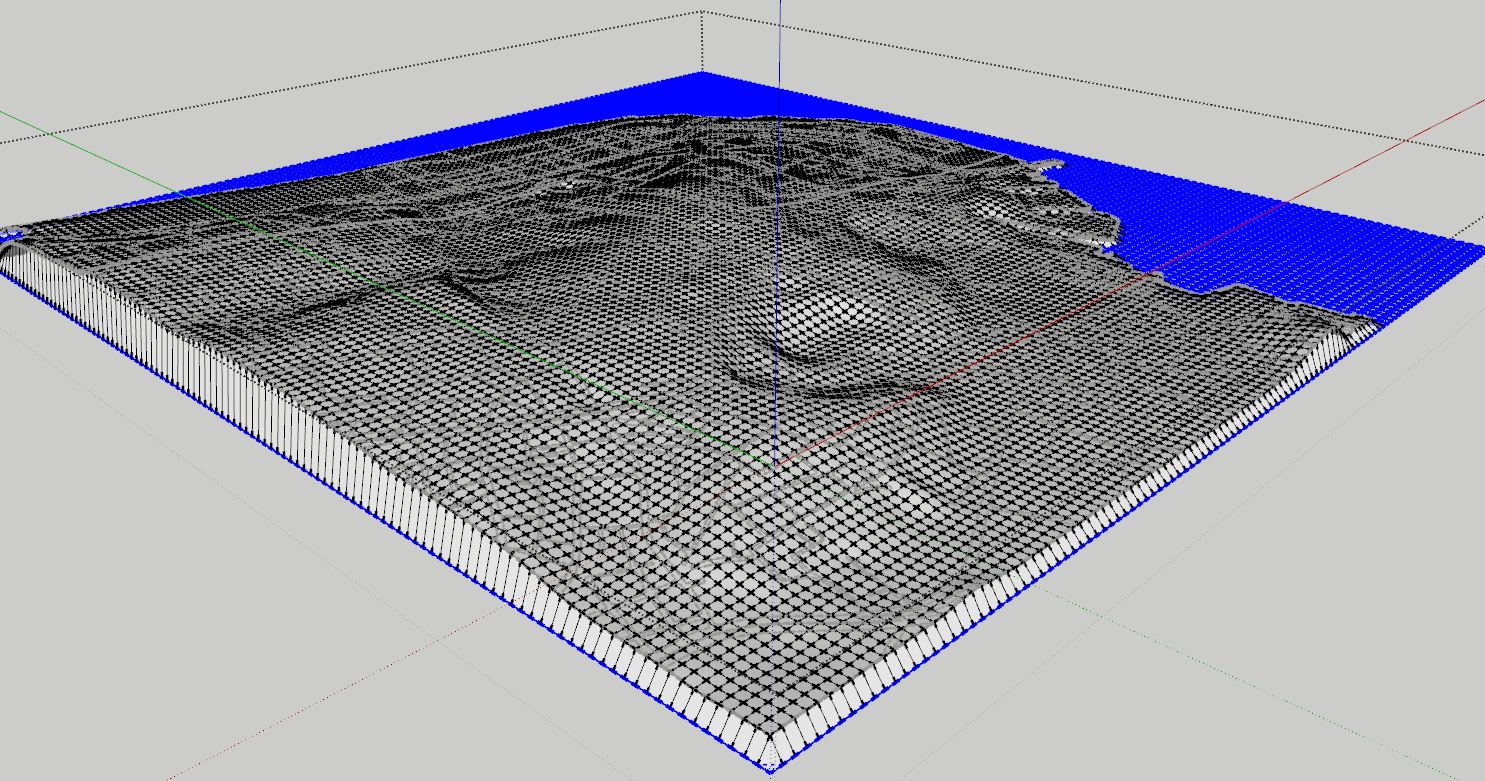
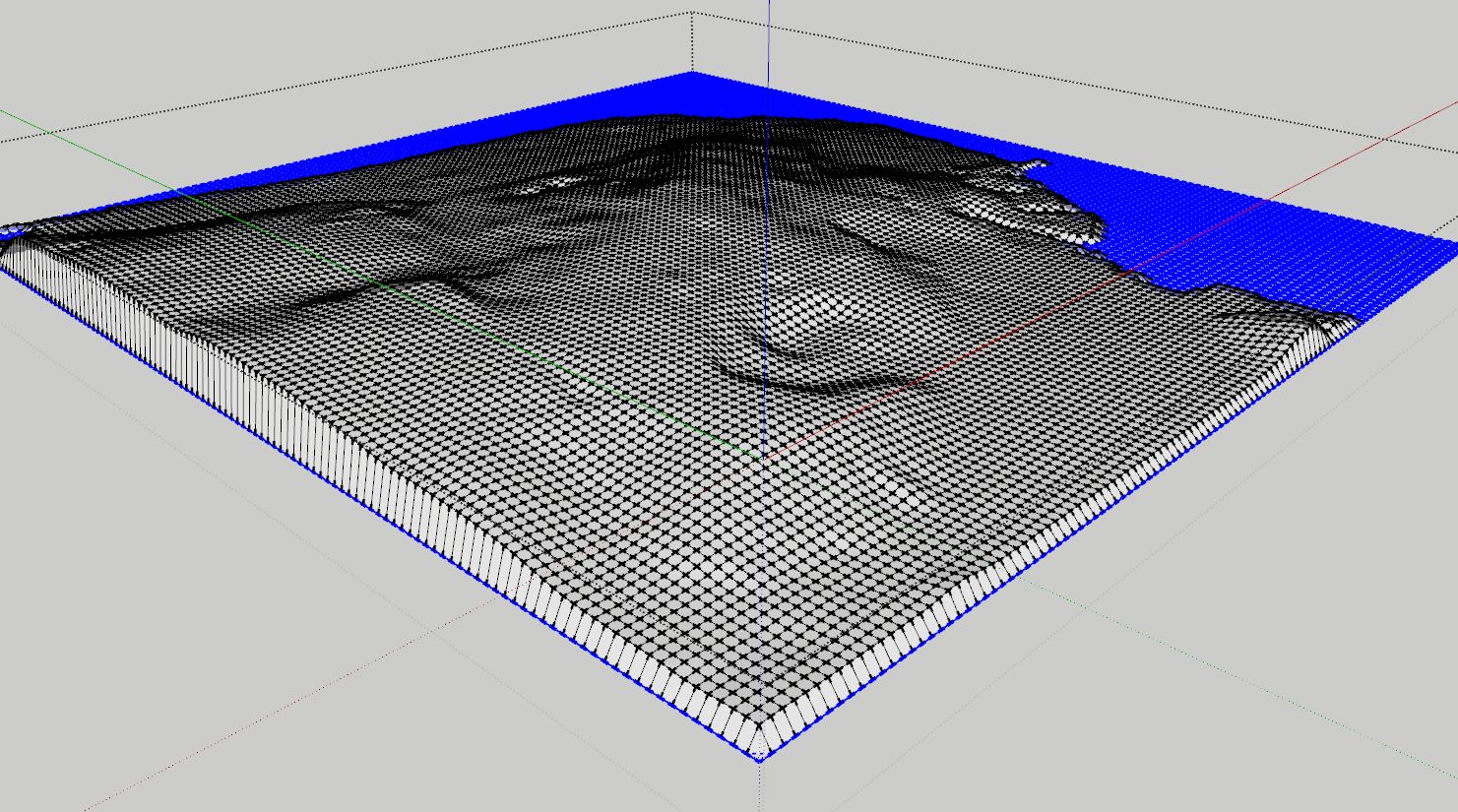
- the result was the new terrain made from a single surface;

- having in separate groups the perimeter (border edges) of the original 2D terrain, the 2D roads and the new 3D terrain;
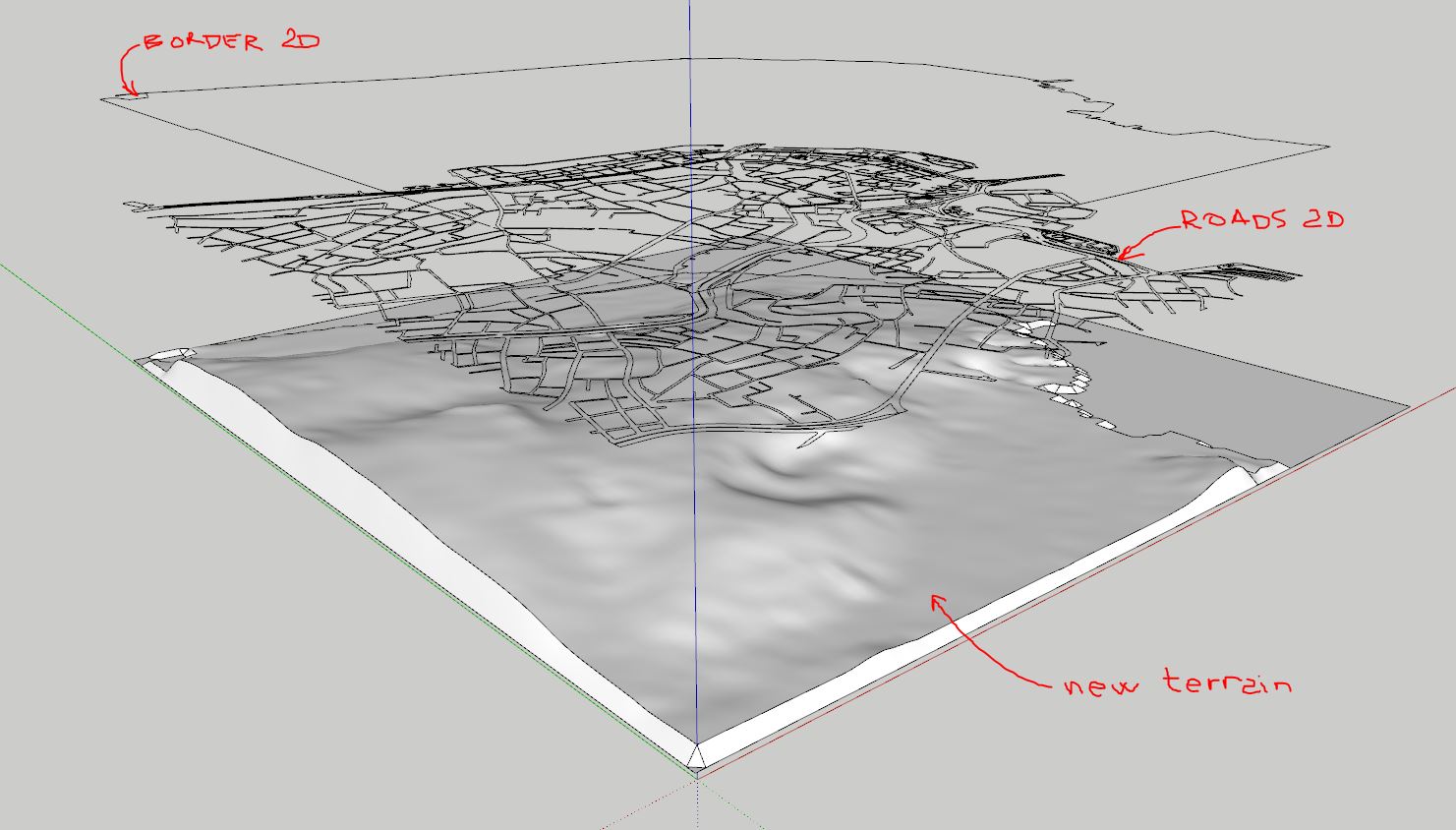
- drape one by one border edges group, then roads group and you will have the clean new terrain in one piece (surface) with the roads.
It is best if you drape border edges before using AlignEnds.
I also tested before and even if it is possible, the method with Vertex Tools involves much more work.