Adding faces to an arced tapered box

Hi,

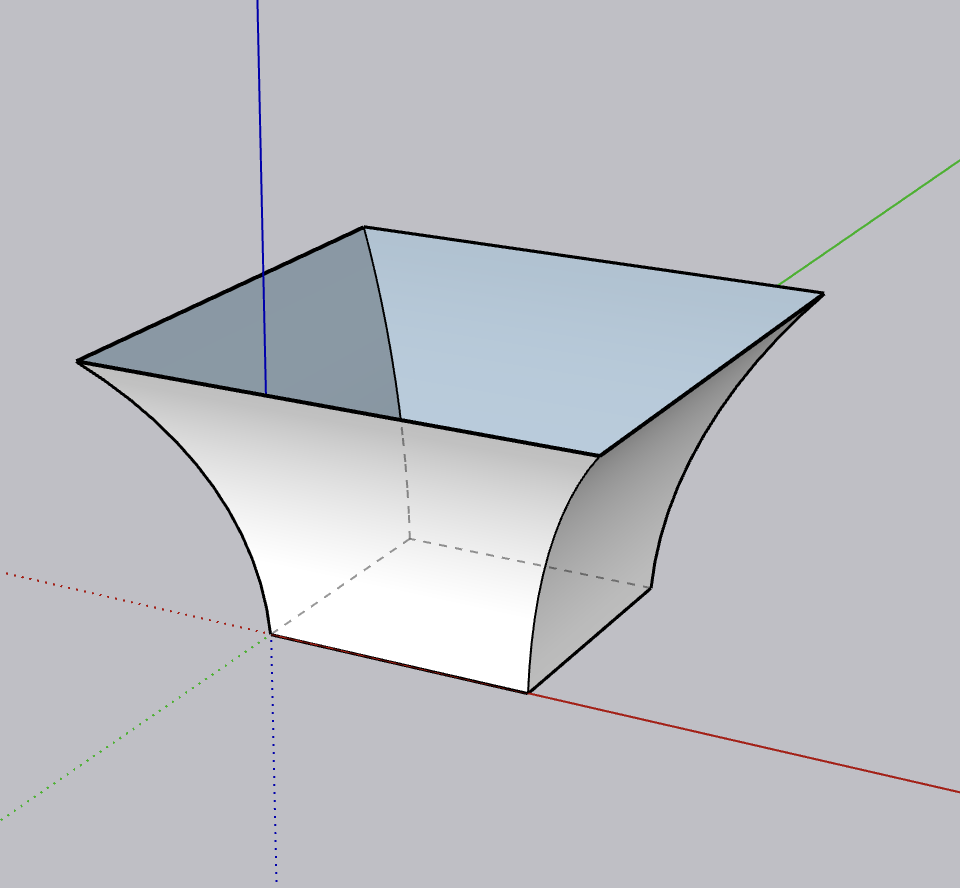
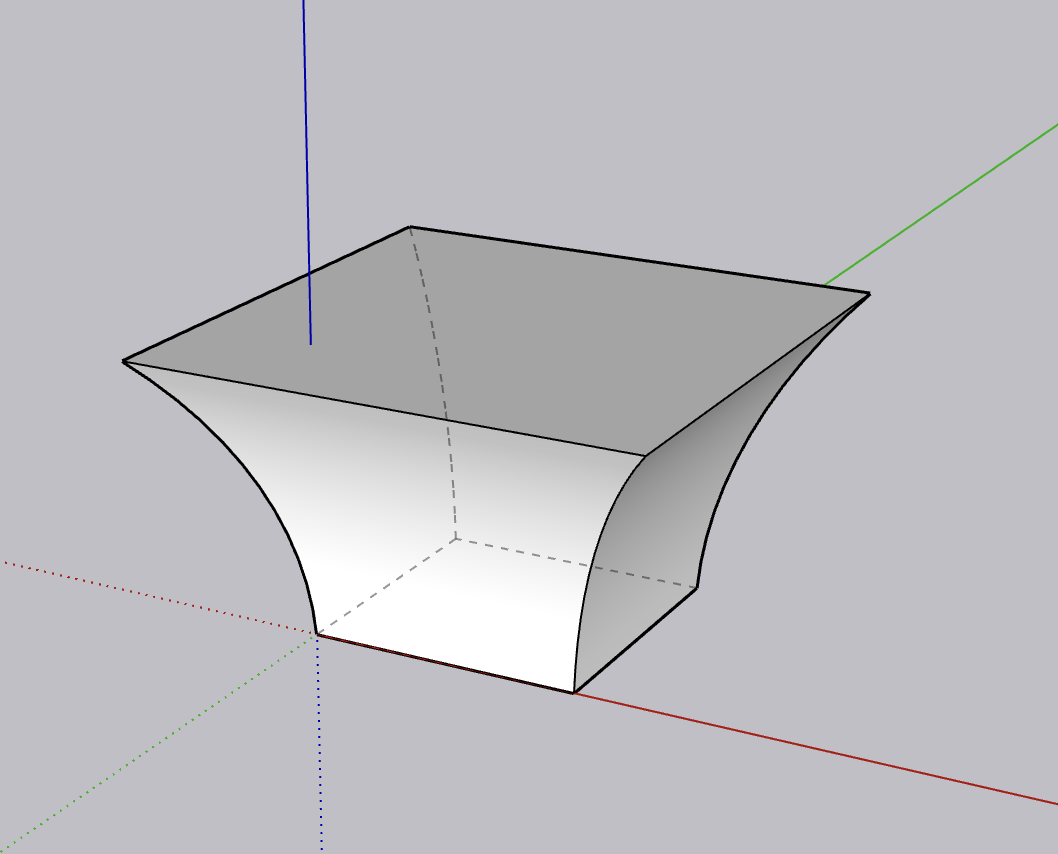
I am struggling to get faces on the attached screenshot.

It is simply a larger top square, smaller bottom square, then an arc joining each corner, protruding perpendicular from each corner.

Hoping it is a simple one, as I have to make a few different variants.

Thanks in advance

It is simple but you need to understand how to use follow me.
A profile and a path.
On phone but im sure someone will quickly give you a vid.

One way to explain it in words.
Create a cube or rectangular prism if need be. Draw an arc from top to bottom as you want it. Select the top face, activate the follow me tool and click on the face to the outside of the arc.

Thanks for the suggestion.

I am having no joy from my interpretation of your explanation. The geometry either disappears, or creates some real funky shapes

I may not have been specific, the arc should be on one face. Also be sure you aren’t playing around with tiny things. If your whole thing is less than 50mm then you’ll get problems.

https://help.sketchup.com/en/sketchup/extruding-follow-me

It also may help to refresh the basics:

https://learn.sketchup.com/courses/sketchup-fundamentals-part-1

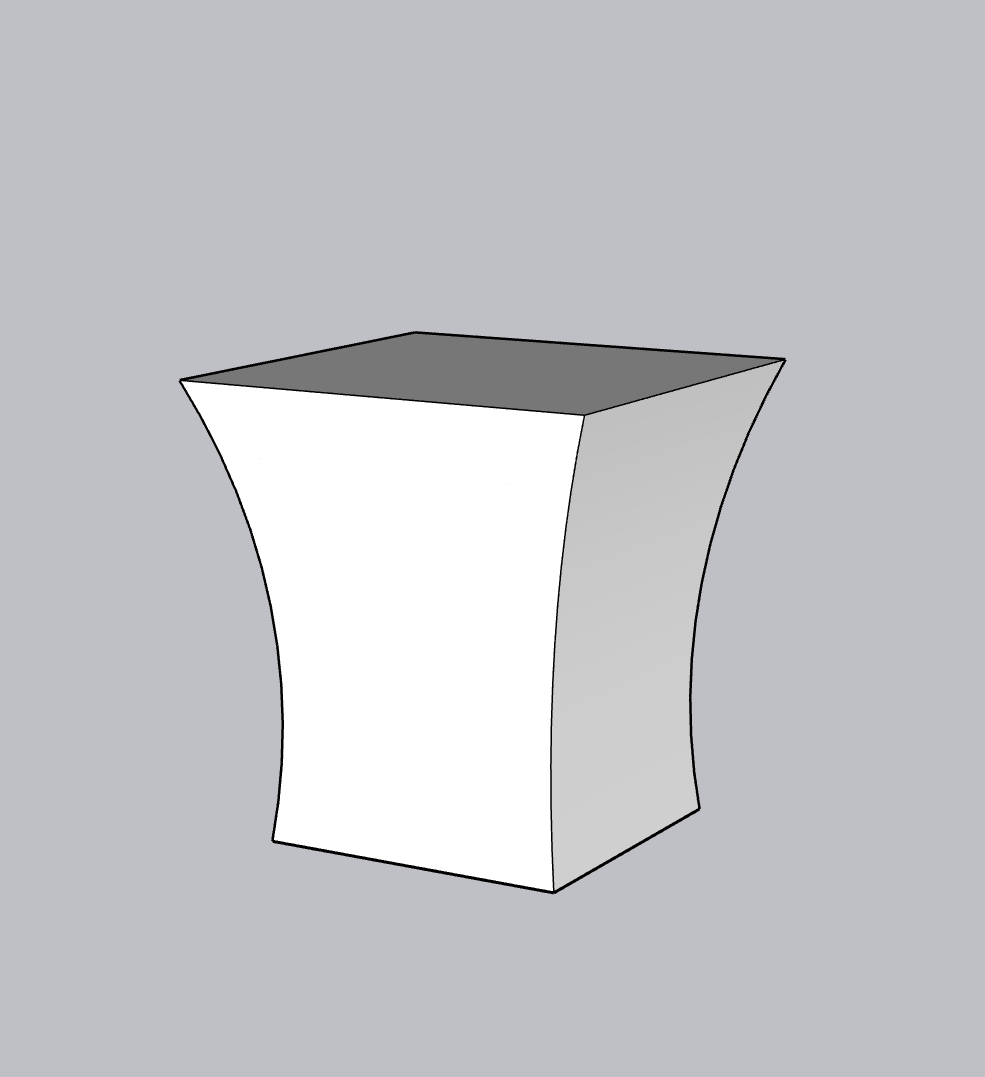
This is about as close as I can get with a crazy work around.

I want a single arc to go from the bottom corners to the top corners, 45 degrees from the corner (like in the original photo, but with nice clean faces.

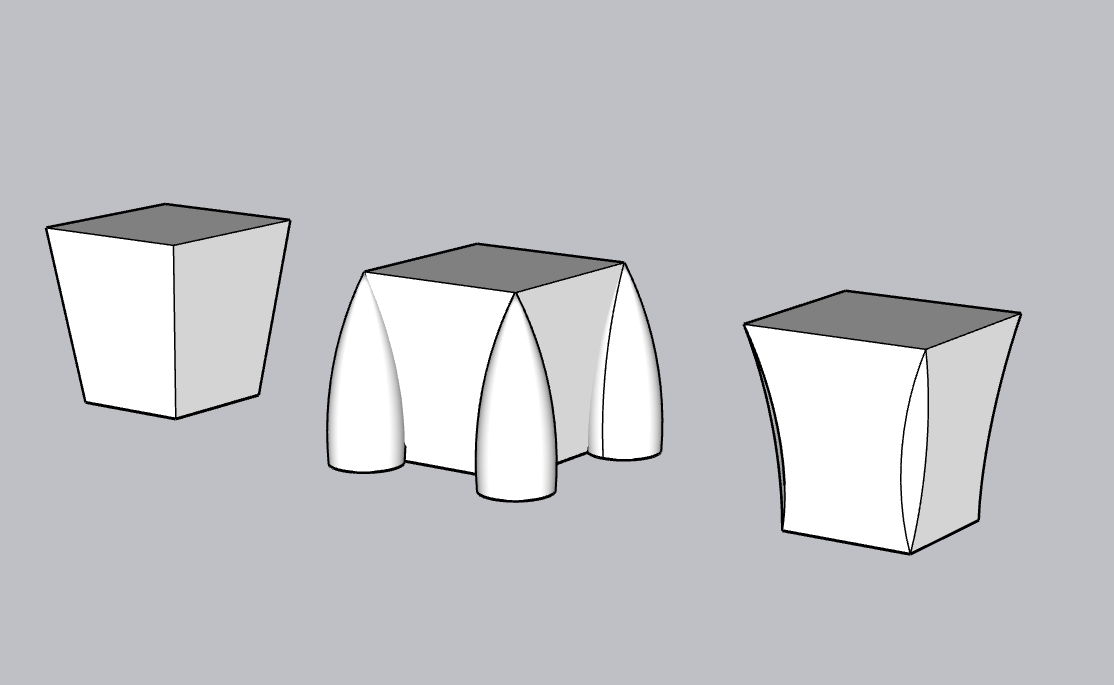
1 minute using follow me.

On a train, using trackpad on my MacBook.

1 Like

Hero!

Thanks so much, all sorted.

Just to graphically explain what I wrote.
GIF 1-08-2025 8-19-14 PM

2 Likes

Crystal clear now, very nice method, cheers!

Just to add a bit more detail, I said select the top face, but if you select the edges you can control what you create.
GIF 1-08-2025 8-40-11 PM

1 Like

This topic was automatically closed 60 minutes after the last reply. New replies are no longer allowed.