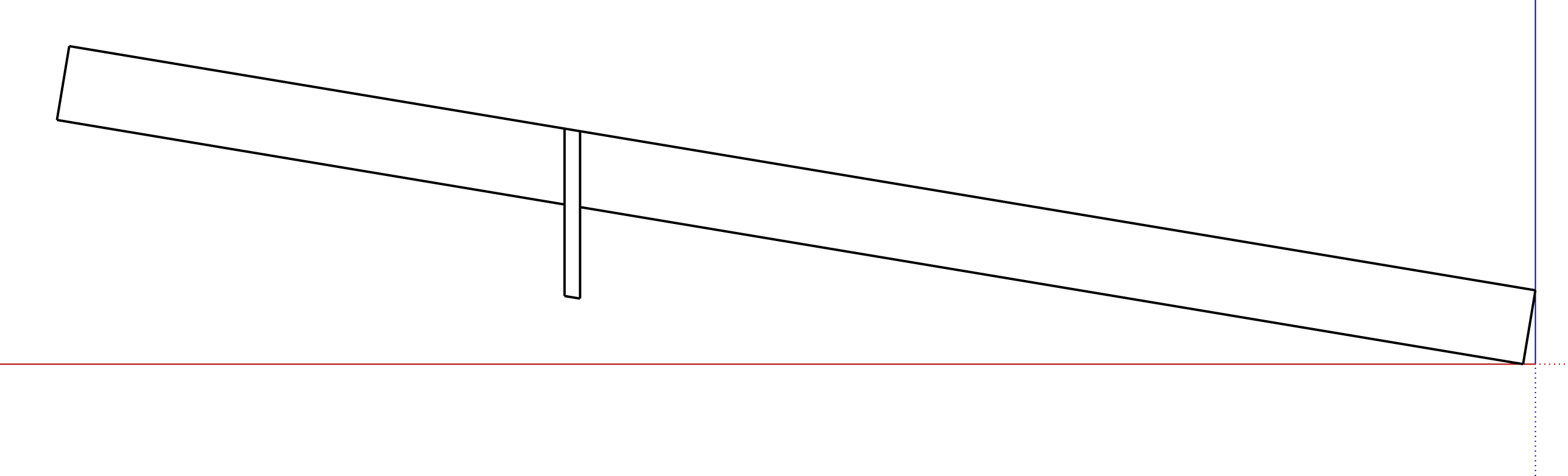
Which component gets the Intersect faces edges depends not on which you select first, but whether, and if so which, you have open for editing, and which of its faces you select for intersection.
The difference between ‘With model’, ‘With context’ and ‘With selection’ affects what other parts of your model the Intersect faces checks against your selected faces.
‘With model’ checks each selected face with all of the rest of the model. In a big model, that can be very slow.
‘With context’ checks each selected face agains all other objects and faces in the same context as the faces you have selected.
And ‘With selection’ does the checking, each selected face with any other objects or faces you have selected when you run the Intersect faces.
So in your original question where you wanted the intersection edges to be in the blocking plate, open that for editing, and use ‘With model’ to intersect it with the rafter.
Then push pull the cut out to clear it, and erase any other stray edges.
Assuming (as you should have) that both rafter and blocking plate are already components…
When you have the blocking plate open for editing, there’s nothing else to intersect with in the same context (the ‘inside’ of the blocking plate).
And while it is open, you can’t select the rafter.
So ‘with model’ is the only option that can work, and the others will be grayed out.
If you were temporarily to explode the blocking plate, and if it intersected with (say) two rafters, you could select all of the blocking plate, and both the rafter components, then use ‘with selection’,
Does that clarify, or just confuse, Claire?