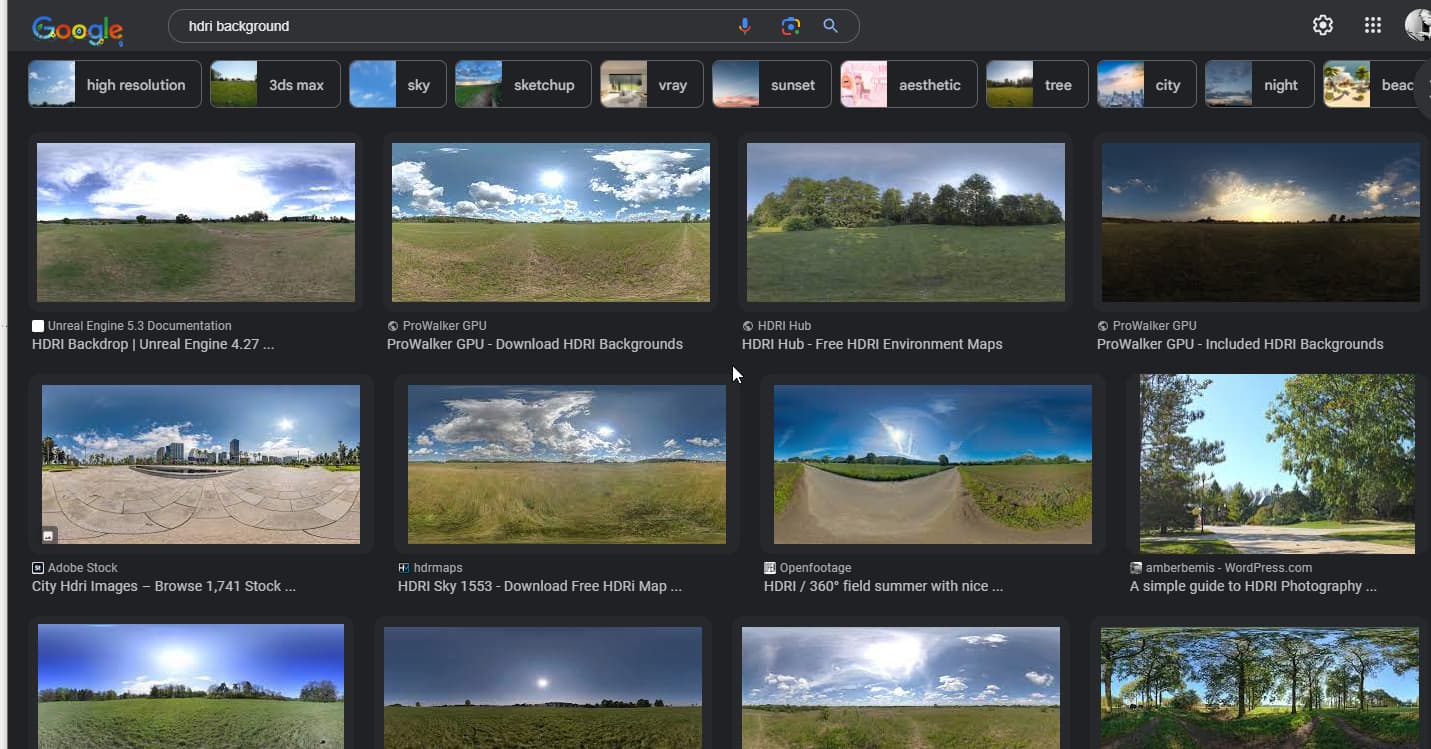
Having troubles getting my render working well. I’m working with SU Pro 2023 and using Podium to render.
I’ve found a tutorial on how to get a nice sky as background, by using the file as a watermark. In SU Pro it looks great, but when rendering the sky does not show at all. I’ve tried different Output and Environment settings, but still no luck.
The trick of using watermark for environment works only if you want to make images from sketchup without any rendering engine, I haven’t used podium but you usually have to use an hdri or a background image if you want it to appear on the render with other engines.
Ah, that’s too bad, it was such an easy adjustment to get a nice sky
I will look into HDRI-files. Strange thing is I can’t find the standard *.HDRI-files in the explorer. Might it be they are somewhere secretly stored?
Might be that you need to do a search for HDRI background files. There are tons of them out there.
Another option you might consider is making your render with a single color background and then combine the exported image with the image you were using for the watermark. That should be a simple thing in your favorite image editor.
thanks for this! What I actually meant was, searching on my computer explorer to find where the standard SU HDRI-files are stored. Those I’m not able to find…
Download your hdri images to an appropriately named file on your computer then Podium should have a way to link to the desired hdri when your setting up your render.
SketchUp doesn’t do this, or have these internally.
If you wish to do this with a rendering program you would find the source images on the web (or maybe as part of the software you are using to render) - then you setup the HDRI in the rendering plugin.
You store these wherever you want. They likely get downloaded to ‘Downloads’ and then you need to put them somewhere you can access them when you use them.
I use V-Ray and for each project I setup a folder within the job folder for rendering assets - HDRI, unique materials, etc. etc.