I thought I was doing Ok sketching over the top of an imported image however when I orbit the lines are all on different planes, how do I flatten them so they are all on the same plane?
Very grateful for any advice.
T
It would be easier to give you a direct answer if we could see the SketchUp file. There are some extensions that can flatten to a plane. A good one is TIG’s Flatten to Plane.
I might not be that difficult to fix it manually or, depending on how things are drawn, it might make more sense to redraw from scratch.
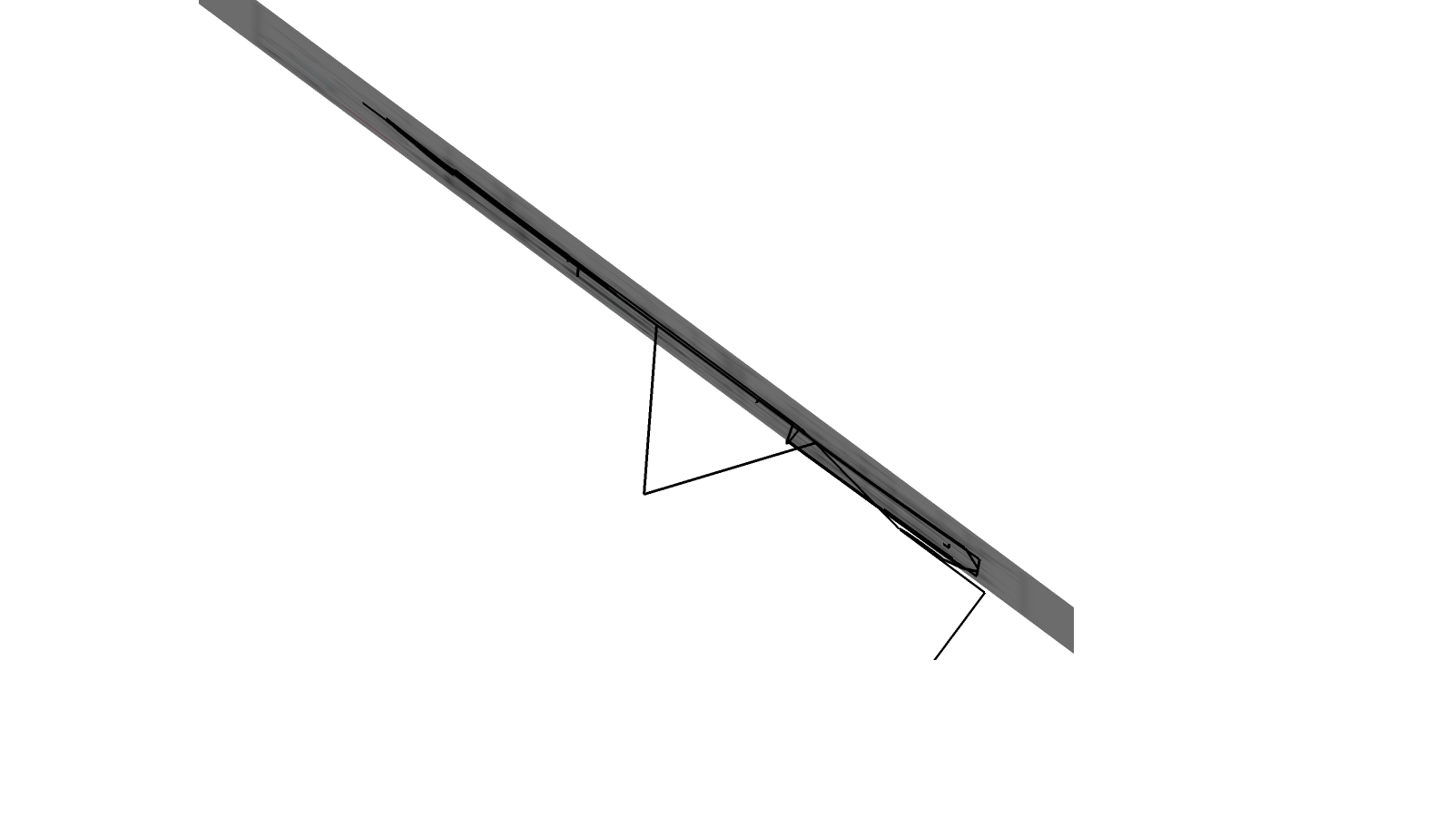
I gave you a solution.
Set the Camera to Parallel Projection and choose the appropriate standard view so you are looking square at the image. This will help you stay on plane. Pay attention to inferencing cues. Practice will help, too.