Hello,
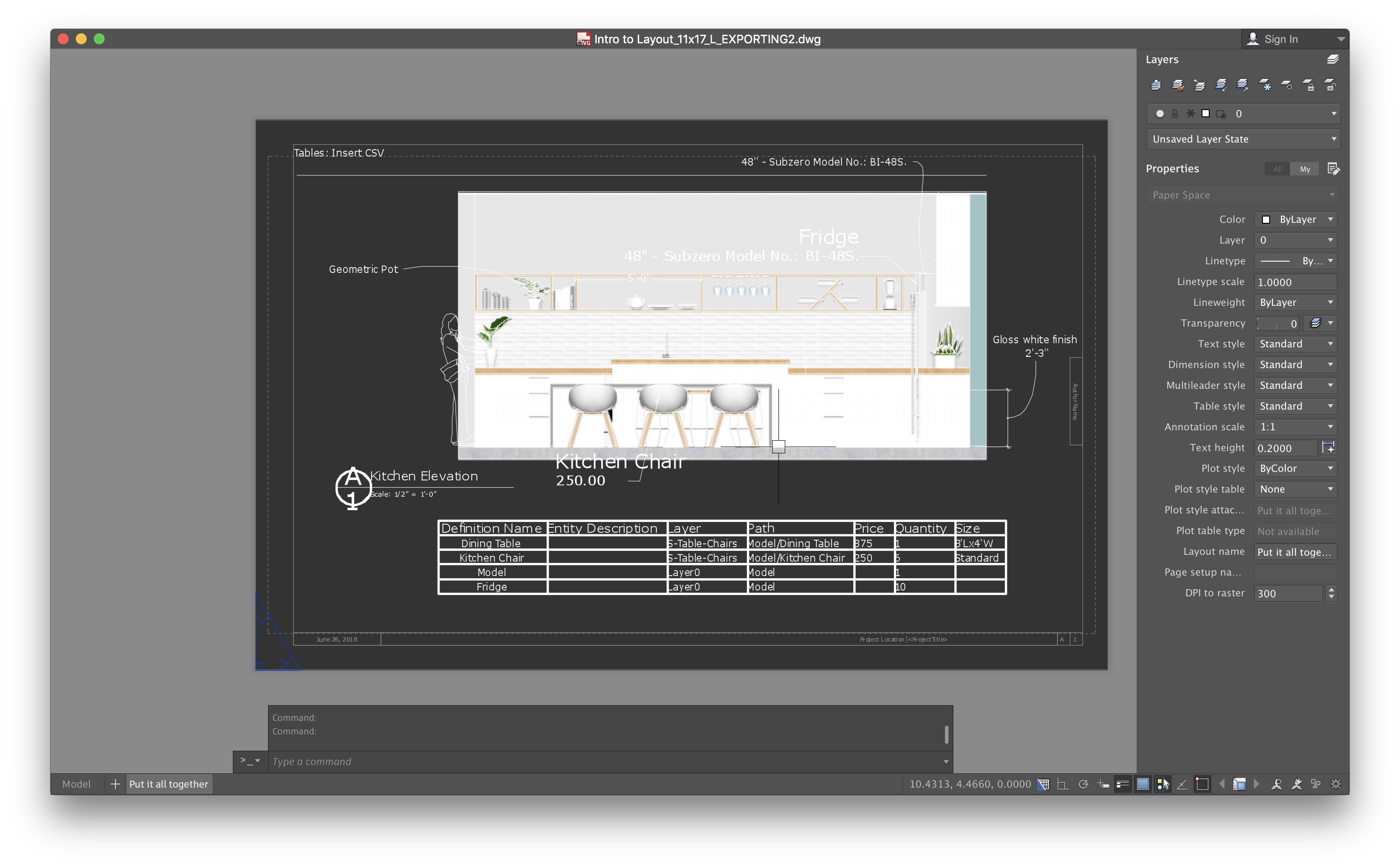
I am trying to export a DWG file from Layout however when I open that DWG file in AutoCAD, most of the paper space items are out of scale - font and dimensions. Is there a way to fix this issue so it exports the same as it appears on a page in Layout?
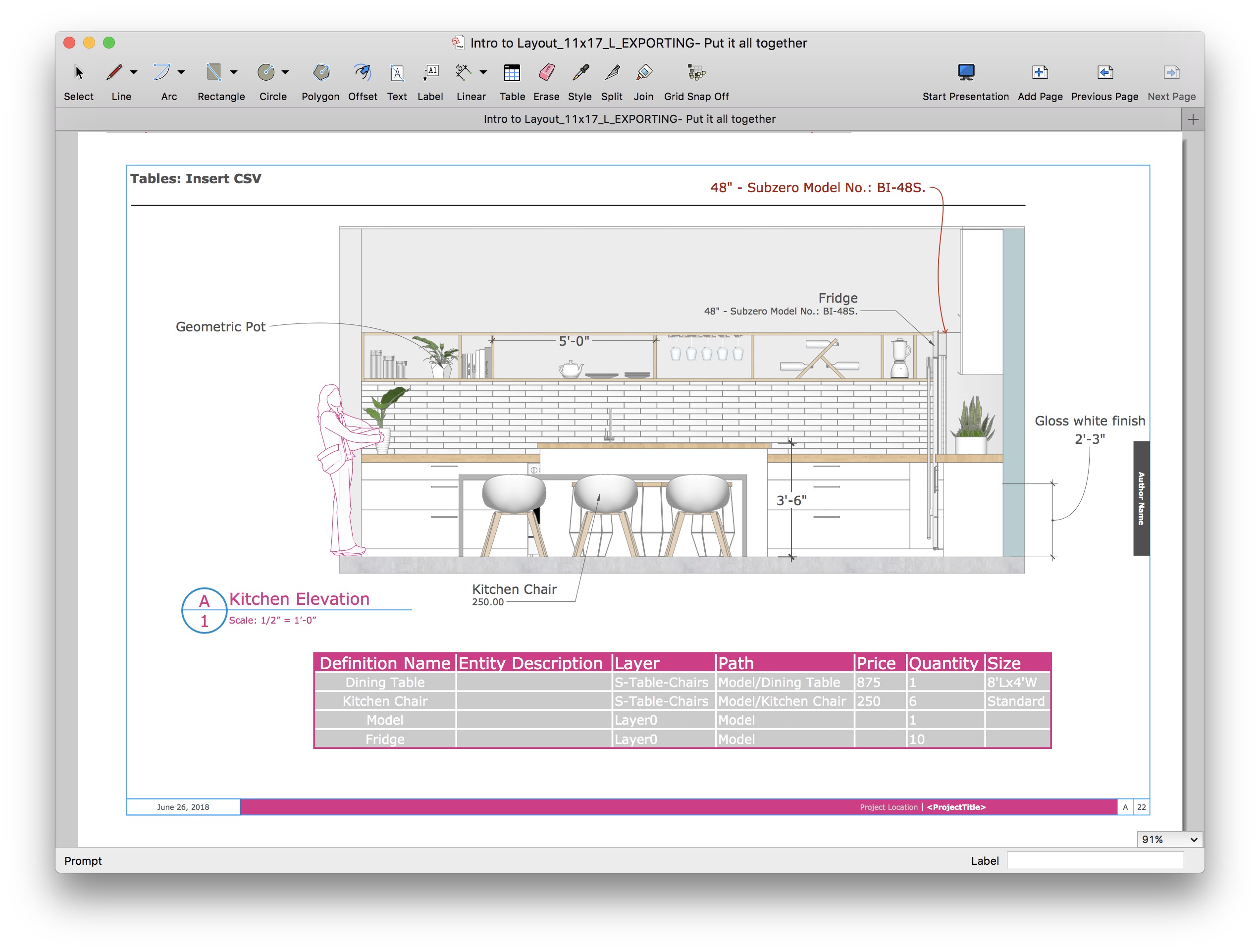
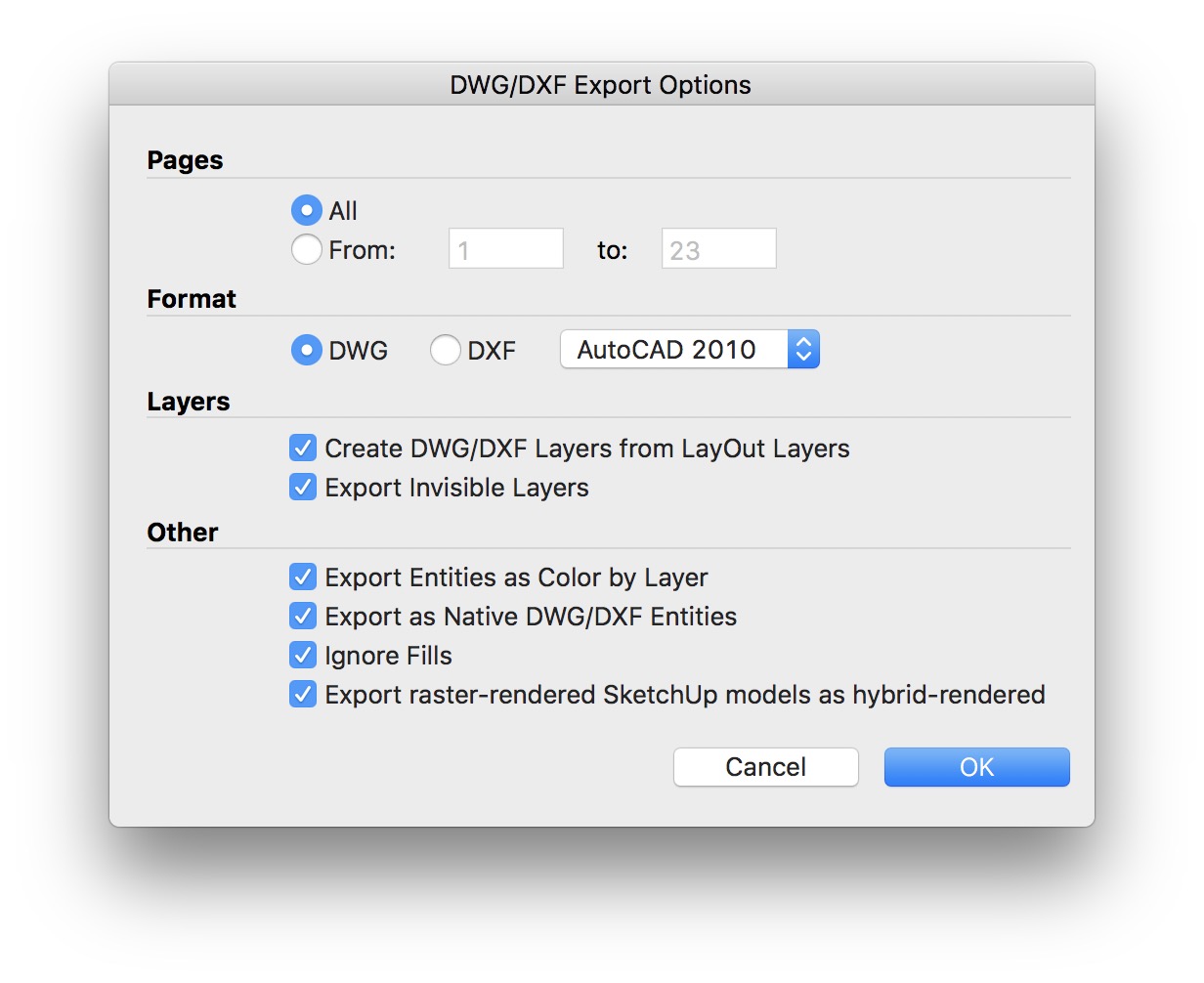

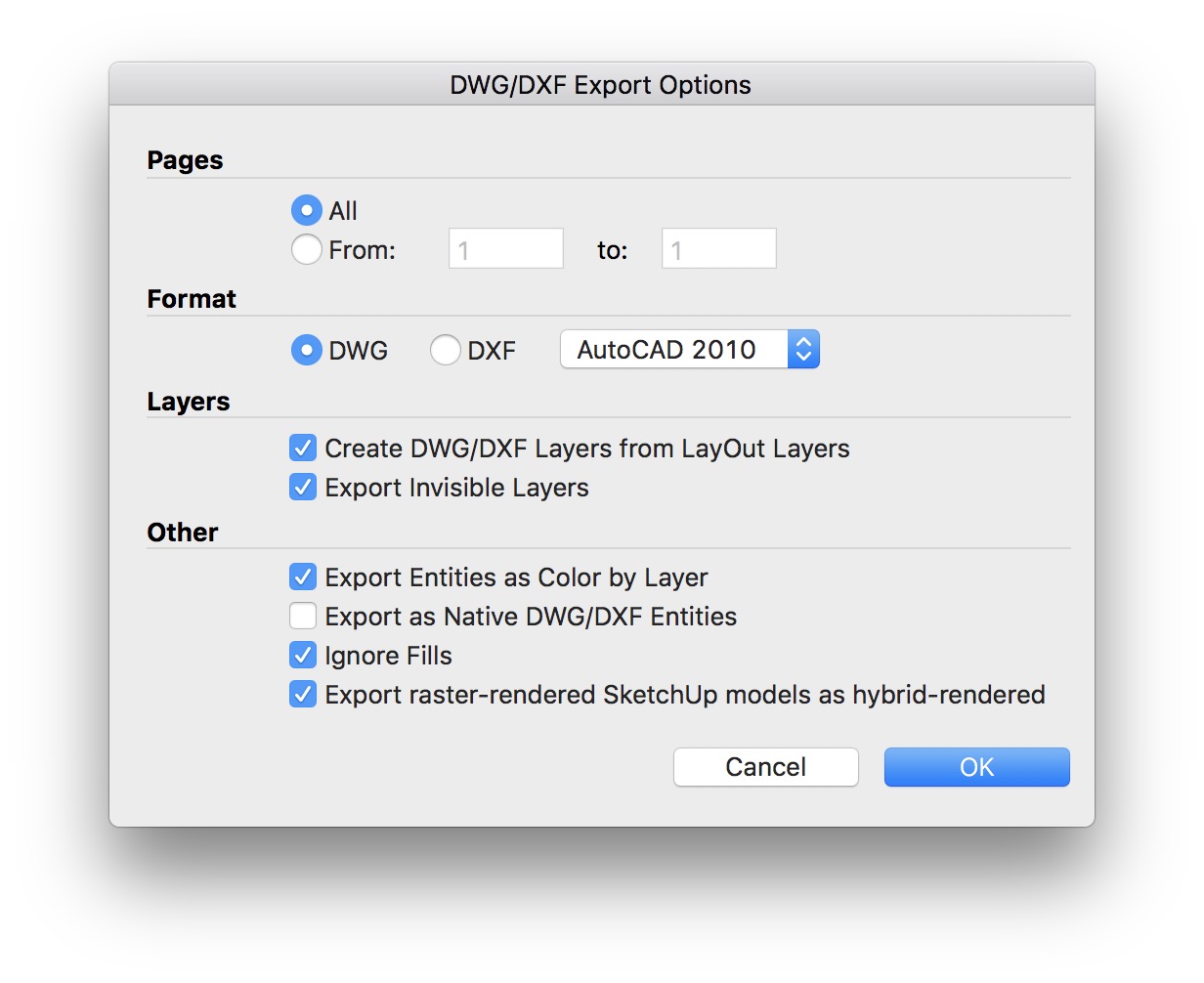
Thank you eric-s.
No problem. Good luck and have fun using LayOut!
I am having the same issues, unfortunately not fixed by unchecking “Export as Native DWG/DXF Entities.” The linework is generally ok, however text is the incorrect size and shift position. Other posts suggest that having text which spans more than one line may be an issue. If this is the case, is there any workaround?
Unfortunately that is due to a known bug in the exporter. The easiest fix is to explode the multiline text in AutoCad and then to set the size and style to something more normal. It takes more work to fix the text size inside the multitext entities, as the text size is hardcoded into character formatting.