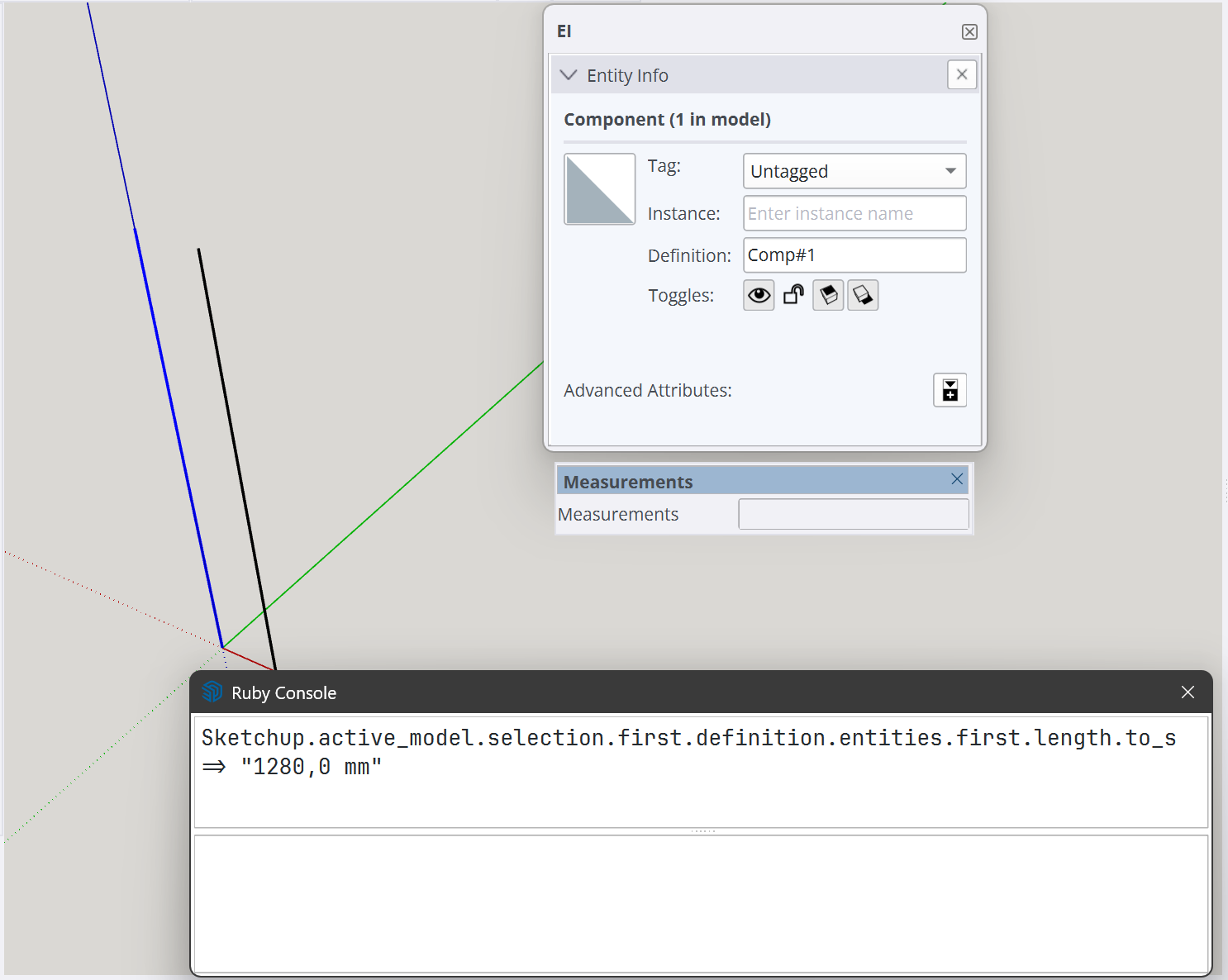
Strangely this edge is appearing with its original size in the view. When the symbol is resolved and by that the scale vanished it looks the same.
But when getting the length of the Edge in the scaled symbol by ruby it has around half the size (1280 mm). That means sketchup shrinks the edge against the scale of the container component.
I wanted recreate this with a new symbol but the scaling always changes the size in the view as expected.
However if an edge is inside of a group/component instance that is scaled, the length method will return the unscaled length of the edge.
You need to consider a transformation for a parent instance(s) transformation. In this paricular case, e.g. like:
Firstly, when using the API you are peeking “under the covers” of the GUI interface, so sometimes the behavior is slightly different than what a user sees.
One of the major things that can bite you is when the user drills done in nested edit contexts. The API methods change to expect and return world coordinates, as if the combined transforms are already applied.
So if you double-click upon your instance, you would likely see a difference in what the API methods return.
The other thing is that a component definition’s entities are untransformed. I.e., they have a “local bounds” that is untransformed, so is 1.0 scale (or the IDENTITY transform, which is a constant defined at the top level ObjectSpace.)
Keep in mind that an instance, has no entities of it’s own. It does not have an Entities collection, only it’s definition does. Further more, a definition can have multiple instances which can each have different transformations applied.
For example, a definition for a 2"x4" stud with a unit length, could be used in a framing extension when many stud instances are placed and scaled longitudinally so as to provide the extension the ability to collect a cut list for lumber. The various stud instances can all be different lengths.