I have the Disto D510 but I desire the S910 that can do this…

It’s rather expensive though 
Anyone with experience of the S910?
I have the Disto D510 but I desire the S910 that can do this…
It’s rather expensive though
Anyone with experience of the S910?
thats my method as well. Before, when putting measurement on paper and draw from them at the office, I always found there was some measurements that I forgot to take, and then its back to the site…
 laptop or S910
You’re right. I still have to sometimes make a return trip because I forgot to measure something critical. But, I like double checking my work on the computer while I’m still at the house.
After a bit of research, I find that no one seems to produce a simple app for measured surveys that really does what most architects would want.
The Bosch offering doesn’t export any kind of vector graphic. MagicPlan looks good until you want to alter the wall thickness. At present, you can alter internal and external wall thicknesses but they have to be consistent - which of course they often aren’t. Looks like this could come with future development though.
And then there’s Disto Plan. As @PaulMcAlenan has pointed out, the software is unimpressive. Fine if you want to do one room at a time but you would need to do a manual sketch with wall thicknesses to knit it all together, rather defeating the point of automation.
Of course, if you have a laptop/tablet that can run Sketchup, you can in draw as you go using manually input dimensions from whatever measuring device you use, but you can’t use your finger to draw and you can’t get input from a Bluetooth Disto (or equivalent).
Clearly, there is a big gaping hole in the market at present. I suspect MagicPlan may fill it but not for a while yet.
STOP PRESS Autocad’s Mobile app looks as if it might have legs. You can draw with a finger and export to DWG, so import to SU is easy enough. Another subscription but currently only £54 a year, so pretty cheap (for now).
Defo the laptop, if only because the output from the Leica is likely to be so-so (but very accurately so-so!).
If I were replacing my old Disto, I would go for the X4 which can be used outdoors. Now that would be useful.
In prepping for a renovation, I used the same Bosch hand held laser mentioned above. Marrying its accuracy in our ~110 year old timber house built on a sloping hill with an underlying clay soil with an almost 99% accurate laser measure led to a whole lot of head scratching when trying to get this to work in sketchup.
Pragmatism won and I preferred to keep the sketchup model square and sacrifice the laser accuracy of the room and wall measures.
Know what you mean.
I sometimes see surveys recorded in mm down to the nearest mm. Reasonable to suppose the surveyor was using a laser to achieve that. Even when I am using my laser measure, I still round up/down to the nearest cm. Even then, you are lucky to be able to “close” a room measurement exactly as they are nearly always a little off true square.
Some people are a bit anally retentive about this and believe that accuracy is paramount. That’s fine, but they will find themselves working much too hard! If you can’t build to mm accuracy then there is no point in drawing to it either. Near enough is good enough, as some say.
Same here. I’ve always idealized what I measured and then worked with that knowing you had to include tolerances in your design solution. The process requires human comprehension and decision making. No automated system has been able to break through that.
Someone once told me there’s a motto in the Army Corp. of Engineers:
“Measure it with a micrometer, mark it with a grease pencil, and cut it with an axe.”
If the measuring device doesn’t have a tolerance, the person using it does. I have several times received measured drawings that have been created by persons using accurate laser devices. When things in them aren’t square, you never know if it is real or a measuring error. What I am 100% certain of is that prefabricated concrete columns in a 1980s office building aren’t trapezoidal.
You might find this video interesting. Kinda expensive and state of the art, but provides some insight into how technology is finding it’s way into worksites.

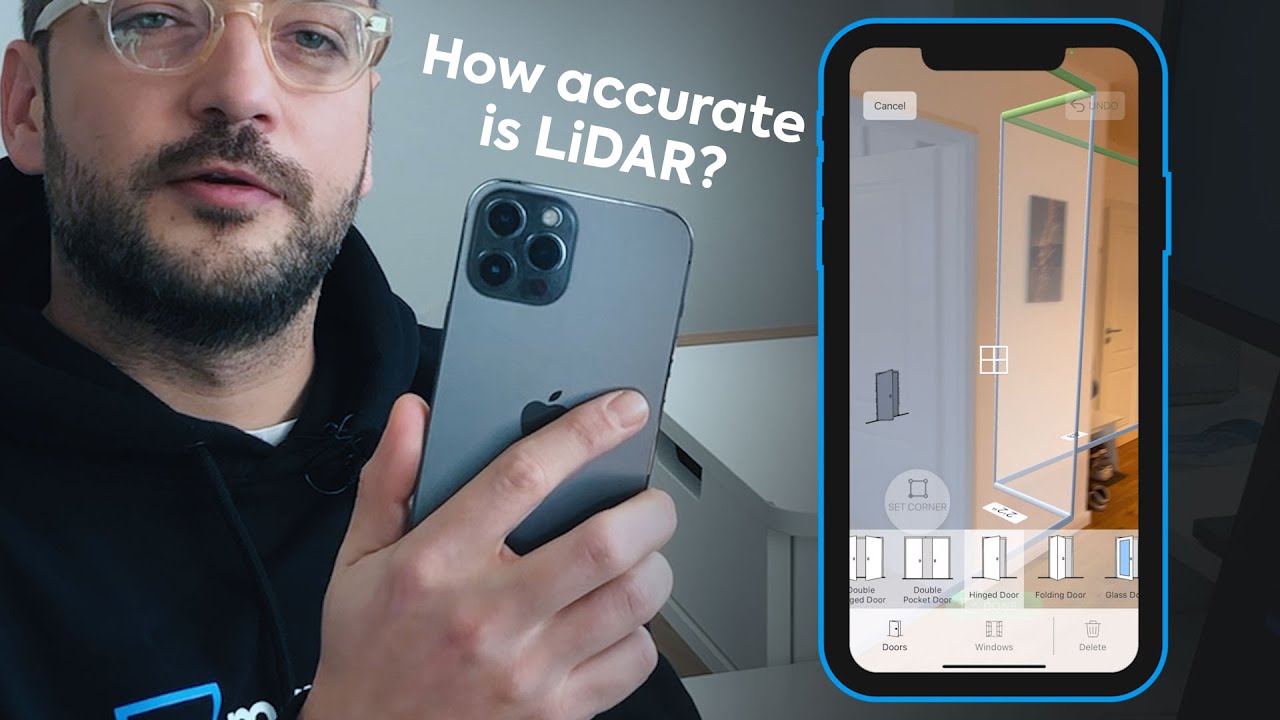
How about using an iPhone and LiDAR …
Tap the blue Get Files button that looks like a banner ad at the bottom of the screen to e-mail yourself a PDF and a JPEG of your plan. The attachments will be heavily watermarked. To lose the watermarks or receive a DXF file to import into your CAD software, you’ll need to pay $2.49 (volume plans and monthly subscriptions are also available).
I know this is an old thread and post of mine, and I have been completely consumed by work recently, so I’m only now checking back up on this. Thank you all for the great input and discussions here - I have much to review.
I’ll be reviewing all these posts in the coming weeks, trying to catch up. I’d really like to become at least somewhat proficient at using SketchUp to model ideas and see how they look on our house long term.
The challenge is - this house has been added on to so many times - nothing lines up. Walls are different sizes, some have baseboards, some don’t, rooms are weird shapes, the floor is at an angle with various sizes of overhang. In short, it seems really complicated to map out.
I started measuring on the outside working my way in, and also after that proved really complicated, did it the other way around. But there are so many rooms, lines, walls, and weird angles I drove myself absolutely made trying to get the drawing to line up to reality. I ended up going in circles around rooms and driving myself absolutely mad trying to get everything to square up. lol
So I’ll review all this great feedback. Thank you.
The combination of LIDAR and Laser input AND DXF output could make MagicPlan a good tool. I tried an older version with just corner detection and it wasn’t usable for my needs.
I just got a iPhone with LiDAR Scanner and now researching the best app to get what I need for my client work. I had used an Occipital scanner mounted to my iPad a number of years ago and the accuracy was lacking so I stopped using it. I’d scan a house by room and when the rooms went together they didn’t line up. Worst of all is I’d get tons of really odd measurements when I’d prefer it would round to the nearest 1/4". I too like the idea of MagicPlan with its integration with a laser.
Polycam is supposed to be pretty good. I have only seen a demo with Revit but the workflow is pretty logical.
I’ve looked at that one because the reviews for it are good. I’ll probably give it a try and report back if I do.
I just bought a huepar disto. Their laser levels are great and really good value so I figured I’d give the disto a try. It links to a weird Chinese app called JoyPlan. It seems to be better than all the other apps I’ve looked at. It’s super intuitive, easy to add details like doors, windows, sockets etc and it automatically gets you to reference off both opposing walls for doors and the same plus floor for windows and sockets etc.
the only issue is the cost is super high to be able to export the cad files.
Old thread, but as I am about to document another house this weekend I thought I would check this topic to see if there were any tips. As a house flipper I document a lot of houses and am using the “take a laptop on a stand and build as you go” approach. This weekend I am taping an 1896 farmhouse so the expectation is that nothing will be square. In the past I have tried building the whole house as I go, shooting with a Bosch laser inside the room, then through doorways to other walls and stitching everything together. This time I am going to try a different approach, shoot each room and then make that a group, then attach the groups together with the thickness of a wall between them.
Interested if anyone else builds a whole floor in one model, or do you take it room by room and then join them?
I am also bringing my 360 camera that we use to do walkthoughs, I want try using that on wall textures for the first time.