Since updating to Sketchup Pro 2026 my CAD file import come in with pieces scattered. It does this to every file I have tried. I have flattened, Purged, Audited all the files and it still does it. Help please

@JayWebb If you share the CAD file and your .SKP file there sure are people here that can take a look and find the problem..
When under 15MB you can share them directly in a post. Else you can use a file sharing service and share the link in a post. Make sure you make the files public when doing so.
bath drawings.dwg (1.2 MB)
BATH.skp (478.6 KB)

When I open the dwg file on draftsight a warning window pops up saying that some references are missing, Sketchup can probably find those references, hence the extra objects on the skp file. The skp files with those extra objects is 497KB and 478 without them, but I guess there are more missing objects cause the dwg file is 1200KB, or SKetchup is more efficient reading dwg files.
With version 2026 I saw the same thing as the OP. Some of the groups in the DWG got displaced. I only have DWG TrueView so what I saw in it is limited. My guess is that the groups are moved to where they were when they were created, and group origins are treated differently from block origins. @colin , could the developer in charge of the translators take a look?
No. The DWG/DXF importer ignores XREFs completely. The displaced items are groups already in the DWG.
It looks like earlier versions of the importer ignored zombies, and the new importer appears to import them at their original location, even if preserve original location is not checked.
@tiagoricotta may know why that group appears at its original location.
1 Like
Iirc it looked the same in AutoCAD. I’ll post it when I am at my pc in a bit.
Yes, looks the same as my SU screen in acad. There are 3 missing xrefs (2 pdfs and 1 jpg).

So you opened the file I sent with an imported CAD file. My Sketchup file has elements of that import moved form their original location and are at the top of the field. see a
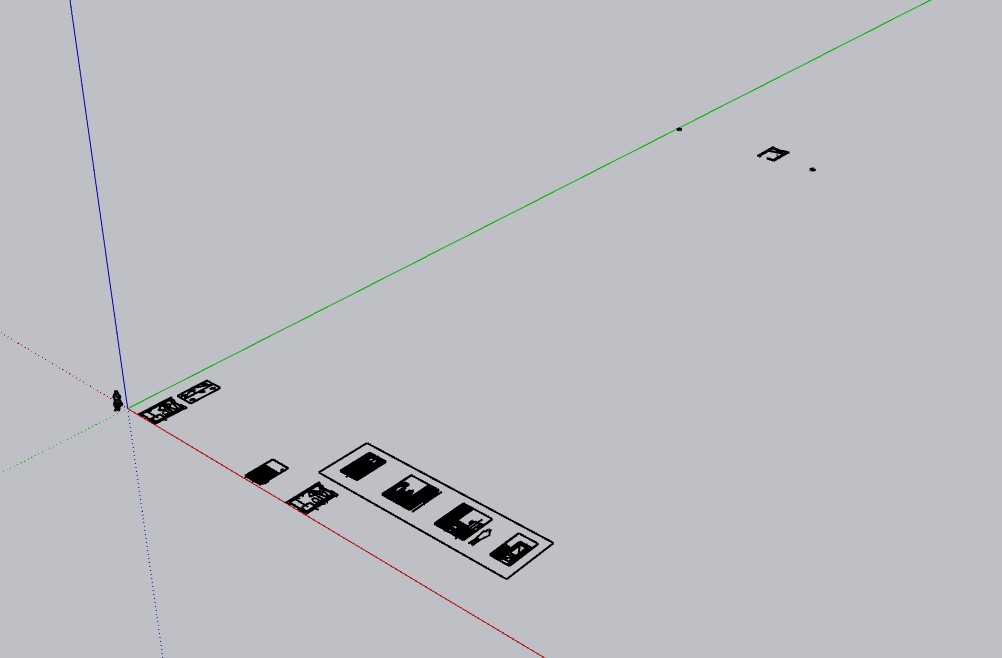
ttached. This has just started. Its doing it on all files. I have imported CAD files for years. This started with the 2026 upgrade
I forget to remove the Xref and the jpg. They are irrelevant to what is happening. One is a title and the other two are pdfs I used to trace objects.
These elements are not in a group. I explode all object when I create a CAD for for reference in SU
I imported the dwg into a new SU file.
I’ve had similar issues, most of the time exploding blocks fixes them
I tried that several times. Hasn’t worked yet.
I have tried that. Exploded everything several times. A couple of the items moved back to the original location. a few stayed.
Here’s the skp of what I have.
bath-2-2025.skp (599.6 KB)
I’ve seen this happen too after the 2026 update. It seems like a CAD import bug rather than an issue with your files. Some users fixed it by changing the import units or importing the DWG into an older SketchUp version first, then reopening it in 2026. Hopefully SketchUp addresses this soon.
Autodesk TrueView said they were. And they imported to SketchUp as Groups. Groups in AutoCad are slightly different than in SketchUp. I don’t know if the Explode command in AutoCad affects them.

